
Han'SGarage
Members
-
Joined
-
Last visited
Everything posted by Han'SGarage
-
 Good question. I just realize there might be a problem with those who have addon cars already. Let me work on that and I will you if I can find a solution. Could you sent me your carvariation and vehicles.meta thru PM please?
- 47 comments
- 15 reviews
-
-

- 1
-
-
When I tested, I used marked version in police3 slot and unmarked one in fbi or police4 slot. No problem man
- 47 comments
- 15 reviews
-
You DO NOT need to replace any cars since this car supposed to be standalone models. but If you wanna replace police3, I guess you can replace police3 with either marked or unmarked one then add whichever left so you can have both.
- 47 comments
- 15 reviews
-
Thanks man, this car would not be here if you didn't help. Hopefully we will work together again soon! Yes, I actually used police3(interceptor) slot when I tested this car.
- 47 comments
- 15 reviews
-
-
-
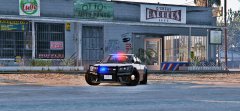
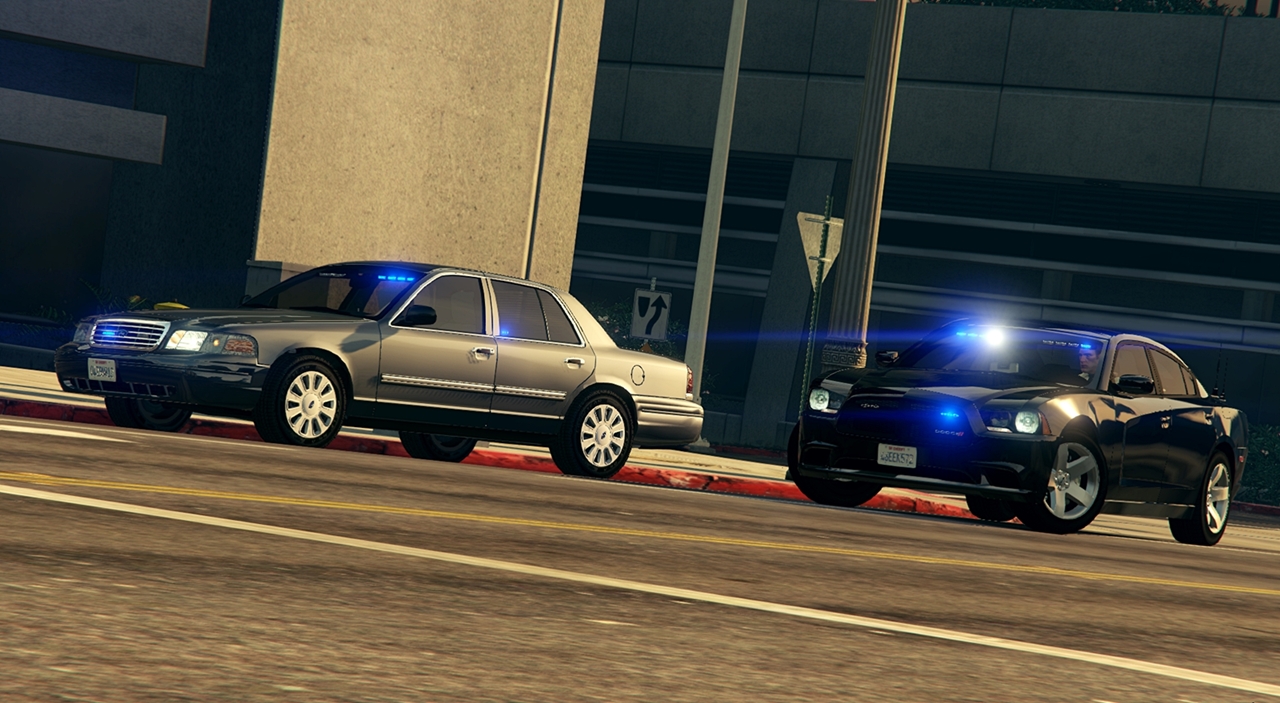
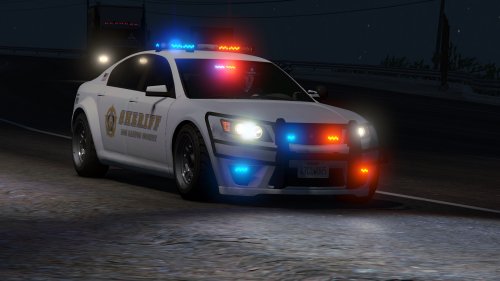
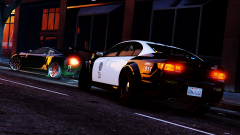
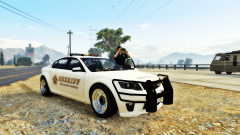
[Intro] Hey all, Fugitive PPV is finally here! I always liked the Fugitive and thought this would be good police car. This car was originally made for myself and wasn't sure If I should release or not because I know Lt.Caine also working on fugitive. But, I am releasing this since other members are interested. I tried to do my best job in my capability. Still, there are some area that's not perfect or need to improve. Please understand the fact that I'm still trying to learn how to use ZM3. A my title says, both car are standalone model. You will need trainer to spawn the car and use all the features. Install instruction and detailed information is included in file or simply watch this video. This pack contains two fugitives 1. Unmarked one - polfugitive 2. Marked on - polfugitive2 You can have few different variations on each cars. (ex. push bar or wrap around, push bar with light bar or light bar with no push bar) Unmarked car have 3+ variations and marked car can have 6+ variations. Liveries are marked cars only and it supports 6 liveries. I included 3 LSPD skins and 3 LS Sheriff skins. [Few known Issue] - Wrong headlight corona - UV map is inaccurate (I'm really suck at this part. dirt map and template is not perfect) - There are no COL for pushbars, which means pushbars are for show [Credit] - Original Cheval Fugitive model by Rockstar Games modified, UV mapped, skins and assembled by NIGHTKID - Generic police equipments(radio, pushbar, spotlight, partition, lightbars) model by Rockstar Games - Arma console by LeoAllTheWay, converted by NIGHTKID - Jay's Stalker radarv by jasonct203 converted by NIGHTKID - Setina pushbar/FPIU wraparound by GUMP converted by NIGHTKID - NFS Equipment(Antenna) by TGM converted by NIGHTKID - Tir6 Texure by Kpdofficer - Carvariation.meta and Vehicles.meta files by JWillMac51 Special thanks to all modders who gave permission to use and convert parts and JWillMac51 for make this car work as standalone car. This pack would not be available to download without these awesome people. [Terms} Both Fugitives are left unlocked so feel free to edit for YOURSELF. If you want to edit and upload, please give PROPER credit. For clan users, please contact me before use this pack. This download is LCPDFR ONLY, DO NOT re-upload other places. Please PM me or comment If you have any bug, error, suggestion, problem, or concerns. Thanks and Enjoy!
- 47 comments
- 15 reviews
-
-
- 10
-
-
 I said no freaking LEDs!
 -
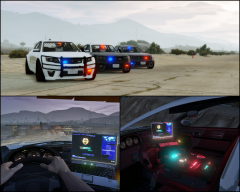 Yep, just wanted to see if all the lighting parts are working correct. Will fix it before release!
 -
From the album: Vanilla Cars [GTA V]
Fugitive PPV will be released soon. Couple interior shots.© NIGHTKID GARAGE
-
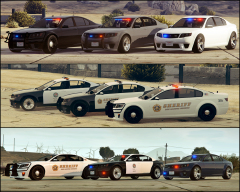
From the album: Vanilla Cars [GTA V]
Fugitive PPV will be released soon. Top row cars are unmarked variation (polfugitive) Second and Third row cars are lightbar variation (polfugitive2)© NIGHTKID GARAGE
-
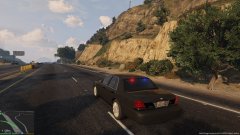 That hubcap looks great man!
 -
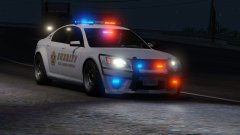 No, I use paint.net.
 -
I was going to release these eventually but not sure at this moment because I just realize @Lt.Caine also working on Fugitive (I saw a picture in his gallery). He will probably gonna release his version of Fugitive and I'm sure his version will be better than mine. (I'm still pretty new to modding and zmodeler3, trying to figure stuff out and fixing issue taking me good amount of time lol) Anyway, I want you to guys have quality models and I know Lt.Caine's models are top notch! Btw, What's wrong with vanilla cars?! Thank you so much @Lundy It means alot, especially from you
-
-
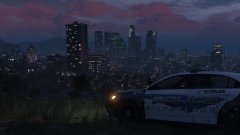 Great picture!
 -
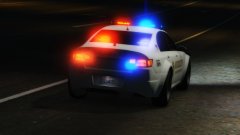 LS Sheriff Cheval PPV
© NIGHTKID GARAGE
-
LS Sheriff Cheval PPV
© NIGHTKID GARAGE
-
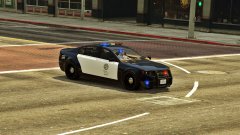 Thanks!
 -
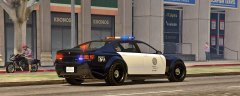 Thanks, No, I still need to fix few things and add more stuffs.
 -
-
-
-
-