




lovkal
Members
-
Joined
-
Last visited
Everything posted by lovkal
-
Cool! Were those gun sounds added in post or can you get them as a mod for the game somewhere?
-
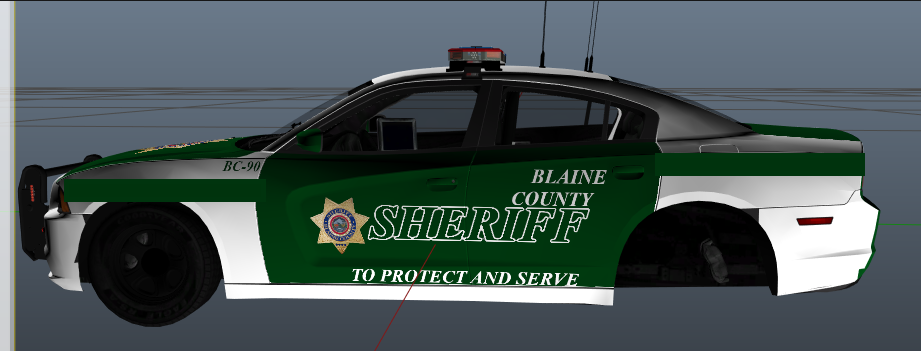
I would make text on the rear slightly smaller and in either solid white or solid yellow (same color as the logo). I also think that the unit number on the rear should be a lot smaller than what it is currently. Also, how about adding some green lines to fill in the white parts? Something like this: (poorly drawn but you get it haha)
-
I'd love this. However, I don't think there's enough bandwidth to allow users to download a whole bunch of add-ons at once. I'm by no means a webmaster or anything, though, so that's just me guessing.
-
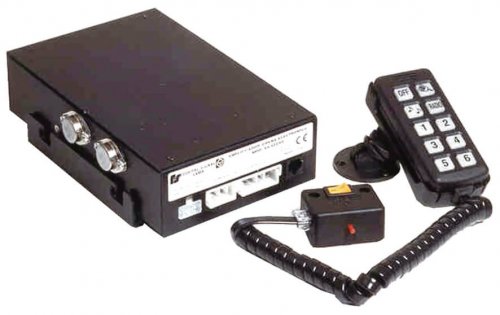 A preview video showcasing the siren would be much appreciated!
 -
Welcome! I would remove all mods from the GTA 5 folder before attempting to go online, at the very least I would remove any Script hooks, that includes RagePluginHook, ScriptHookV, ScriptHookVDotNet etc. That way you can keep your script mods - such as LSPDFR - in the folder, but the game wouldn't be able to load any of them.
-
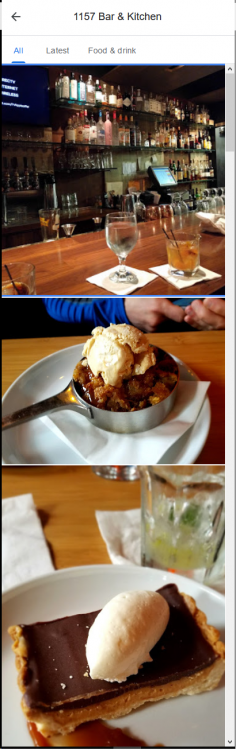
Hey, that looks pretty good. yep, not quite accurate (https://www.washingtonpost.com/graphics/national/police-shootings-2016/)
-
-
The Wail tone sounds like the Federal Smart Siren, the Yelp sounds like the Federal Signal Unitrol Touchmaster Delta. Both may be found in the American Siren Pack.
-
Seattle sounds like the Sound Off Signal Nergy 400 Portland: Unitrol 80k St. Paul: Whelen of some kind, maybe the 295SLASA6 (part of the pack below) Minneapolis: It's one of three Whelen sirens; the Cencom, the WS2100 or the X-ecutor. I'm not really sure as they sound very similar. They are all part of the Realistic American Sirens pack. Duluth: I'm actually not sure, it sounds a bit similar to the Whelen X-ecutor. This is the only video I could find of their siren, so if anyone else can give a better guess, please do.
-
Sure, I think they look good. I'd prefer a pack.
-
Damn, they look good. What Volvo is that? Just curious, I don't know anything about 3D modelling, I could make a texture though.
-
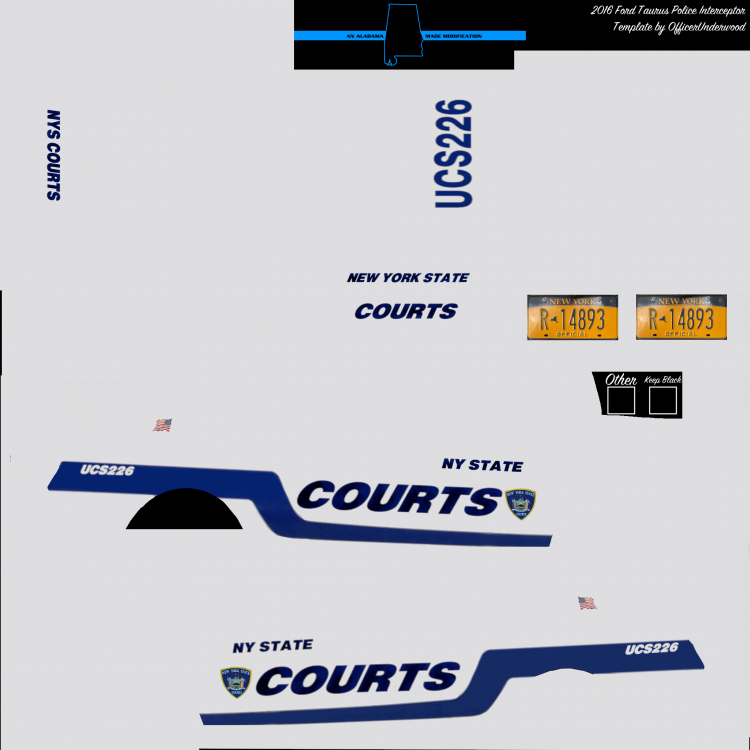
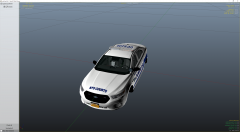
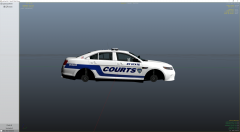
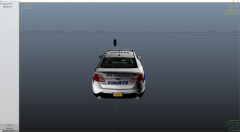
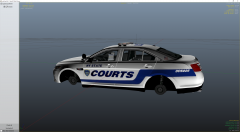
All done, I'm pretty happy with it! Screenshots can be found here:
-
-
I make vehicle skins sometimes for fun when people request them. It's great practice.
-
-
-
-
I could give it a shot. The Charger's not gonna work for the current State Courts livery, I'll make it for a Ford Police Interceptor instead (https://www.gta5-mods.com/vehicles/usaf-security-forces-ford-police-interceptor-sedan-black-jesus)
-
This will be featured in LSPDFR 0.4 in the form of scenarios.
-
Awesome! Judging from the screenshots, I'm assuming that we are getting police partners at last!
-
Sure, it's more than enough. Keep in mind that it's always better (and cheaper!) to buy the parts you want and build it yourself! I might add that Intel's i7-8700 CPU beats the Ryzen 2700X in several benchmarks, but in my opinion both are overkill and will do the job just fine! You'll definitely get 60-100 FPS, though remember that the more mods you add to the game, the more it'll affect your performance. GTA 5 modding depends a lot on CPU and RAM performance.
-
Did you use the Automatic or the Manual install for EUP law and order? Use OpenIV and go to /mods/update/update.rpf/x64 - in this folder there should be a folder called "eup". If it's there - it should definitely be installed, so if it doesn't work then I would just install it again.
-
Yeah, just out of curiosity though. How'd you do it?
-
Hi. Did you edit weaponvintagepistol.meta in dlcpatch\mphipster\data\ai?
-
Cool, no problem!




