
Zeepsopjes
Members
-
Joined
-
Last visited
Everything posted by Zeepsopjes
-
-
-
-
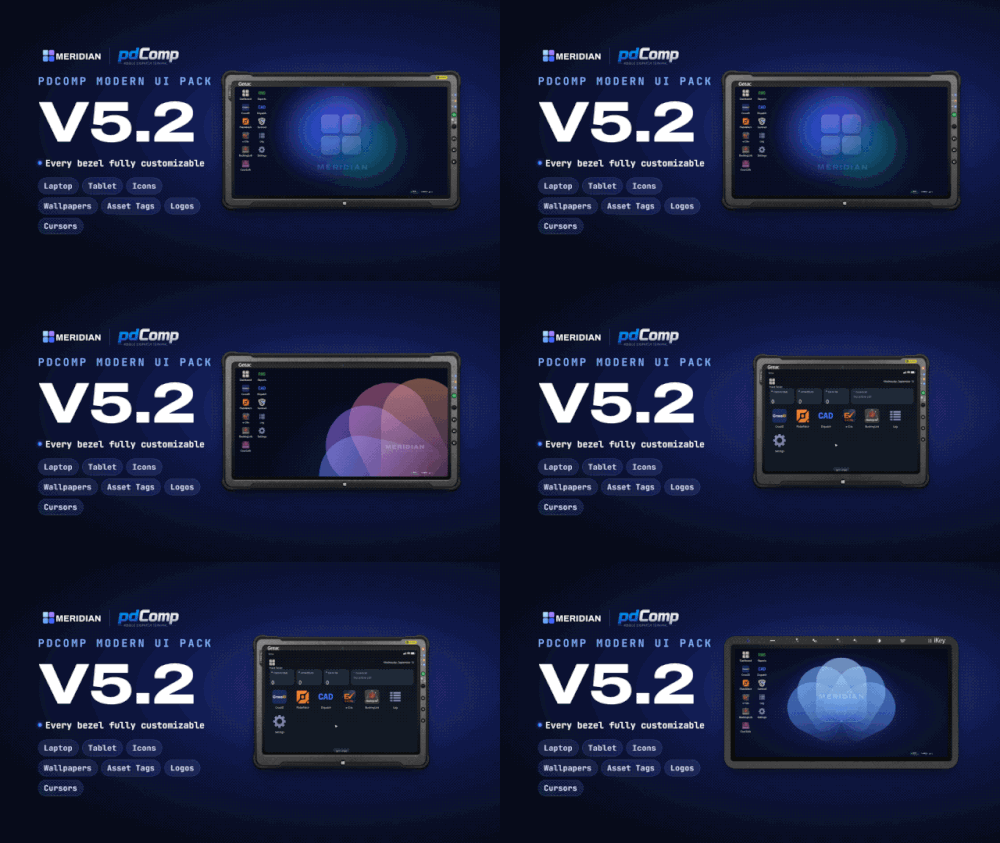 Chose the bezel you want, rename it to bezel.png then drag in to pdcomp -> assets. If this doesn't work add me and message me on discord #zeep1946
- 26 comments
- 6 reviews
-
-
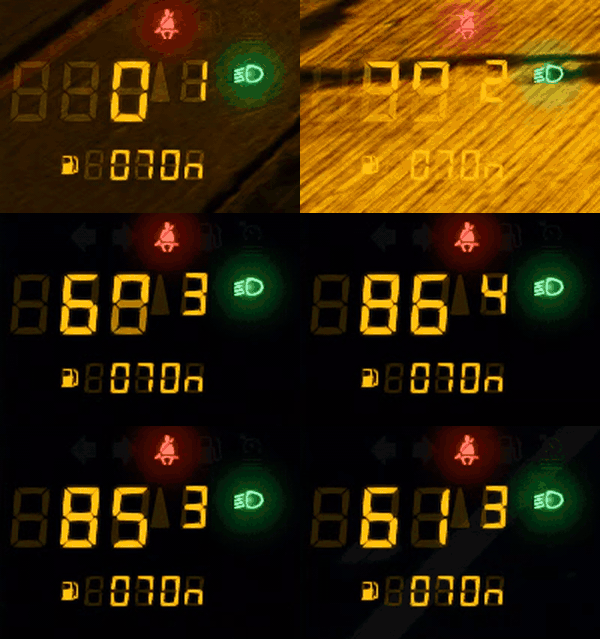 Have you installed A.G.S? If so, load in the skin in the A.G.S menu.
-
Requirements Credits Huge thanks to khorio for creating A.G.S.
-
 I’m still looking for good audio for the handgun. Once I find something that fits, it shouldn’t take long
- 8 comments
- 1 review
-
Real Bodycam Weapon Audio | V0.8.0This is an early release, so people can report problems. If you run into any issues, comment here or send me a DM. I’m happy to look into it! Gun sounds that capture the raw audio of real bodycam footage, rather than the polished studio sound of most packs. I started this project because I couldn’t find a good AR-15 sound in any weapon sound pack. There are plenty of good Glock and handgun sounds, but a convincing bodycam-style AR-15 was missing, so I made one. The pack also includes a Glock sound in three variants, so you don’t need to install a separate pistol sound. A shotgun sound is in progress. Please note Back up your original files before installing, and follow the install guide below. The AR-15 sound is made for semi-auto fire. Full auto works, but the audio still needs some polish. CHANGE LOG What to expect: New weapon sound: Remington 870 shotgun V0.8.0 Audio polish: Refinements to all existing audio files V0.7.7 Fixed: Replaced an incorrect file in Easy Install. All files have been re-checked. V0.7.6 Fixed: incorrect filing for Raw Files: Glock Variant C V0.7.5 New Additions: Added three Glock variants (A,B,C) Added easy install (drag and drop) INSTALL GUIDE Method 1: Installing RAW files Make a backup of weapons.awc and mgn_sml_am83_vera.awc, ptl_combat, ptl_pistol first (copy them somewhere safe). 1. Open OpenIV and enable edit mode. 2. Go to: mods -> x64 -> audio -> sfx -> resident Right-click weapons.awc -> Export to openFormats. 3. Go to: mods -> x64 -> audio -> sfx -> WEAPONS_PLAYER.rpf Right-click mgn_sml_am83_vera.awc, -> Export to openFormats. This creates a "mgn_sml_am83_vera" folder and a "weapons" folder on your desktop. Repeat this step for ptl_combat and ptl_pistol. 4. From the download, put all files from the folder "mgn_sml_am83_vera" into the mgn_sml_am83_vera folder on your desktop. Repeat this step for ptl_combat and ptl_pistol. 5. Put all files from the folder "weapons" into the weapons folder on your desktop. (Say yes / replace when asked about files with the same name.) 6. Go back to OpenIV and go to: mods -> x64 -> audio -> sfx -> resident Make sure edit mode is on. Hover over New -> Import openFormats -> select weapons.oac (on your desktop). 7. Go to: mods -> x64 -> audio -> sfx -> WEAPONS_PLAYER.rpf Make sure edit mode is on. Hover over New -> Import openFormats -> select mgn_sml_am83_vera.oac (on your desktop). Repeat this step for ptl_combat.oac and ptl_pistol.oac Method 2: Drag and Drop: WARNING This method replaces the whole sound files. It will REMOVE any weapon sound mods you installed before. Make a backup of your originals first. Pick a folder (AR-15 + Glock Variant A, B or C). The AR-15 is the same in all three. Only the Glock sound is different. 1. Open OpenIV and turn on Edit mode. 2. Go to: mods > x64 > audio > sfx 3. Open RESIDENT.RPF Drag and drop weapons.awc from the download into OpenIV. Done. 4. Open WEAPONS_PLAYER.RPF Drag and drop the .awc files from the download into OpenIV. Done. 5. Start the game. SAMPLE VIDEOS TERMS OF SERVICE (TOS)
- 8 comments
- 1 review
-
-

- 1
-
-
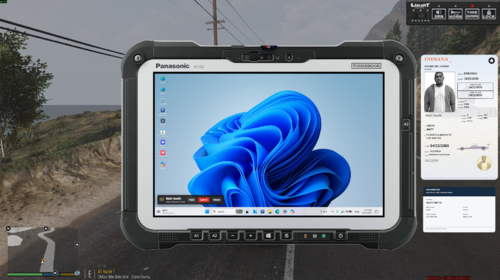 My suggestion would be to get the basics solid first and add features gradually. A few of the current additions feel like bloat rather than something that serves a clear purpose, so nailing the fundamentals and building from there would make the mod stronger. Also, I've sent you a DM about bezel sizing /scaling
- 82 comments
- 8 reviews
-
-
- 2
-
-
-
-
 Lovely!
-
Thanks so much, glad you're enjoying it! That modern look was the main goal, so it's great to hear it works for you. If you run into anything or have ideas for future updates, feel free to drop them here 👍
- 26 comments
- 6 reviews
-
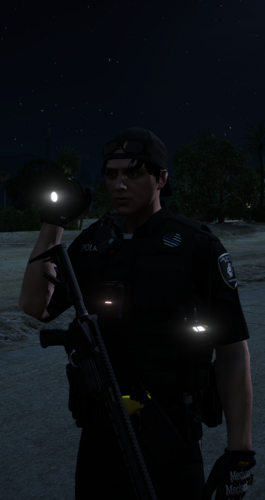 Can you make it use weapon_flashlight instead of the prop? I think that might be what STP Flashlight does, which could be why it works with mods that improve the flashlight beam, but I'm not certain.
- 13 comments
- 4 reviews
-
-
- 1
-
-
LurkerV2 is just a small visual update at the moment, I refined the texture a bit and added the Sentinel logo so it fits in with the app's ecosystem. If you'd like to customize your bezel, you'll need GIMP (it's free) the download link and a basic tutorial are in the .txt file inside the XCF folder!
- 26 comments
- 6 reviews
-
-

- 1
-
-
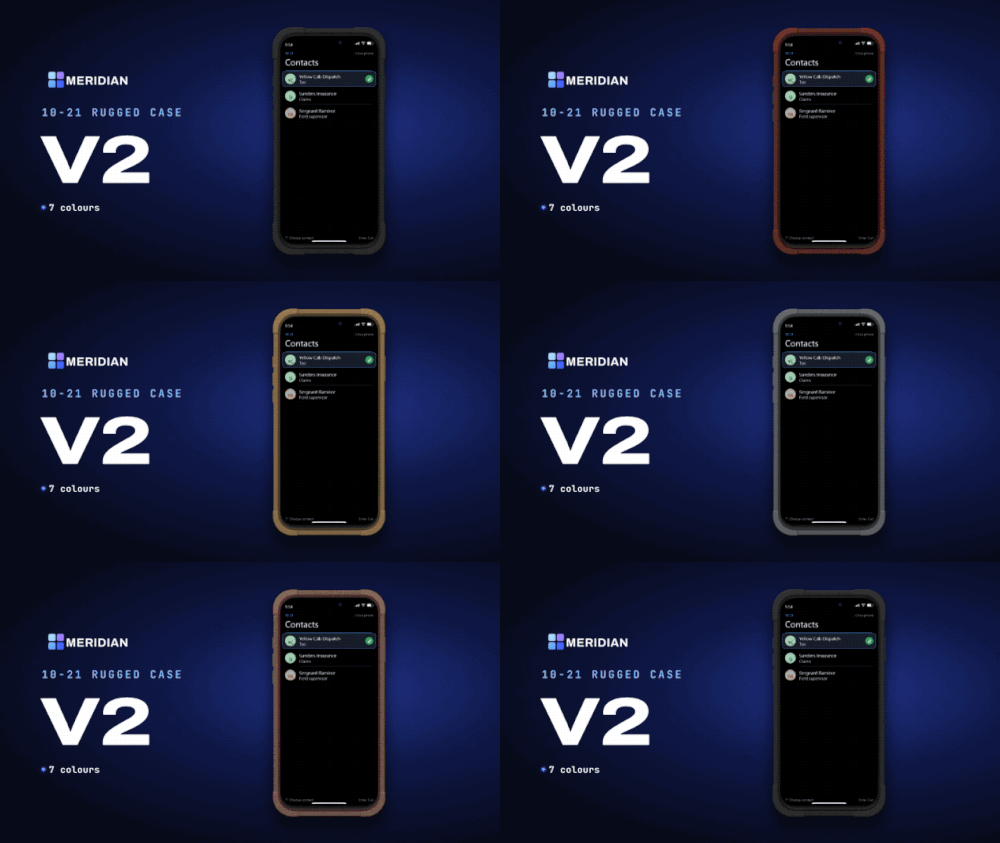 Meridian | Ten-21 Rugged Case V1⚠️10-21 is required by CossackGames INSTALLATION GUIDE Simply drag and drop the plugins folder in your main game directory :) CHANGE LOG V2.0.1 Fixed: The download accidentally included an older version of the Black variant. The correct V2 Black version is now included. The older file is still in the download, renamed to V2 Black Test Version. V2New Frame (7 Colour Variants) V1.01 Smoothed out a few rough edges on the case. Added the original frame. You'll find it in plugins > LSPDFR > Ten21 > Meridian V1Rugged Case inspired by SUPCASE UB Grip Pro MagSafe Case WORK IN PROGRESS TERMS OF USE (TOS)
-
I am having the same issue as of last evening (The Netherlands)
-
-
-
-
XCF is for GIMP and PSD is for Photoshop, these are the raw files where you can tweak the bezel or taskbar however you like. Once you’re happy with it, just export it as a PNG. That file you can then drag and drop in pdComp assets folder
- 26 comments
- 6 reviews
-
It’s underway! Thanks for the suggestion! I’m actually working on a new set of icons right now that are way better, and they’ll come in both color and transparent versions. I actually use the yellow background myself at the moment and don’t run into this problem. Could you shoot me a DM with a screenshot showing what’s not visible for you? Maybe it’s something I can take a look at and fix.
- 26 comments
- 6 reviews
-
Hi Jaden, you're right, it's the one from your mod. I had a look yesterday and mistakenly thought they were the originals from pdComp. I'm actually working on a custom bezel right now that I'll upload later today. My apologies! In the meantime, I'll credit yours for the bezels. Again, sorry about that, it wasn't my intention!
- 26 comments
- 6 reviews
-