



Fmr MSPR
Members
-
Joined
-
Last visited
Everything posted by Fmr MSPR
-
 This is awesome! With this light bar added, well there still be the dash cam and the radar as extra parts to put in the simple trainer in vehicle components?
 -
 Nice!!! Love this! Would be awesome if we could get the extra part for the wheels, like if someone wants steel wheels or hub cap they can go into the trainer to vehicle components and change it (if that is even possible?) on the next update or later update!
 -
 This is one of the best CVPI's I've ever seen!! Great job!! Cant wait to see what the next update will be!
- 208 comments
- 59 reviews
-
 I mean like the rear part only lights up in the middle. But all lights are on
- 146 comments
- 24 reviews
-
Love the flat LED lightbar!! The front LED's lights up red and blue on all sides but the rear only lights up red and blue in the middle. Will the next update have the rear lights light up like the front ones on the light bar? If you know what I'm talking about? Other than that the car and light bars are great!! Awesome job!
- 146 comments
- 24 reviews
-
-
-
-
Alright thanks! Sorry for asking these questions. I'm still new to the computer world on upgrading parts.
-
So I should try to mess with the settings first before upgrading? Sometimes the fan kicks in high and loud lol.
-
Awesome! I may give that a try unless someone else on here recommends others I will research more info on it! Thanks!
-
Hey guys, like the title says I am looking to upgrade my graphics card to play GTA V on medium - high settings. Any recommendations on what graphics card will run great on my computer? My current PC Specs: PSU: 330w OS-Windows 10 Home 64 bit operating system, x64 based processor CPU: Intel i5-3330 @ 3.00GHz RAM: 8.00GB GPU: NVIDIA GeForce GTX 660 With those said, I was looking at the PNY XLR8 GeForce GTX 750 Ti -2GB OC - Performance Edition; this any good to run in medium or high setting? Preferable to run high would be nice. I would want a graphics card that my CPU can handle. EDIT: Almost forgot, I have an Alienware X51 bought it 2-3 years ago can't remember. Added my PSU info. Thanks!
-
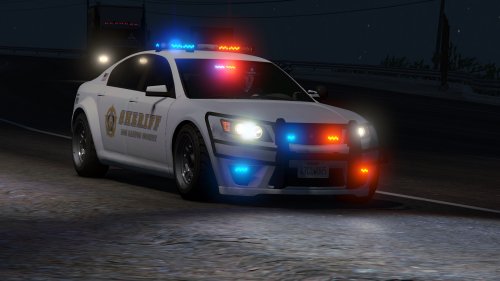 Looks awesome! Love the laptop and the center area! Keep up the good work!! Will try this out when I get off work!
- 47 comments
- 15 reviews
-
-

- 1
-
-
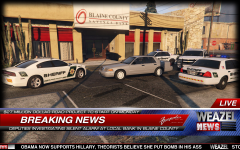 The Charger, Crown Vic, and the Tahoe looks awesome!!! Please release them!!! I know we all would love to have these cars in the game!!
 -
Guys good news!
-
Don't know if this pic has been posted as I'm on my phone lol EDIT: check out those spotlights
-
Thank you soooo much!!!
-
Hey guys, been searching everywhere but could not find the 2013 Ford Explorer Utility Interceptor. Has anyone ever find this exact one?? Found this on YouTube but his link isnt working. So if anyone has the link to the exact vehicle please provide the link, would really appreciate it. http://www.youtube.com/watch?v=6OaTlFvEc58
-
This is nice!! Only thing would be a lot better if you can add the radar thing like the front has. Maybe just change the light bar to straight across ones. Should make it exactly like this one you have but change the light bar and add the radar at the rear window, maybe an updated one like in different file?? Other than that this is awesome!
- 18 comments
- 18 reviews
-
-
Almost forgot. Do you know where I can get that trooper uniform he has on in the video Edit: I only can find the random trooper but could not find the exact one he's got.
-
Thank you sooo much!! You just made my night a lot better! lol
-
Hey guys I have looked in the downloads and every other places I could think of but could not find this crown vic Jeff is using in this video. Anyone know where to get it? I've tried asking him on his youtube channel but no reply. If anyone can link me the vic would be appreciated. http://www.youtube.com/watch?v=vnMGhrJtxiA
-
I just tried to download this and after download it says unexpected error occurred and wouldnt let me view the skin.
- 4 comments
- 4 reviews
-

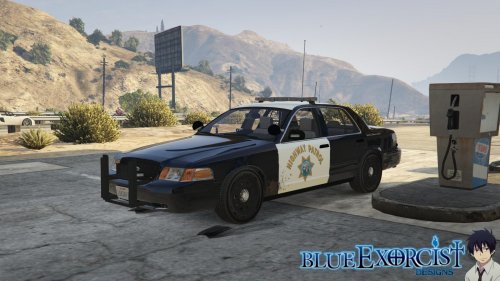
.thumb.png.c8e6a8796c9f591b5d8fb5dd64e647a7.png)
