fkdmkdz
Members
-
Joined
-
Last visited
Everything posted by fkdmkdz
-
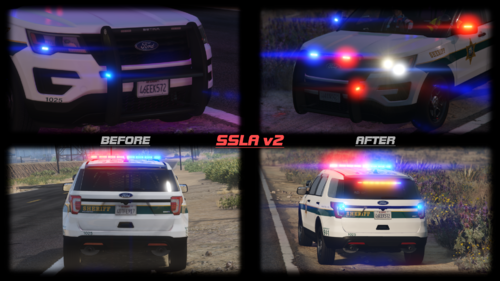
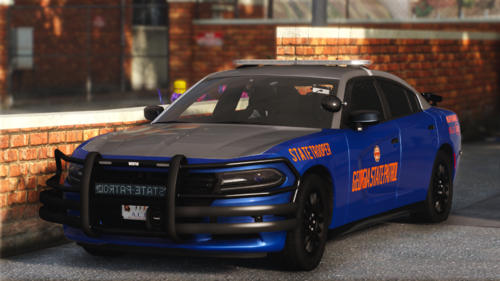 Yes. SSLA was updated so these babies are back in service! Go to SSLA page and follow the discord link. Once you join Discord server, there will be download links in there.
 -
 I have no issues with the cars pulling over that i want to stop. The issue is with the traffic around it. Every single car stops when i activate a traffic stop. It wasn't like that before if i recall correctly.
- 115 comments
- 19 reviews
-
-
-
Anyone having issues when you activate a traffic stop, all cars in front of the traffic stop car are stopping as well which makes it take forever for your selected car to actually pull over. Hopefully it makes sense and thank you in advance.
- 115 comments
- 19 reviews
-
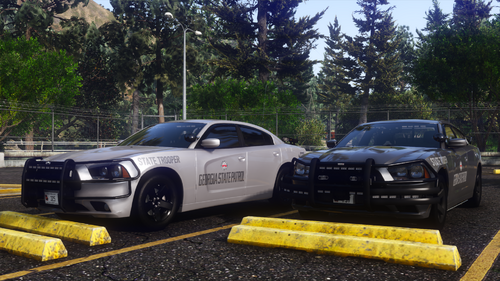 SSLA is outdated that's why these cars do not work. SSLA will most likely not be updated unless someone decides to put in some work. Sorry :( these were my favorite cars to use for gameplay.
 -
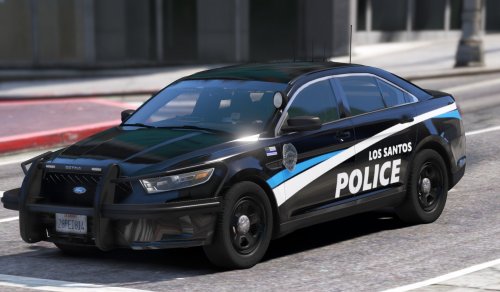 When any vehicle is renamed, the lights no longer work. For example if I put 18 charger as police, the light bar does not work. What do I need to adjust to fix this? Thank you in advance.
 -
Any way to use these without Siren Limit Adjuster?? They won't work without it and it will most likely never be updated :(
-
-
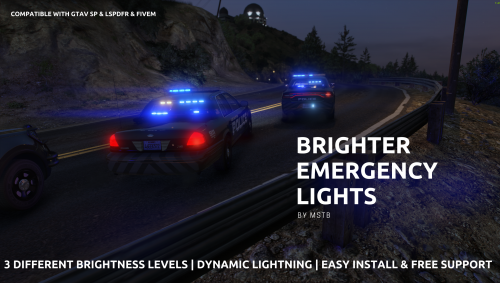 I don't have any graphics mods installed and this works flawlessly!!! Thank you for this! I don't have to mess around with any taxi, bus signs, or any xmls, post fxs to make everything else work! Absolute legend!!
- 64 comments
- 11 reviews
-
-

- 1
-
-
 Crashes every time I manually try to adjust the offset on any police vehicle (including DLC cars) and when it doesn't crash, the offsets do nothing :(
- 477 comments
- 73 reviews
-
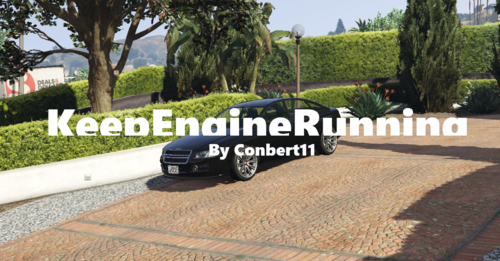 You can do so through the LSPDFR menu. When on duty, next or when in vehicle, press M and go down to vehicle menu. then select whichever option you want for your engine.
- 5 comments
- 2 reviews
-
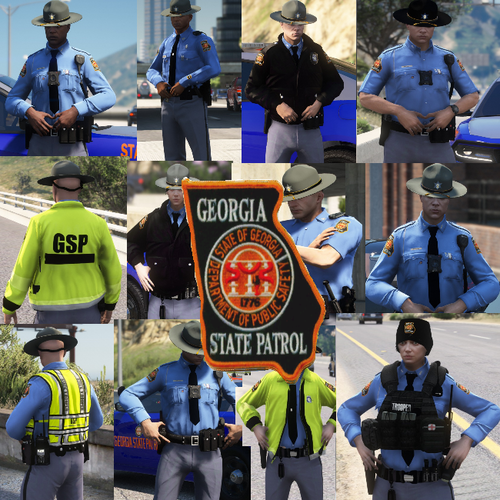 Doesn't work either I put the files in patchday 3 or the latest patch. Nothing comes up when i look through EUP menu.
- 35 comments
- 12 reviews
-
 Has anyone encountered as issue where setting fuel to "false" but it still shows up when you go on duty?
- 295 comments
- 34 reviews
-
Sounds like it's a lspdfr issue, not this mod's issue. Make sure that RPH is not blocked by your anti virus. Mine was disappearing from main game directory without me knowing. I then allowed it through the windows defender.
- 295 comments
- 34 reviews
-
I might be missing something but is there a way to fix your patrol vehicle while on duty without using simple trainer and without resetting the fuel level? Thank you in advance! Same here. I haven't tried this yet but I think the only cop uniform that would load automatically is whatever you have on your character when starting a fresh lspdfr.
- 295 comments
- 34 reviews
-
Spent hours setting up my character in EUP, just to not be able to use him during shift! 10/10 would recommend!
- 295 comments
- 34 reviews
-
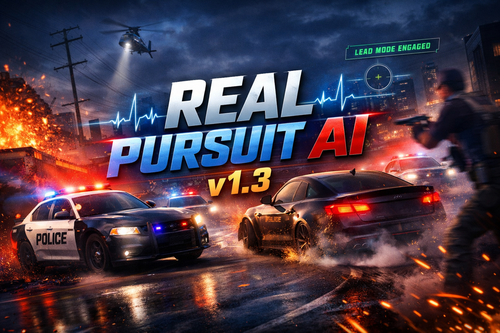 Great mod! Small bugs here and there where vehicle still do some weird stuff around the player, but other than that, it's a game changer!
- 74 comments
- 3 reviews
-
Came here to say that it's having issues with pursuit spacing logic, but then saw the change lot, and its a game changer!! Keep up the good work and thank you for creating this mod! @15 Can't come here, say what you want without explanation. How is he suppose to fix issues without knowing what they are??
- 74 comments
- 3 reviews
-
-
- 1
-