J T
Members
-
Joined
-
Last visited
Everything posted by J T
-
-
-
-
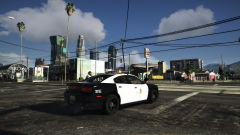 just a couple fps difference, its not very demanding at all, only if you start using reshade will you notice more fps drop but not much difference visually with reshade
 -
naturalvision remastered
-
-
From the album: LSPD
-
-
-
-
-
-
-
-
-
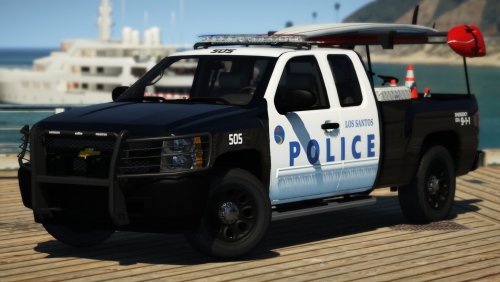 utility is the same size as a tahoe, should be scaled like desmonds explorer, still wish it had a crew cab silverado and a tahoe so ill just use the crown vic until then
- 29 comments
- 11 reviews
-
 so? san andreas is based on california not texas and in los angeles area they dont have very many unmarked cars with rambars
- 93 comments
- 17 reviews
-
nice to see some california stuff for once but the other vehicles are missing spotlights and it would be nice to see a tahoe and a crew cab silverado, the real life counterpart has only a rambar no wrap around
- 29 comments
- 11 reviews
-
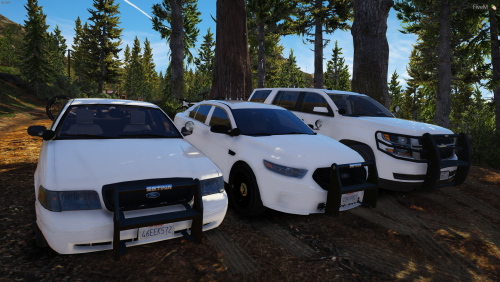 uhh.....wheels and tires are two different things, this thing has huge tires and the wheel base is long for a supposed Tahoe, park this next to the older Tahoe and youll see how ridiculous it looks, greathah scaled it down to look more like a proper tahoe
- 15 comments
- 1 review
-
-
-
-
-
-






.thumb.png.28aa0963faa0c6b7fe8ec683d28ec677.png)