Skip to content
View in the app

A better way to browse. Learn more.

LCPDFR.com

A full-screen app on your home screen with push notifications, badges and more.

To install this app on iOS and iPadOS
  1. Tap the Share icon in Safari
  2. Scroll the menu and tap Add to Home Screen.
  3. Tap Add in the top-right corner.
To install this app on Android
  1. Tap the 3-dot menu (⋮) in the top-right corner of the browser.
  2. Tap Add to Home screen or Install app.
  3. Confirm by tapping Install.

J T

Members
  • Joined

  • Last visited

Everything posted by J T

  1. the tires are over scaled bro as well as the whole model
  2. i agree on the rambar but the same can be said for whelen liberties, theres to many released on here and not enough valors, arjents, code 3 2700 etc
  3. its not lapd dude, go look at pictures before saying shit like that
  4. why call it an lapd pack? doesnt look remotely close to lapd just a reflective skin slapped on cars with arjents and spotlight placement on some of them isnt very accurate
  5. how come they only have one spotlight? lapd have two
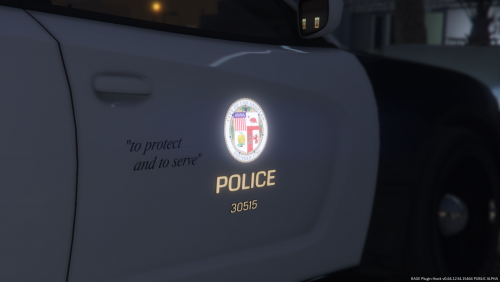
  6. J T posted a gallery image in GTA V Galleries
  7. J T posted a gallery image in GTA V Galleries
  8. J T posted a gallery image in GTA V Galleries
  9. J T posted a gallery image in GTA V Galleries
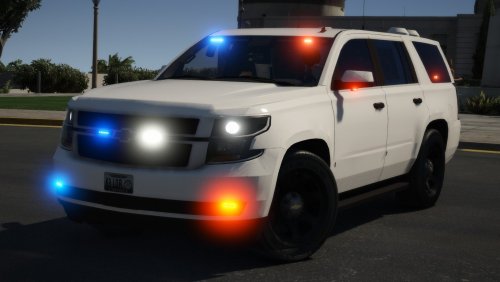
  10. J T posted a gallery image in GTA V Galleries
  11. J T posted a gallery image in GTA V Galleries
  12. J T commented on J T's gallery image in GTA V Galleries
  13. J T posted a gallery image in GTA V Galleries
  14. J T posted a gallery image in GTA V Galleries
  15. J T posted a gallery image in GTA V Galleries
  16. J T posted a gallery image in GTA V Galleries
  17. J T posted a gallery image in GTA V Galleries
  18. J T posted a gallery image in GTA V Galleries
  19. J T posted a gallery image in GTA V Galleries
  20. J T posted a gallery image in GTA V Galleries
  21. J T posted a gallery image in GTA V Galleries
  22. J T posted a gallery image in GTA V Galleries

Account

Navigation

Search

Search

Configure browser push notifications

Chrome (Android)
  1. Tap the lock icon next to the address bar.
  2. Tap Permissions → Notifications.
  3. Adjust your preference.
Chrome (Desktop)
  1. Click the padlock icon in the address bar.
  2. Select Site settings.
  3. Find Notifications and adjust your preference.