




Brandjuh
Members
-
Joined
-
Last visited
Everything posted by Brandjuh
-
Reinstall it, EUP works fine on 4.x
-
 With EUP you can make almost a unlimited amount of different style cloths. For me it's a game changing and essential plugin that I use for many many years.
- 637 comments
- 75 reviews
-
I notice you have "enableCounterMeasuresAgainstOnlineVehicleRemoval" enabled. Try to disable it. Solved the problem for me!
-
-
 Still people can dislike 'Stop the Ped' and want is in radio just as before. 😉
- 1,196 comments
- 127 reviews
-
-

- 1
-
-
-
-
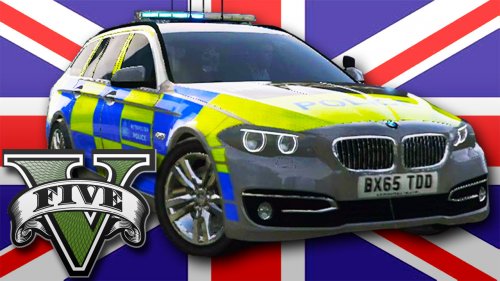 Double Doppler you have nailed it again. Amazing looking car, nice interrior, good texture. Even I want play with Netherlands vehicles I play with the UK ones because they are simply better!
- 22 comments
- 20 reviews
-
-
- 1
-
-
.thumb.png.b69cedc0d1245c6577c6d74b3d924eeb.png) The Dutch stripes are on proposal, when the vehicle must stand fend-off on the street the stripes are pointing to the direction the cars must travel. The stripes are high reflective.
The Dutch stripes are on proposal, when the vehicle must stand fend-off on the street the stripes are pointing to the direction the cars must travel. The stripes are high reflective. -
Thanks. The one from DD was in another map. ;)
-
Looks good, but what map in OpenIV must I install it?
-
 Tuesday 18 August 2015 - Los Santos - Today I got the job as a traffic department of the police chief. It was 16:45 when I see a red car swerving in the lane and decided to put it aside for a routine check. I get out, walk to the car and see if the woman behind the wheel a bit nervous in the car is some rubbish including some cans. After an ID check, I know that the woman has had a problem with alcohol in the past, a breath test showed that the woman has not drunk. Yet I do not trust it at all. The woman remains very nervous and I try to make her more relaxed by making some jokes and asked where they came from and what she intends to do. She told me that she goes to some friends and just coming off of the store. I ask if I can check the messages in the trunk, she looked anxiously around her and dare not look at me. After some insistence I still get permission, I walk to the trunk and see the bag from the store, is nothing strange here. In the mirror I see her relieved sigh, I put to the tailgate shut and walk up to her and ask her to open the door so I can check this also. Immediately become clear to me why she was so nervous in the side of the passenger side is a box with a needle in it, behind the chair I find a package containing a white powder, I ask her what is in it and she says the powdered sugar is. I do not believe it and do a test with the narcoticakit, they told me it was coke. I ask the woman to step out and arrest her. Love the mod!
- 342 comments
- 49 reviews
-
-
- 1
-
-
 https://en.wikipedia.org/wiki/Blood_alcohol_content Made a little search for you on google, hope this helps.
- 182 comments
- 25 reviews
-
-
- 1
-
-
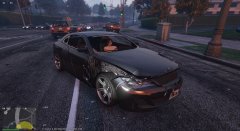
From the album: Brandjuh's GTA V photos
Driver: "Officer the motor is just working, I can drive tomorrow to the garage!" Me: "Sorry, but you dont drive any meter with that car" -
Photo's that I have made in GTA V
-
Traffic Accident
-
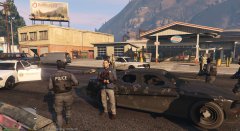 That was a big shootout, with the bankrobbers
-
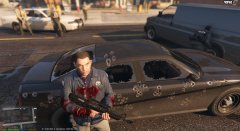 That was a big shootout, with the bankrobbers
-
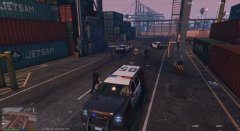 2015-07-27-00026.jpg
-
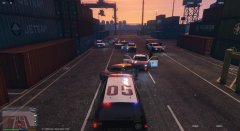 Blocked!
-
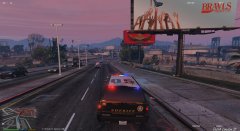 2015-07-27-00021.jpg
-
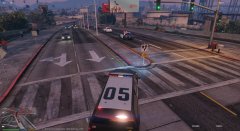 and take over the persuite
-
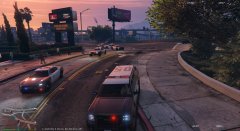 Finally the backup arrived
-
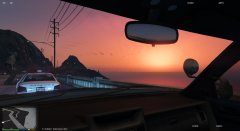 backing up, with a nice sunset
-
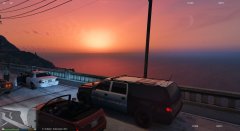 lovely sunset
-
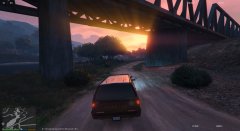 lovely sunset
-
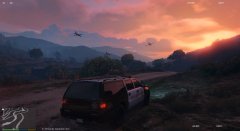 lovely sunset
-
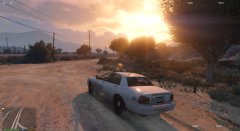 lovely sunset
-
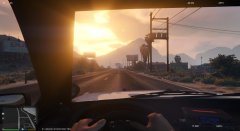 lovely sunset
-
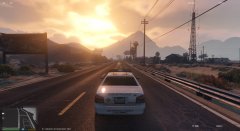 lovely sunset
-
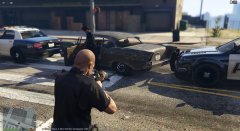 Nice catch
-
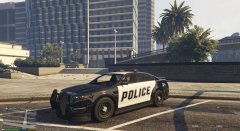 2015-07-27-00002.jpg
-
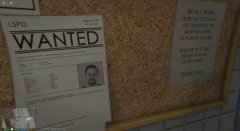 Wanted
-
 2015-07-25-00005.jpg
-
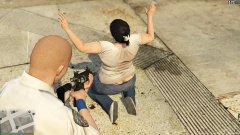 2015-07-24-00002.jpg
-
-
From the album: Brandjuh's GTA V photos
-
From the album: Brandjuh's GTA V photos
-
hahaha, well be happy you dont see her face... its even worse
-
 Lol! I just see it now!
 -
 My first thoughts when I saw these callouts modification were: "Nice to have it, but a lot of fun, I will not have it." However, this is completely untrue! The callouts are stable and very nice. The mission "Wanted Drug Dealer" is very difficult, it would be nice if the description of the vehicle remains somewhere in the screen so that you do not need to look at your dialogue. I like to see more wildness / bush related calls. Keep up the good work!
- 305 comments
- 66 reviews
-
From the album: Brandjuh's GTA V photos
-
-
From the album: Brandjuh's GTA V photos
-
From the album: Brandjuh's GTA V photos
-
From the album: Brandjuh's GTA V photos


.thumb.png.b69cedc0d1245c6577c6d74b3d924eeb.png)
