




Brandjuh
-
Joined
-
Last visited
Everything posted by Brandjuh
-
-
From the album: Brandjuh's GTA V photos
-
From the album: Brandjuh's GTA V photos
-
From the album: Brandjuh's GTA V photos
-
From the album: Brandjuh's GTA V photos
-
From the album: Brandjuh's GTA V photos
-
From the album: Brandjuh's GTA V photos
-
-
From the album: Brandjuh's GTA V photos
-
From the album: Brandjuh's GTA V photos
-
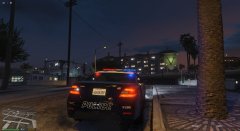
From the album: Brandjuh's GTA V photos
-
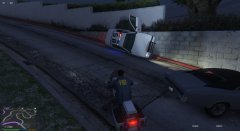
From the album: Brandjuh's GTA V photos
-
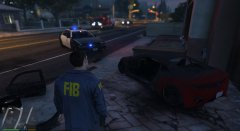
From the album: Brandjuh's GTA V photos
-
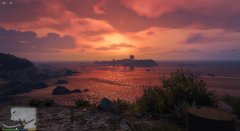
From the album: Brandjuh's GTA V photos
-
From the album: Brandjuh's GTA V photos
-
From the album: Brandjuh's GTA V photos
-
From the album: Brandjuh's GTA V photos
-
From the album: Brandjuh's GTA V photos
-
From the album: Brandjuh's GTA V photos
-
From the album: Brandjuh's GTA V photos
-
From the album: Brandjuh's GTA V photos
-
From the album: Brandjuh's GTA V photos
© Roel Smits
-
 Awesome mod, that gives more realism to LSPD:FR. Since V0.6 you can look at some car or ped, press a button and the light is following it. You can change the lights size/brightness/color ingame and out game in the ini, so you dont have any hard shadows on the peds, or if you want light up a whole truck you can adjust that.
- 476 comments
- 73 reviews
-
Sometimes I need it to, because I dont save all my downloads and delete them sometimes to fast. So I need to redownload it. Or in the event that a the virusscanner blocks a file and delete them. ;-)
-
Ragehookplugin update is live. Source: IRC Ragehook chat.


