
KaliLynx
Members
-
Joined
Everything posted by KaliLynx
-
-
 Hey, thanks for the great feedback! I really appreciate your suggestions and your eye for realism. Just to let you know, part of #4 is already in the mod, different gang territories have different reactions to police presence, though I haven't added the shouts yet. As for #3, I actually already have a good idea of how to add pedestrians pulling out their phones to record, but I’ve been tied up with my research/thesis in my university, so it’s on hold for now. But overall, your suggestions are really helpful and definitely align with the direction I'm aiming for! Thanks again for the feedback.
 -
-
Hey, thanks for giving it a try! I just dropped a new update that should mix things up even more. It’s cool to hear the gangs are acting different—things can get wild out there, especially around Grove Street! I love that some gangs are even backing you up. And yeah, the traffic can get a bit crazy too. Can’t wait to see your demo when you get it out! Just stay careful out there! I just rolled out an update! Give it a try and let me know what you think!
-
-
-
That’s because the guy is likely part of a gang. I configured the mod to make all gangs hostile toward the police, which can sometimes cause random attacks. I’m working on an update that will include two versions: one with chaotic gang wars everywhere and another focusing on realism, following GTA's lore with gang alliances and less random violence. Stay tuned for the update!
-
-
Relations+ Elevate your patrolling experience by bringing a chaotic, living world to life. Witness gang dynamics that react realistically to your actions, creating thrilling and unpredictable police encounters. As you patrol the streets, feel the energy of gang members clashing in their territories, all while maintaining the vibrant chaos that makes GTA truly immersive. Every patrol becomes a fresh adventure, where the unpredictable nature of the city keeps you on your toes! Requirements: ScriptHookVDotNetNightly OpenIV Instructions: IMPORTANT: BACKUP ALL FILES YOU WILL BE REPLACING Main Files Installation: Download and extract MainFiles.rar. Go to the folder "This goes to script" and move all files into GTAV/Scripts . 3.Open OpenIV and navigate to mods/common.rpf/data/ . Drag and drop the downloaded relationships.dat file here. Also navigate to mods/update/update.rpf/x64/data/tune open "combattasks.ymt," and press CTRL + F to search for "Chasing." Then, locate "MaxNumPedsChasingOnFoot" and change its value to 10. Optional Files (Adds More Gangs and Realistic Pedestrians): Download and extract OptionalFiles.rar. In OpenIV, navigate to mods/update/update.rpf/common/data/levels/gta5/ and drag in popcycle.dat. From the optional files folder, go to Update.rpf-scenario and move all files to mods/update/update.rpf/x64/levels/gta5/scenario/ in OpenIV. Finally, go to mods/x64a.rpf/levels/gta5/scenario/ in OpenIV. From x64a.rpf-scenario in the optional files, drag in all contents. Features: Realistic Gang Behavior: Get ready for intense interactions as gang members react dynamically to your every move! If you dare to unholster your gun in their territory, brace yourself—a high chance exists that they'll open fire. The response varies by gang, for example: The Families might hold their fire unless you provoke them, while the Ballas will swiftly retaliate if they feel threatened. But that's not all! If you anger them—perhaps by hitting one with your car or bumping into them—prepare for an all-out assault, as nearby gang members will quickly join the fray. In this chaotic world, every decision can lead to thrilling consequences! Better Police Interactions: The mere sight of police with lights on sparks unpredictable reactions from gang members! They might flee in panic, surrender without a fight, or engage in intense clashes when they see you leading to dynamic and thrilling scenarios on the streets. Watch as police and gang members collide in chaotic confrontations; some gangs will even open fire on officers patrolling when they're encroaching on their territory. Get ready for action-packed encounters that keep you on the edge of your seat! Dynamic Fleeing and Hands-Up Surrender Mechanics: When gang members spot you on patrol with lights flashing or the manual siren blaring, expect a mix of reactions—they might scatter in fear, put their hands up if you press the manual siren, completely ignore you like a boss, or even open fire. You can chase them down, and some may surrender if you press your manual siren again allowing you to make an arrest—but be cautious. Using lethal force could provoke the entire gang to fight back, turning a simple pursuit into a full-blown showdown. Make your move wisely, and stay alert out there! Territory Control: Gangs have fully claimed their territories across Los Santos and Blaine County, adding a realistic and chaotic edge to every patrol. Each gang defends its turf fiercely, shooting outsiders and rival gangs on sight. Sometimes, they'll even lend a hand, Example: If the Ballas are after you and you run into Families territory, the Families might take them down for you. But be careful; some gang members roam the streets in vehicles, ready to shoot you, fellow officers, or even rival gang members on sight. Every gang is active, making the streets more dangerous and unpredictable than ever. Config and Control: The RelationsPlus.ini file allows you to fine-tune gang interactions and police presence detection. Here’s a quick breakdown: MaxFleeDistance sets how far gang members will attempt to flee from police (default: 25.0). ScanDistanceThreshold controls the range for detecting nearby police vehicles (default: 100.0). FleeDistanceThreshold determines the minimum distance gang members keep while fleeing (default: 50.0). AggressionTriggerDistance specifies how close an armed player needs to be for gang members to become aggressive (default: 30.0). Control Recommendation: Press R to interact with gangs while in your police car. For compatibility, it’s recommended to set Sound_Manual in ELS.ini to 82 (R). I forgot to have an option in the .ini file to change the control. but im busy and need to do some other work so ill do it in the next update Known Issue and Compatibility: Gang Fleeing Bug: Fleeing gang members may sometimes stop moving during chases. To reset their behavior, press R again or toggle your police lights off and on. For optimal results, turn on your lights before approaching a target to prompt the expected reaction. During a chase if they stop, press R to make them surrender or flee again. You can try to experiment MaxFleeDistance in the .ini file to tweak the fleeing range (note: there may be limitations). Future updates aim to address this. Compatibility with Other Mods: This mod may or may not be compatible with other mods that adjust gang member reactions towards players or police. Test with other mods cautiously for the best experience. FAQ: Is this mod compatible with XYZ? Compatibility varies; mods that alter gang behaviors toward the player or police may affect this mod. Why do fleeing peds stop after a certain distance? Toggle R to reset their actions or turn your lights off and on again. Adjustments to fleeing distance can be made in the .ini, but there are limits I think. Can I use this mod in story mode? No, this mod is designed exclusively for LSPDFR. Can you upload a demo? I’d like to, but I’m short on time right now. I’ll add a demo in a future update, but if anyone wants to experiment and upload one, it’d be much appreciated! Will this mod affect my game’s performance? There should be no performance loss with this mod; it is designed to run smoothly alongside your gameplay. Support And Future Development If you encounter any issues or have feedback, please reach out before leaving a review. I’m here to help troubleshoot or address any concerns to ensure you have the best experience with the mod. I’m committed to continuous improvements as I learn more, and your feedback is valuable for making it even better! I'm excited to develop this mod further in my free time, with many ideas in the works. For now, I've based gang rivalries on GTA V's lore for an authentic experience. Some gangs are hostile toward the police and may attack on sight, while others may respond differently. On progress (I'll get to this when I'm not feeling lazy😅😞
-
 Just got it updated to remove the background and make it transparent for cleaner look. Check it out!
 -
 Absolutely, that would be even better!
 -
Solution:
-
[LAPDCD] Authentic Dispatch Notification Icon A realistic LAPD-inspired dispatch icon, proving that even the smallest details matter when it comes to immersion and authenticity. Disclaimer This mod is not affiliated with or endorsed by the Los Angeles Police Department or the LAPD Communications Division. The use of the LAPDCD logo is purely for in-game, non-commercial purposes to enhance user experience and is intended as fan-made content. All trademarks and logos are the property of their respective owners. How to Install: Download the provided .oiv file. Open OpenIV and enter Edit Mode. Simply drag and drop the .oiv file into OpenIV. Follow the prompts to complete the installation. How to Uninstall: Download the Uninstaller .oiv file. Open OpenIV in Edit Mode. Drag and drop the Uninstaller .oiv file into OpenIV. Follow the prompts to uninstall the mod. That's it! You're all set.
-
UP!
-
This is a custom configuration file for the Emergency Lighting System (ELS) mod. I do not own or claim any rights to the original ELS mod. All credit for the original mod goes to Lt.Caine. You can find and download the official ELS mod here:
-
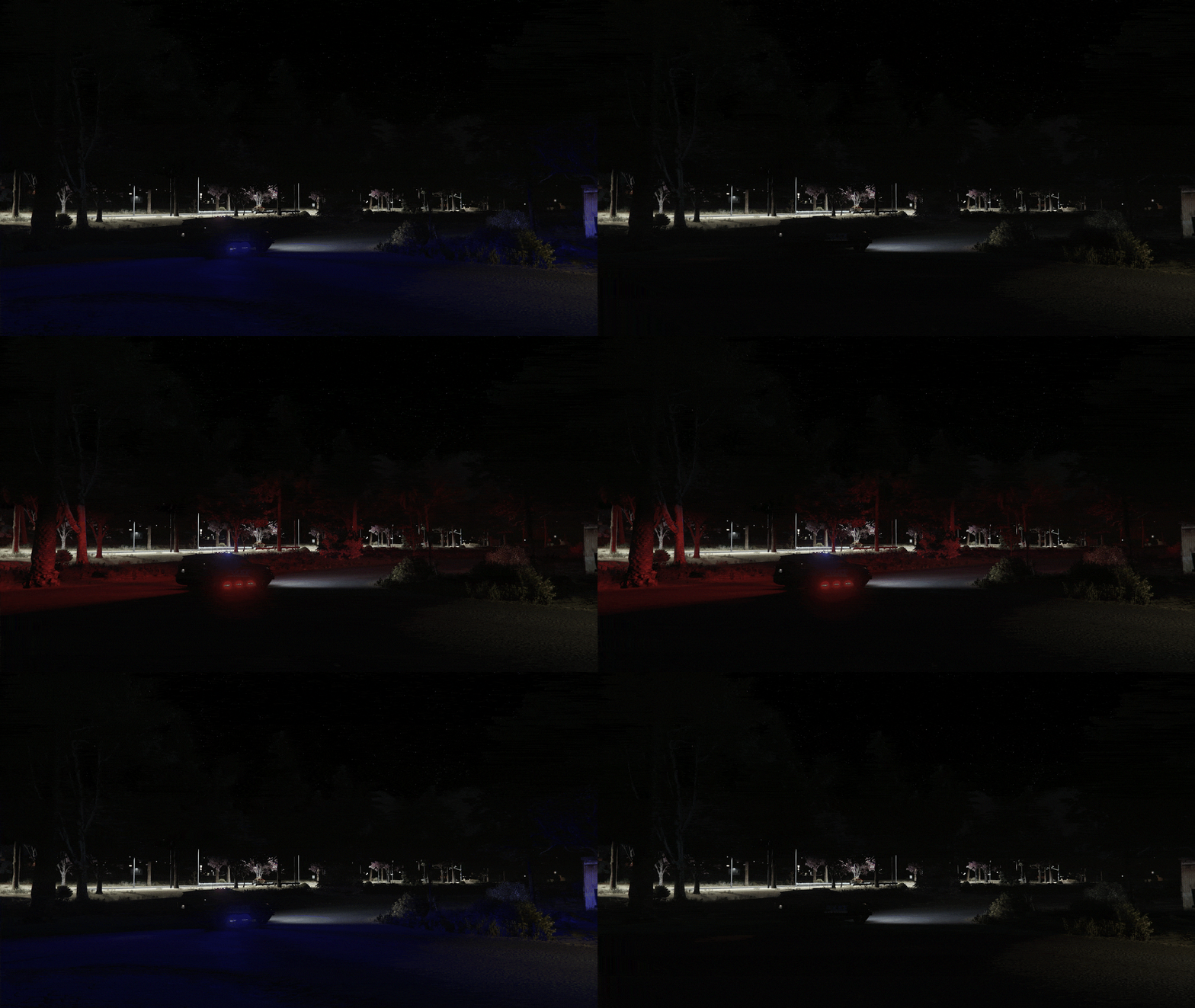
 A must have mod for more realistic night experience on your patrol!! I defo recommend this to yall!
 -
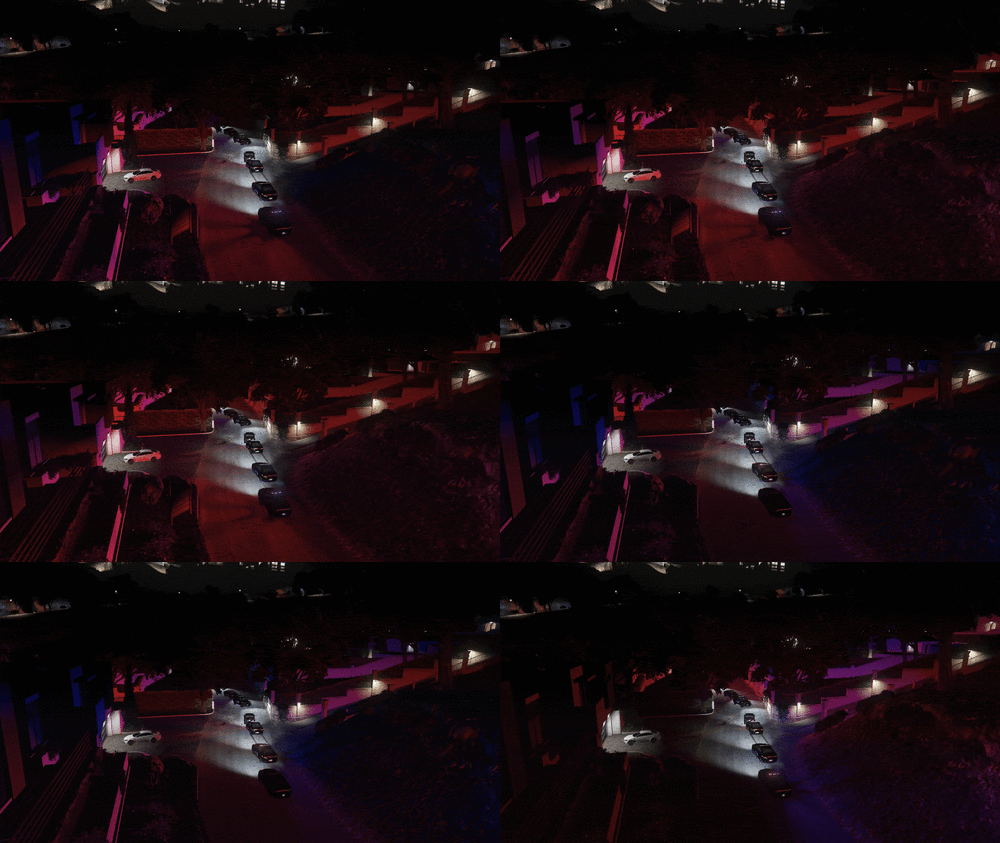
This is both using darker nights mod just different weather, i'm using corefx graphics mod and the nights now is way better than before in any weather, 1000/10 mod my police lights are so good with it😁
-
so good man! i love it!!
-
-
 any update for 9.7?
 -
More Gore Settings.xml Best settings here they wont die instantly
-
Up!! I'll go back here when i find the right settings, I'm also using it
-
-
 is this compatible with AI fluidity and discipline mod? and Improved pursuit AI?
- 535 comments
- 42 reviews
-
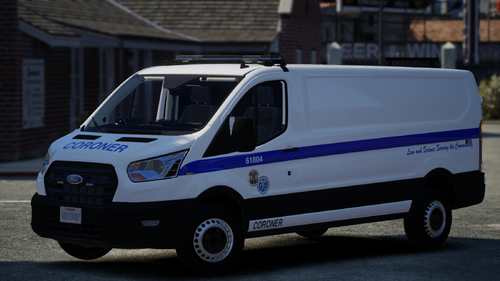 how to fix this textures in distance, look at the other picture its fine up close same problem