


OrionPax087
Members
-
Joined
-
Last visited
Everything posted by OrionPax087
-
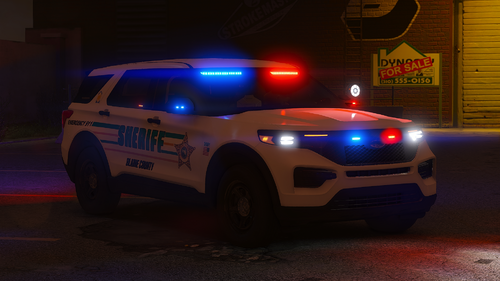 Could you give me the template for hellcat? Please, and thank you.
 -
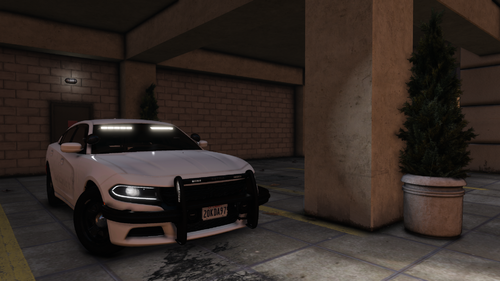 will you add a red blue version? or can I do it myself?
 -
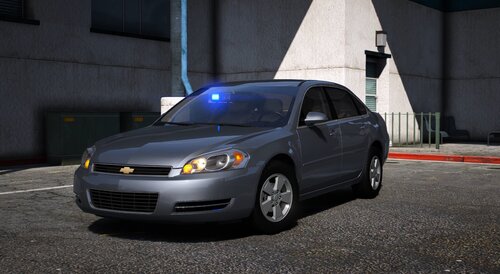 Where can I get the template for these? I seen you deleted your discord server. So anywhere I can get them?
- 36 comments
- 11 reviews
-
It was a simple fix and I forgot to come back and leave a comment, for some reason the game didn’t recognize the last player I had played. I can usually force duty and continue patrol. But in this case I had to return to the station and make a new character.
-
I updated the game on July 21, 2026 which I was thinking it was just a normal compatible patch, but now no one will pull over? If anyone has had the same encounter and has a solution please leave a comment. Before anyone asks yes I tried to pull NPC with addon and replace vehicles. (NONE WORKED)
-
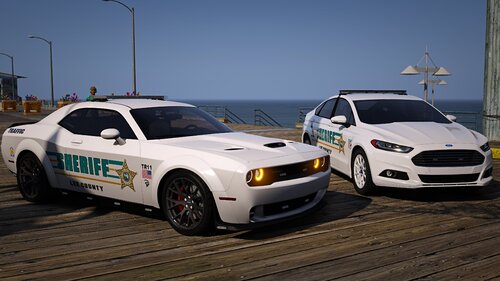 Love this pack, only issue is when I'm trying to pull someone over they wont. Not sure if its on my end or if others are having the same issue.
 -
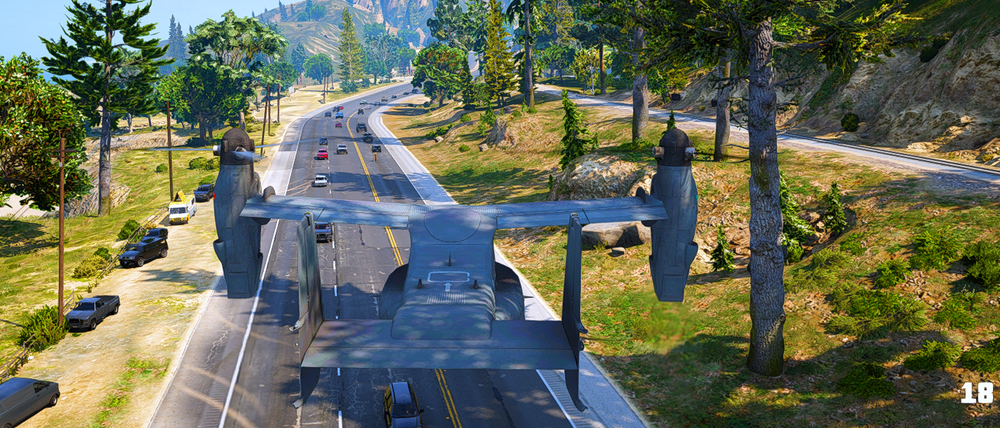
ISSUE FIXED, it was BlaineCountyTrafficLights. I saw that the creator said it had some bugs.
-
I dont install maps, I think the only thing i did do was install some AI so drivers can move out the way.
-
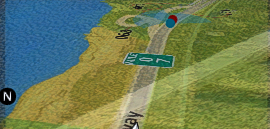
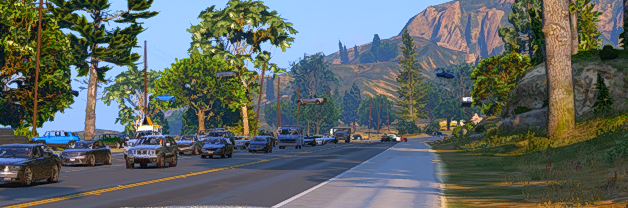
I've had this issue near Blaine County where vehicles would follow a invisible highway ramp path. I have no clue what could be effecting this, since I installed so much stuff. In the Picture you can clearly see there are cars just driving on something.
-
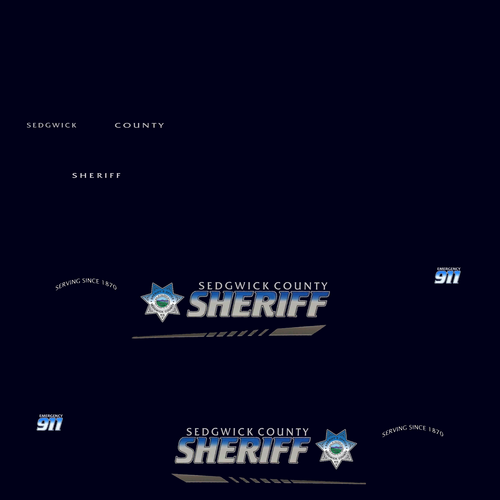 Good work, but not accurate.
 -
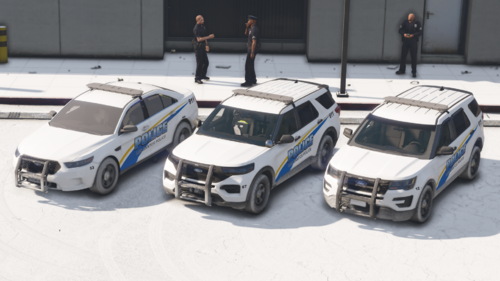 Awesome, could you add in a newer gen charger?
 -
-
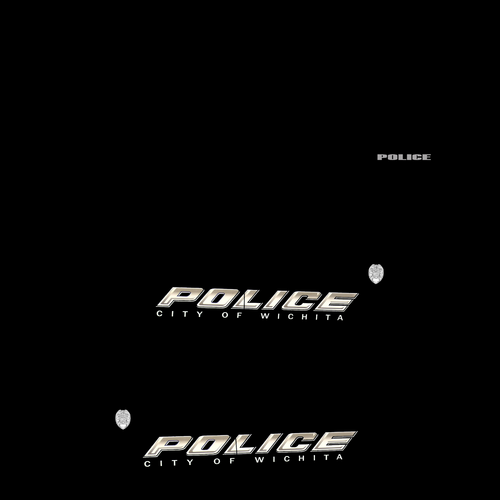 Skin looks alright, Its def generic.
 -
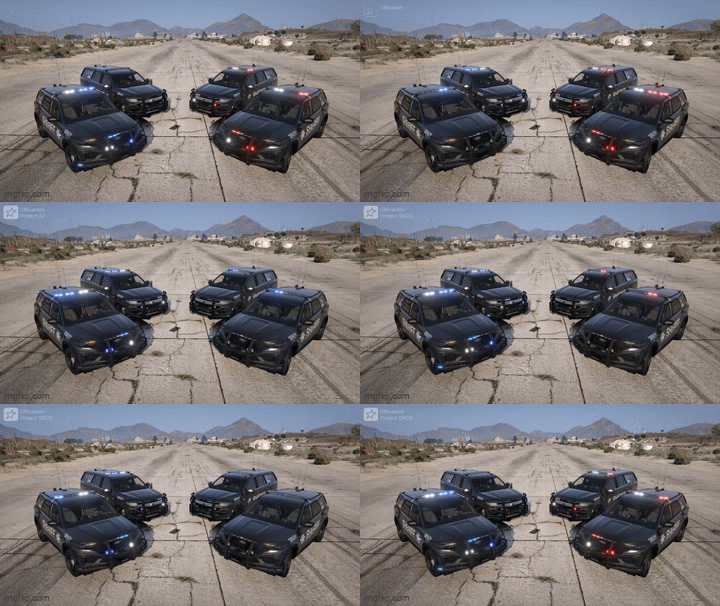 please do a charger next. Your doing a fantastic job.
 -
Nice, this looks beautiful, from your past content you usually release vehicle as you finish them. Do you have plans on making any other vehicles?
-
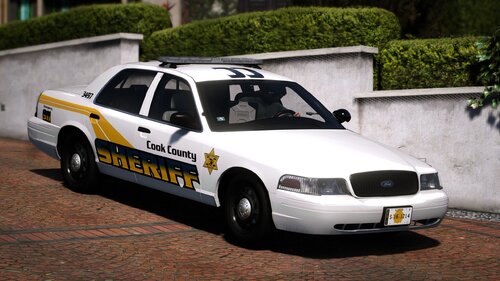 ive been wanting to design my own livery for the crown vic, I cant find a template for it. If anyone has one please share it.
 -
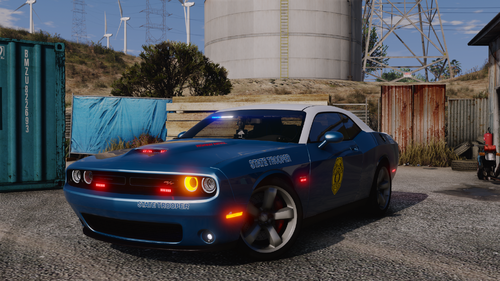 Personally I never gotten into making my own vehicles, i just don't know how to and it takes a lot of time in which i don't have. This pack is great, I've been hoping for someone to have the same love for Kansas as I do since its not the most recognized state in LSPDFR. You did a fantastic work, and I hope you do more Kansas work, if not it's okay this pack is more than enough to have a fun time playing the game. 😀
 -
Nope, I dont get that message
-
I'm currently having this same issue, have you found a solution? If you did please share the solution!!!
-
ELS thing, Ctrl P, or it may be shift. I cant remember. Its used to change patterns. So dont press U,I,O. It will change the light patterns of your vehicle.
-
Plugins I have installed which are: and a few others" SimpleCTRL, Simple HUD, Compulite, grammer police, deadlyweapons, prowlerradar, compulite, stop the ped, riskier traffic stops, callout interface, and two callout mods, but the issue occurred will before the callouts. ISSUE: When I conduct a traffic stop, I go up to the car and press the menu button to pop up stop the ped, and than the suspect just leaves. Not a pursuit, just returns to traffic like if the traffic stop was over. Sometimes I dont even have the chance to open the menu, the suspect is already on it's way. Please help!!!!!
-
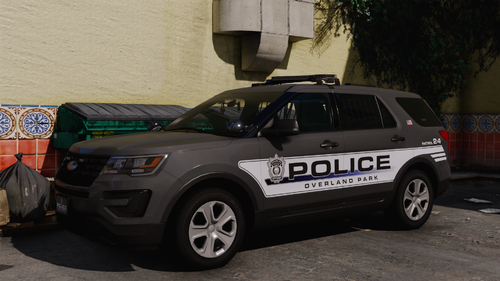 Can you do Wichita PD next? "Kansas"
 -
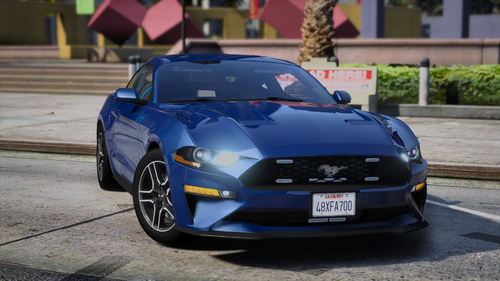 I'm having the same issue and i've been wanting to use this pack
 -
-



