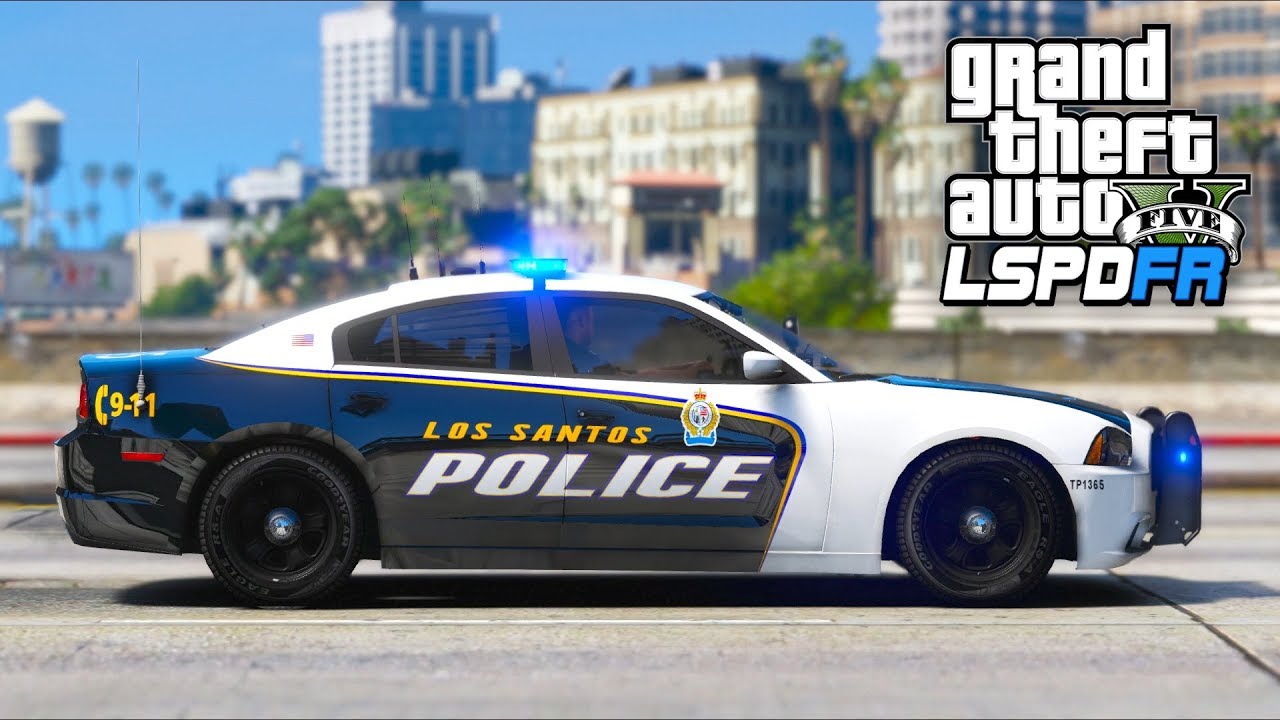
STATUS: WORK IN PROGRESS Last Update: 10/14/2026 - Check Updates section - Added new screenshots of interaction system PREFACE: A lot of features are exceeding what this original post talks about. Updates to the post will continue to follow. FiveAliveAI Department Overhaul for LSPDFR AI Traffic Stops | AI Arrests | Officer Requests | CAD | ELS Add-on Hey everyone, Imperfection here, nice to meet you. I've been a part of the GTA community since SA:MP and have seen some really incredible modifications along the way, some of them far ahead of their time, and I've met some really great developers. After years of playing other people's work I decided it was time to build something of my own, and for the better part of a year that's what I've been doing. I'd like to introduce you to FiveAlive. FiveAlive is an AI overhaul for LSPDFR. I've always wanted to go on duty and feel like I work for an actual department, and not like I'm the only cop in Los Santos who does any work. FiveAlive is the answer. The AI officers patrol, take calls, run traffic stops, make arrests and chase down runners, and they do it all by themselves. You can jump in and help them out or go find your own trouble. I want to be clear about what this is, because it's easy to assume it's LSPDFR's backup units and ambient cops wrapped up in a new mod. It isn't. FiveAlive loads as an LSPDFR plugin, but everything the AI does runs on its own systems, built from the ground up. It has its own dispatcher that creates the calls and decides who gets sent, and its own unit system that tracks every officer and what they're doing. Officers make their own decisions based on what's happening around them, and the stops, arrests, foot pursuits, call intelligence, all run on FiveAlive's own scene logic. All of it feeds the CAD in real time. LSPDFR and Policing Redefined are still what you use as the player. The department around you is all FiveAlive. It has taken a ton of work to get here. It isn't anywhere near finished and there's no planned release date yet, but I'm really proud of where it's at and I've been wanting to show it off for a while. Features(not exhaustive)AI Traffic Stops - Officers pull drivers over and work the whole stop on their own, anywhere on the map. Warnings, citations and arrests. And yes, they actually pull over to the side of the road. That part alone took me longer than I'd like to admit. AI Arrests & Foot Pursuits - Officers cuff, search and transport their own suspects, and go after the ones who run. AI-Handled Calls - Dispatch sends AI units to calls and they work them start to finish. Attach yourself to any of them. Officer Requests - We've all spent years bossing AI officers around from a backup menu. It's about time they started telling us what to do. On scene, AI officers will ask you to cover the passenger side, run a plate, search a vehicle, pat someone down, cut off a runner and a lot more, and for once you get to be the partner. Works with Policing Redefined and the LSPDFR computer. Player Interaction - NEW — This started as a “third eye” reticle and turned into FiveAlive’s own way of dealing with people and cars. Look at someone and new UI marks them; hold the wheel key and you get a radial menu of what applies to them in that moment: Contact, Search, Custody, Commands, Cite, Dismiss, Dispatch. Nothing is a fixed chain. Stop, ID, run, pat down, cuff, search the trunk or the cabin, put them in your car, walk them, tell them to stand somewhere, let them go on foot or drive off. People have moods and answer questions with real facts (whose car it is, where they’re headed, whether they’ve been drinking). Ask for a license and you’re handed and actual ID card in the game. Citations and warnings are written in the CAD and handed over in game. I built this so FiveAlive isn’t leaning on anyone else’s menus for the player side. Quite frankly, I'm tired of menus for everything. Radio Traffic - Constant chatter between units and dispatch using the audio packs you already have. Real recorded audio only, so nobody on the radio sounds like a GPS. Scene Dialogue - Officers talk to drivers, suspects, witnesses and you, with captions on screen. (and planed actual voice audio) CADBefore you groan... hear me out. The CADs that already exist are good and I’ve used all of them, but every one of them is something you type into after the fact. This one gets filled in by the department while you play. Open it on a second monitor or a tablet and you’re looking at the shift as it happens. Every unit on duty is on the board with the officer’s name, what they’re doing and where. Calls go up as dispatch puts them out and you can watch who gets sent, when they arrive and how it ends. When an AI officer across the map tickets somebody or makes an arrest, their report is in the system a minute later under their callsign, and you can open it and read it like any other. Your own work goes into the same place, and it mostly goes in on its own. Pull a car over and look the plate up, and the lookup is treated as a real run: it’s logged on your stop, you’re told if the car is stolen, and the vehicle is attached to your call. Ask the driver for his license and the photo on the card he hands you is saved to his record. Every call gets one report, and tickets, arrests, warnings and tows are all written inside it against a proper statute list with codes and fines, so you’re never hunting through three screens to find where something went. Write the ticket in the CAD and your character hands it to the driver in game. Everything is linked to everything else. From a plate you can get to the owner, from the owner to the last call he was on, from that call to the officer who handled it and what they wrote. And people stay in the system. Stop the same guy a month later and your ticket from last time is sitting on his record next to whatever the AI has done with him since. You end up with regulars. It also has the things you’d expect: court cases when someone contests a ticket or an arrest, BOLOs, tows and impounds, and a call history for the whole department. I built it on the same frameworks the other CADs use so other mods can hook into it, and most already can. A lot of time has gone into making sure what it shows you is what actually happened, because a CAD you can’t trust is worse than no CAD. ELS Add-onWAIT, an ELS add-on?? Yep. In 2026. This one started as a side project and turned into something I think ELS users will want even if they never touch FiveAlive. It's an add-on for ELS V 1.05 that brings some features ELS has never had. Pattern Sync - Units parked together on scene flash in sync, using whatever pattern you've set for them. It isn't locked to a preset. Sync works by groups: each vehicle's ELS file can name a sync group, and only vehicles in the same group, parked within range of each other, will sync. So your LSPD cars can flash together while the Sheriff units next to them run their own, and anything you'd rather keep out (a slicktop, an older lightbar that wouldn't match) just isn't given a group. Vehicles with no group set behave exactly as they do now, and syncing stops as soon as a car pulls away. Park Patterns - A separate lighting pattern for when a vehicle is stopped. Silent AI Lighting - AI units can run lights without the siren. AI Light Stages - Stage 1, 2 and 3, takedowns and scene lights for AI vehicles. Bug Fixes - Fixes for a few long-standing ELS issues, including that one AI siren that never, ever shuts off. I believe I do plan on releasing this separately as well for use. I understand some of these features exist with ELS like modifications, however these have never existed in ELS. Never has AI has such control over each feature and we have not seen new features in a long time. Preface: The credit for ELS will always be retained by LT. Caine. I take no credit for the foundation that he has created over the years. RequirementsLSPDFR & RAGE Plugin Hook Policing Redefined - NOTE (10/13/2023): Policing Redefined is still required currently, but its job has shrunk significantly. Player interaction is now FiveAlive’s own; PR is used for its radio audio library and a couple of shared-state hooks. The hooks will go away also as development continues. The audio is the hard part, and I’d rather have that conversation with the PR team than fake it. Their audio overhaul, and even Bluelines audio.. is as task I can just not take on right now to make for myself and maybe a collaboration is in the future. 👀 ELS V 1.05 (for the ELS add-on) - only if you're using ELS. I know requirements can be limiting. As development continues I plan to support other systems and configurations so more players can use this mod, but as it stands right now, these mods are essential to the immersion and realism FiveAlive offers. ReleaseNo date yet, and yes, I know every dev says that. I'd like it to be solid before anyone downloads it, so there's more testing to do first. TestersI'm going to need testers. So far it's only been run on my own setup, and we all know no two LSPDFR installs are the same. I'm not opening this up to everyone yet. I'm looking for a small group to start, and I'm being a little picky about it. I'd like people who have been playing LSPDFR for a long time. You know what a normal patrol looks like, so you'll notice when an AI officer does something a real one never would. If you've tested for another mod before, even better, because you already know the drill: find your logs, tell me what you were doing when it broke, and run the same thing five more times to see if it happens again (and something will break).I'm also looking for people who are good with video. A clip of what went wrong tells me more than a paragraph describing it. And if you have some editing or production experience, your footage of it going right may end up in this thread, with credit. Finally, I need a mix of setups, so I'm building two pools. One is heavily modded installs: lots of callout packs, vehicle packs, ELS, the works. The other is close to clean: LSPDFR, Policing Redefined and not much else. If something only breaks in one pool, that tells me where to look. If that sounds like you, reply here or shoot me a PM. Ideas welcomeThis is the part where you get a say. If there's something you've always wanted AI officers to do, a call you'd love to roll up on, or something an officer should ask you for on scene, post it. A lot of this mod came from me thinking "why don't they ever do that?", and I'd like to hear yours. UpdatesUpdate 10/13 Update 10/14 Media Media is light for now. Most of what I've recorded over the past year is from testing, which means it's mostly footage of the mod misbehaving, and I'd rather show you it working. Two things to start with: The CAD - a screenshot of the dispatch desktop with live units and calls. AI traffic stop - a short clip of an AI unit lighting up a car and bringing it to the curb (excuse my driving in the back). Keep an eye on the two lightbars once everyone is stopped. That's the ELS sync. The video purposefully has no logic in it to show (other than the actually insane logic already in to accomplish a smooth and realistic stop in the first place), because why give you all me secrets right now. However, there is a spot in the beginning where she asks me to take the passenger side of the vehicle and I comply. This thread will get new clips and screenshots as I capture them. Everything here is a work in progress: Interaction System - Image Links Screenshot - FiveAlive CAD - Rough Draft Traffic Stop and ELS Sync FiveAlive is a work in progress. Features may change before release.