
CEO
Members
-
Joined
Everything posted by CEO
-
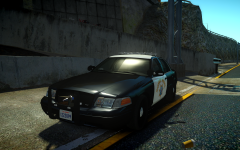
From the album: Kygo's gallery.
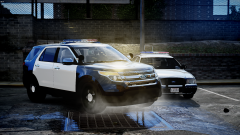
Lighting Stage 1: Rear Amber warning ( -- AA - AA -- ). No front warning Lighting Stage 2: Rear Amber directional with blue steady burn ( BB AA A AA -- ) Front either no warning, or entire bar, mirror and pushbar lights steady burning ( B - BB -- RR - R ) Lighting Stage 3: Rear Warning ( BB AA A AA RR ). Front warning ( B - BB -- RR - R ) Pushbar and speaker made by deco. Whelen Liberty made by KevinDV. Whelen Raider made by Hilth0. Soon to come in a lets say rather large CHP pack... -
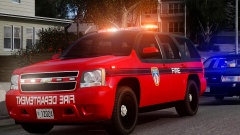 Thanks man and your pictures............ omygod.
 -
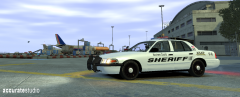 Very nice, I like. Very similar to the one I made but your rambar looks way way way better!
 -
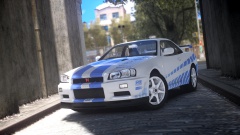 May he and his buddy rest in peace... Lesson kids, dont drive a Porsche if you cannot handle it...
 -
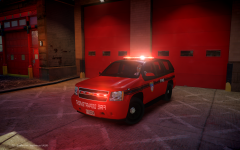
From the album: Kygo's gallery.
N/A -
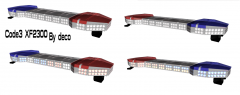 And to me it looks like this:
 -
From the album: Kygo's gallery.
- Code3 XF2300 modelled and converted by deco, Mounts by Matthias. -
 However still wrong, LASD use white mounts for their Arjents,
 -
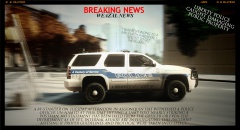 Lawsuit, Muricuuuuu
 -
Hit me up on pm, I made realistic modules for the Vision SL for Lt.Caine's SL.
-
-
-
![[WIP] DSF Ford F-150 Conversion](//s3-gallery.int-cdn.lcpdfrusercontent.com/gallery/album_1328/sml_gallery_3938_1328_185558.png) Sorry for being a partypooper, but you haven't really done anything to it according to the picture. You just imported it into Zmodeler unconverted and took a pic...
Sorry for being a partypooper, but you haven't really done anything to it according to the picture. You just imported it into Zmodeler unconverted and took a pic... -
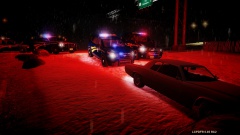 nice, but are the officers invisible?
 -
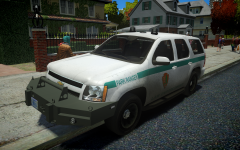
From the album: Kygo's gallery.
- Bumper scratch modeled by Deco, converted by Deco and Hilth0 of DumpsterFireArts -
Attach it to a existing collision.
-
did he just throw the dualshock4 against the wall?
-
Happy birthday! Just watch out for very deep holes, busy roads, knifes and cows(they kill more people than sharks do each year) because you'll need to be able to continue making your mod.
-
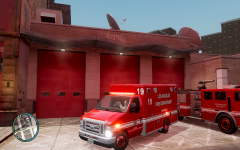 dude wtf is wrong with your handling... jeez.
 -
Yes you can. Good luck!
-
Without collision your car could ride trough a wall for example. Most cars have them as lowest in their hierarchy. Here is a collision of my Setina pushbar, when I attach it to the collision of the front bumper my pushbar won't go trough the objects:
-
-
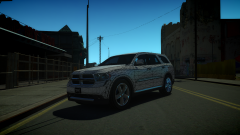 No he makes them to throw away when finished.
 -
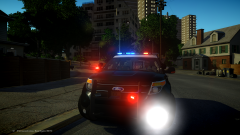 Nice... I'm making one aswell.
 -


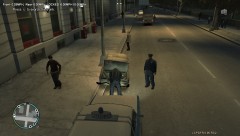

![[WIP] DSF Ford F-150 Conversion](http://s3-gallery.int-cdn.lcpdfrusercontent.com/gallery/album_1328/sml_gallery_3938_1328_185558.png)