


orso
Members
-
Joined
-
Last visited
Everything posted by orso
-
As White Diamond said, what version is your game? Also, gta5 crashes even if you play just the base game?
-
1.1: Update HeliAssistence here 1.2:Update Ultimate Backup here 2.1: Re-install BetterHitReaction some files are invalid And see how it goes
-
This is probably because you were out of ram, i think Try uninstalling scene manager and see how it goes Or maybe when playing with scene manager try to have only gta open or just don't keep having a lot of apps opened (if you had some apps opened)
-
Here: Here you have some cute mods and plugins
-
In SimpleCTRL there is RageNativeUI 1.9.3
-
Try launching rph as administrator if you didn't
-
Try changing "Plugin Timeout threshold" to "60000"
-
Umh.. ok, open the rph settings (when you start rph you'll see an exit button and the setting button) then screenshots
-
Ok, if you dont' have the file, open the "logs" folder and attach the latest one
-
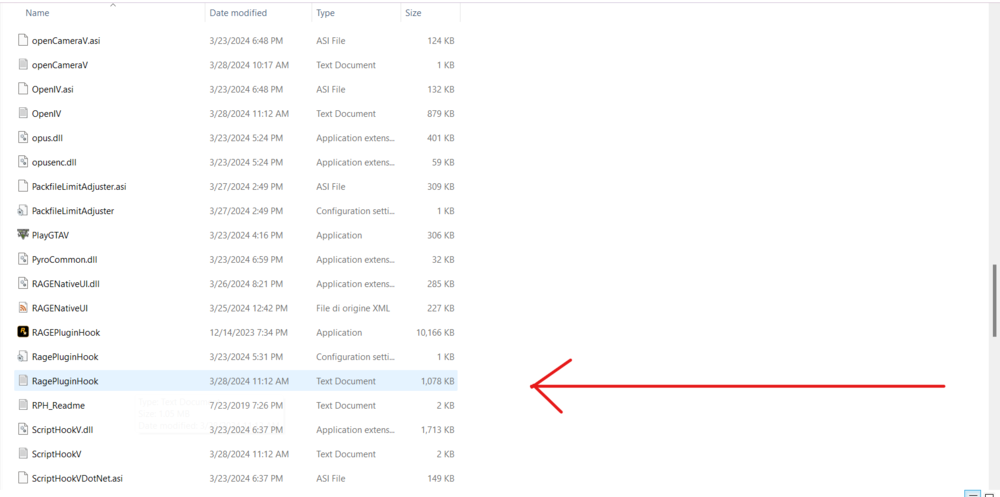
Attach the RagePluginHook.log here, it's located in your gta main directory
-
np 🙂
-
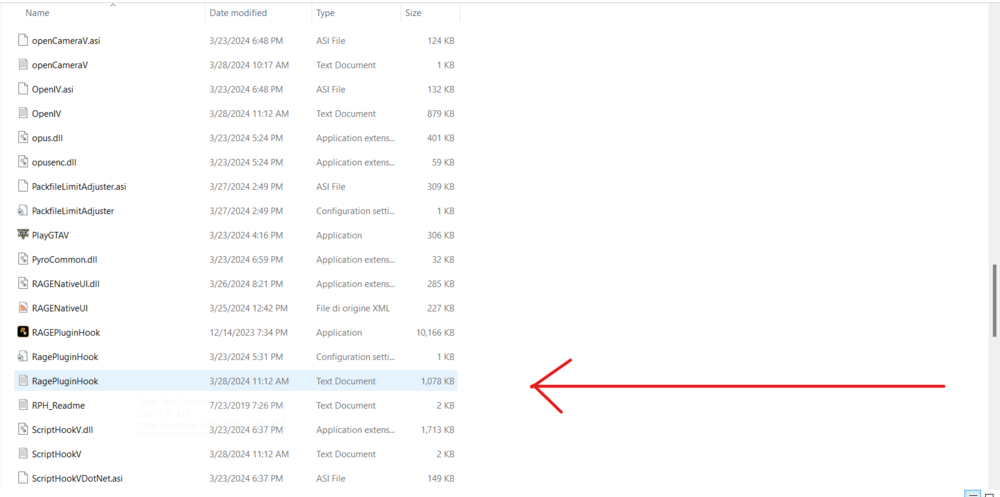
Please attach the RagePluginHook.log, it's located in your gta main directory.
-
try first intalling pyro.common as moderator told you and see otherwise try install lspdfr the other way, i didn't saw the pyro.common error XD
-
Now it works thanks!
-
Now it doesn't start, says "slow sistem or insufficient permission" i tried running rph as administrator and not
-
Oh yeah i forgot that lol RagePluginHook.log
-
So, i was playing lspdfr, after some minutes it crashed with this error message: Processing cache while it's still in use - one or more subcalls may have caused the thread to yield, i tried to load again the mod but it crashed after a few seconds with another error message: Object reference not set to an instance of an object. I wanted to solve myself but i never saw this problem 'til now
-
This fixed the problem for some users, open gta without rph, wait until you load into story mode and only then try to open rph and see how it goes
-
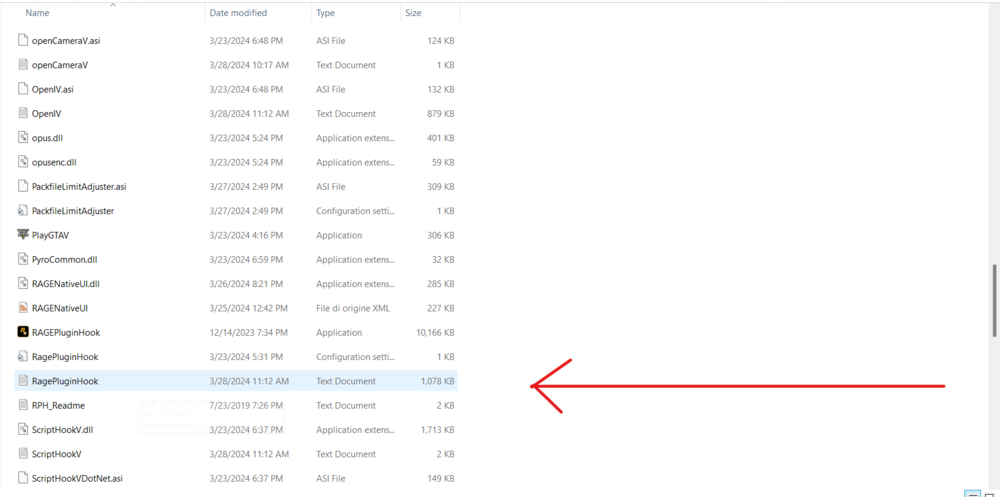
Hello please attach the RagePluginHook.log file
-
if you installed any mods i raccomend you to delete the mods folder in the main gta5 directory and re-create the folder to see if it's external mods problem or just the lspdfr mod
-
Try installing these: gameconfig.xml, heapadjuster and packfile adjuster (you can find them in gta5mods site)
-
Can you please re-send the log?
-
Try re-installing lspdfr mod, it's probably a mod problem
-
Go to the gta main folder > lspdfr > open the keys.ini file and on "ACCEPT_CALLOUT_Key" remove the Y key and select another one
-
Have you installed any mods? Like car packs etc..




