


orso
Members
-
Joined
-
Last visited
Everything posted by orso
-
Seems like a lspdfr mod problem, you installed lspdfr manually?
-
Glad to hear that!
-
Strange that it lags, maybe it can be a plugin problem, try removing all of the plugins and see if it lags, then put them back one by one To see what plugin causes the lag
-
No problem! 😀
-
Maybe it's a lspdfr mod problem, have you tried re-installing the mod?
-
Happy to help! 😀
-
try setting Main.DisableGameBlipHiding to true in your lspdfr.ini if it isn't
-
Try also remove steering wheel mod to be sure that isn't the problem, OpenIV should not be the problem
-
Yes, tell me if crashes again
-
In OpenIV did you downloaded ASI Loader, OpenIV.ASI and OpenCamera?
-
you need to download that and copy: RageNativeUI.xml and .dll files in the main gta directory
-
Update RageNativeUI -> link
-
In the main gta folder you should have a folder named "logs" open it and attach the latest log here
-
I see that you don't have ragenativeui, try installing that (here) and see if the problem still persist, otherwise you could try by removing every plugin and put them back one by one to see which one causes the problem
-
Happy to help!
-
Try updating ragenativeui from here
-
Try installing, gameconfig xml, heapadjuster and packfile adjuster (you can install them in gta5mods site) and see if crashes again
-
It's not necessery, just attach here the log so we can resolve this
-
Attach the rph log, it's located in your gta main folder
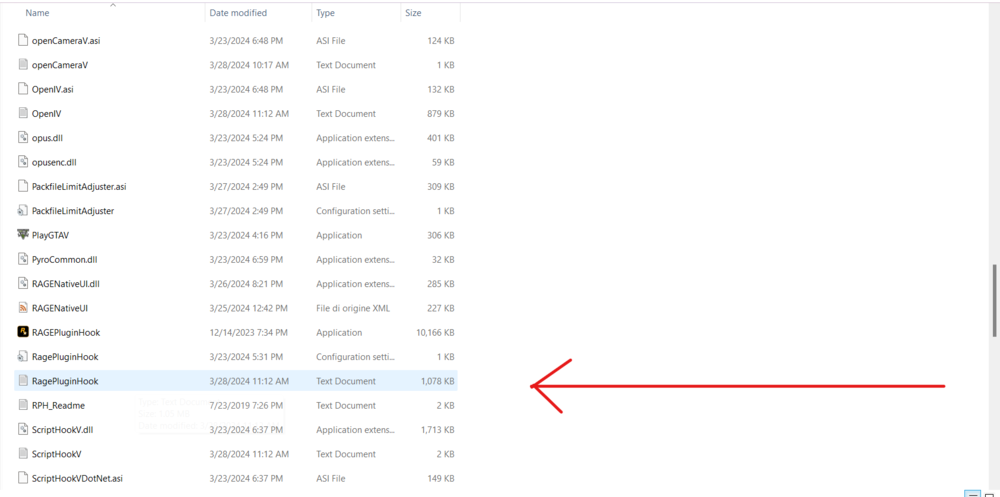
-
Well, it's a little harder, first what you want to do is select the file (left click on it JUST ONCE or you open the file) then right click and select "exctract all..." and you have your file now as a folder, then open the folder 'till you see these 2 folder "Plugins" and "LSPDFR" select these 2 folder (right click on those 2 file) and copy them in the main gta folder
-
You could try like YakinDaks said to install gameconfig xml from here, and you need other 2 plugins required for gameconfig: heapadjuster and packfile adjuster you can find them in gta5 mods site
-
Can you please re-send that screenshot i can't see it
-
Right click on the file and you should have write somewhere there “extract” or something like this
-
Extract that file, then open it and do the same steps I wrote up
-
Here: It’s old this so I can’t guarantee that works perfectly



