Andrew.
Members
-
Joined
-
Last visited
Everything posted by Andrew.
-
Quote war you say? Im pretty sure he was making it easier for people to read, rather then them reading one part of his post and going to yours to see what his reply was for. I dont see anyone being childish but yourself for what you said. Anyway, as a consumer, let modders release their mods how they wanna release it. Is it really gonna kill someone for a modder to release a vehicle locked? Get over it or make it yourself. Simple. Anyway, yall have a good day!
-
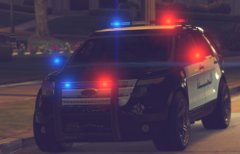 Dont worry about it. He is just showing it, not releasing it right now. Maybe its his own model? Anyway, looks good Stranger!
 -
 Ahh thats awesome, as for the background, where is that?
 -
How did you do the picture?
-
-
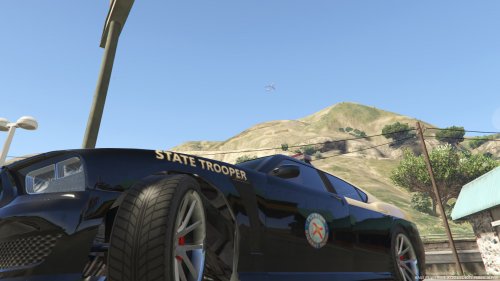 MUCH better. From the screens, id say its almost spot on, but i wouldnt know unless i installed it
- 41 comments
- 2 reviews
-
-
-
-
-
-
-
 Where is this at?
 -
Ive made a topic about this already, although i say yes, its not gonna happen. Sam simply doesnt have time for it anymore.
-
-
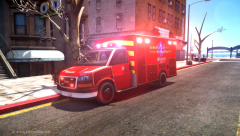 I want it badly xD
 -
Come to think of it, i believe it is CryENB v3, thank you!
-
Was this ever released?
-
Alright, this is gonna sound funny and weird at the same time but i havent played GTA IV in months, 5 to be exact. I forgot what ENB i had, and if yall can help me find out what it was, it would be greatly appreciated! Here is a video of it https://www.youtube.com/watch?v=bDqKaOA2qxc I didnt know where to post this topic, as it is support but not support..
-
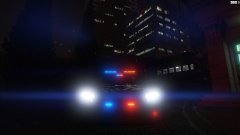 Looks good!
 -
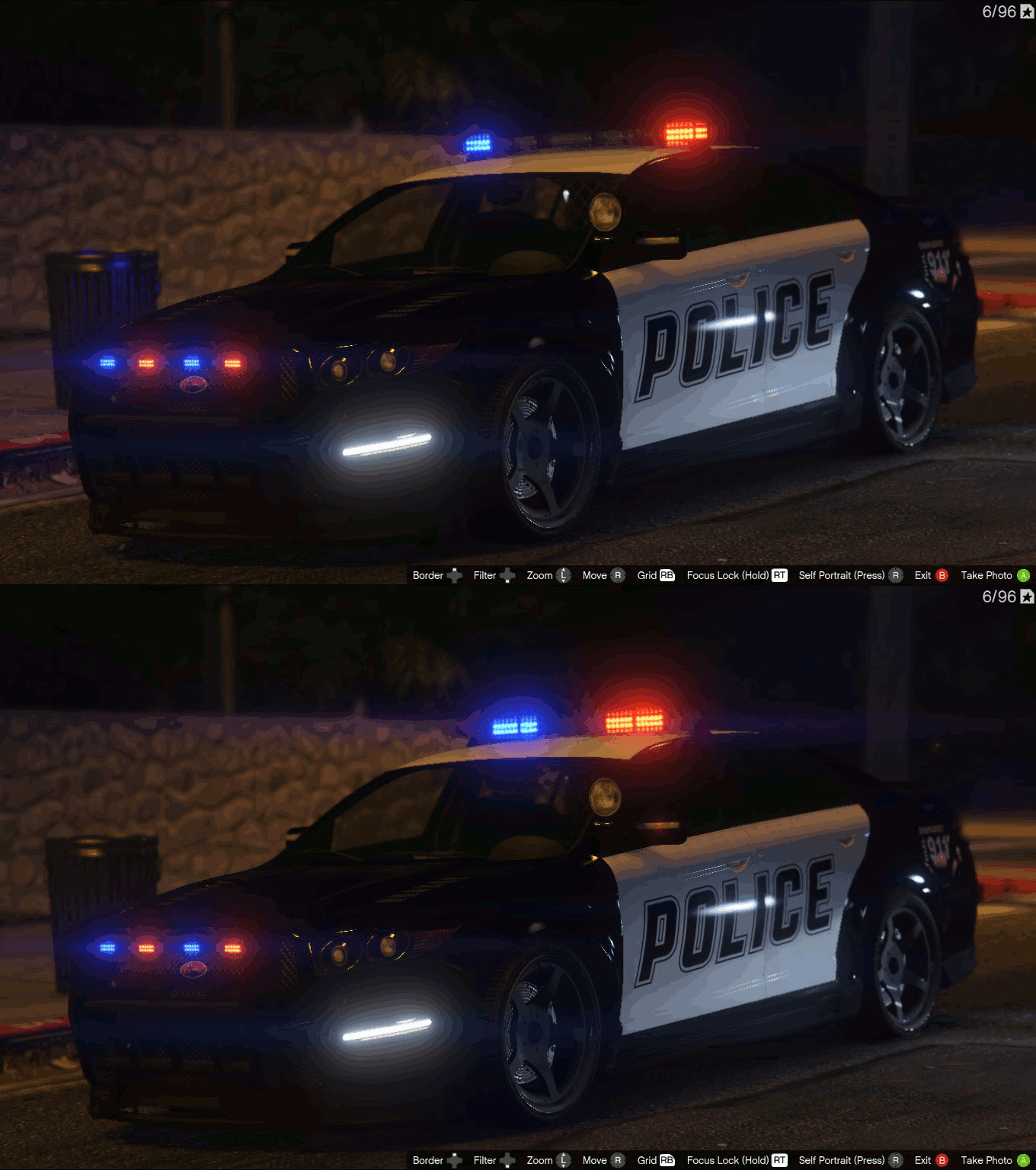 How did you get clear light bar and the light texture?
 -
 I couldnt agree anymore!
 -
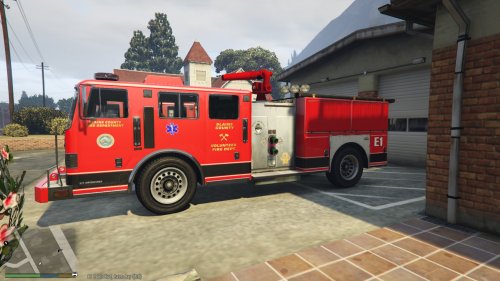
**Blane County Vol. Fire Department by AndrewL129** YOU MAY NOT REUPLOAD WITHOUT MY PERMISSION. -------------------------------------------------------------------------------- To Install: 1. Open OpenIV 2. Go to to "GTA V\update\x64\dlcpack\patchday3ng\dlc.rpf\x64\levels\gta5\vehicle.rpf" 3. Enable Edit Mode 4. Drag and drop "firetruk.ytd" and "firetruk+hi.ytd" into "vehicle.rpf" --------------------------------------------------------------------------------
-
I cannot figure this out for the life of me.....
-
May be a stupid question, but how do i change the texture compression when i import? Edit: I also tried to import DDS files, and the quality is still the same