249Xeno
Members
-
Joined
-
Last visited
Everything posted by 249Xeno
-
 what do you mean how can you use ALPR... download it from the plugin section.
- 476 comments
- 18 reviews
-
-

- 1
-
-
This is what I am getting when I load my RPH from my main directory. I already did, checked everything over and make sure nothing is missing, broken, and/or corrupted. Everything is in place, saw no error on the RPH log though. I tried to check YouTube for some clue but nope ... useless stuff on there. 80% of the stuff on there, the that makes the video has no freaking clue what they are talking about and make a long video over a simple stuff that can be fixed easy. This RPH crash is something else. Error message, but no clue as to what causing it. I would assumed that there would be a hint or a clue on the log to let us know and able to fix it. I was able to log-in with my RPH at first, but the minute I log off and try to log back in again, it'll crashed. NOTE: @Mando3 Hey, log ingame through steam if that what have your GTAV from and or log ingame with RPH launcher. If you do not have it, download it from RockStar website and install it. Once you do that, launch it. At the middle where it asked you to pick Story Mode, tab out and run your RPH from the main directory. Play the game a bit (5 to 10 minutes) at most and then log out. Log out of the game and then run RPH itself. Make sure you have " RageNativeUI " in your main directory, and once you ingame.. make your char and it should log everything that you have installed. If there are error(s), it will pop up and shown in your RPH log. From there you can fix your game.
-
.thumb.png.86be2b3ade84c284be026b09da46c41c.png) the funny part about this is that almost of the siren within GTA IV and V are similar to each other. Its so hard to tell them apart unless the person listen to the sound carefully and that can also be tricky too. This is why I like CHP because their tone are very different from everyone else and unique in their own way. I wish there are more of that.
the funny part about this is that almost of the siren within GTA IV and V are similar to each other. Its so hard to tell them apart unless the person listen to the sound carefully and that can also be tricky too. This is why I like CHP because their tone are very different from everyone else and unique in their own way. I wish there are more of that. -
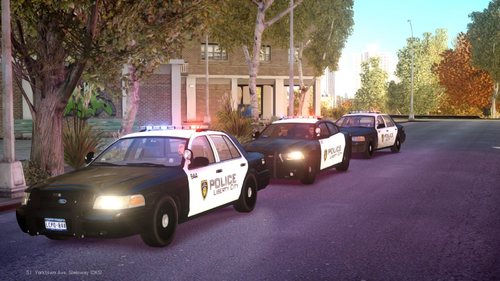 i am sorry. I did not realized that this is for GTA IV and not V.
 -
-
i got a question. Does the backup just pop out of nowhere when you do traffic stop? or you spawn them?
-
This is what I am getting when I load RPH from my main directory. Now the game is still loading but i have no console anymore or anything and after that it'll crash and/or freeze where I have to do task manager to remove it from the desktop screen. This is with me having Quant V/Reshade installed into the game. If I was to remove Quant V/Reshade out of the game, then yes, it will work with no crash.
-
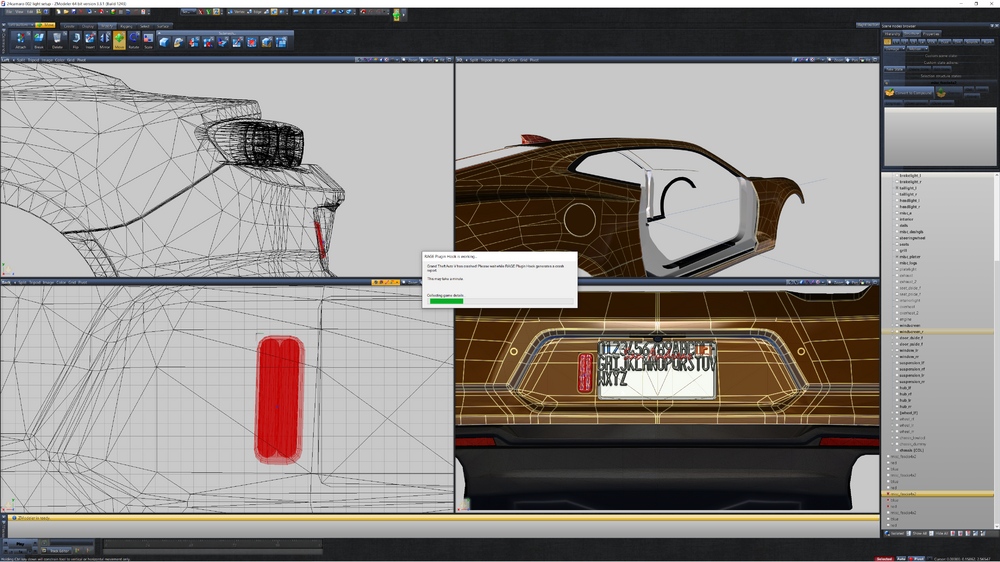
If you are on the current LSPDFR, you can use the advancehookv from the ELS folder. The separate advancehook was only there due to ELS was not running with the previous LSPDFR update. ELS has been fixed and does not need the separate Advancehookv. also note: ELS is out of date but it is still running as it should be. the owner of that plugin disappeared and nowhere to be found.
-
I have the same issue... It isn't SHV issue or SHVDN. Mod folder isn't the issue either, I had tried all of those myself and many other stuff along with it and yet the game still crash on start up when running the game through RPH.
-
I have read several posts by others that are having the same issue with mine. After updating my lspdfr and SHV, my game began to crash a lot whenever I try to run my game through RPH launcher that is from the main directory. I have notices that each time it crash was from my graphic mod (Quant V and Reshade) and I am do not know why. I began to make some tests to find out and get down to the bottom as to why my game crash on start up. I uninstall Quant V and start my game again and it continues to crash, so I knew it wasn't Quant V that was the problem. I continued by uninstall Reshade from my game making it just plain Vanilla game and start my game again. It ran with no problem. I re-installed Quant V and changed one of the file from Quant V "d3d12.dll" to dxgi.dll and also to dxgi.asi which was still crashing my game. I'm not sure why it does this because it was working fine before this latest update for lspdfr. Side note: I read a topic of a player removed his x64e from his folder and that make his game work which i tried the same and it wasn't doing anything. He has some of the exact issue as to mine with his game crashing at the start up. Any solution on fixing this issue?
-
 double check it to make sure you put everything in place and the code is correct to the EUP code so that way the game are able to see it.
- 160 comments
- 20 reviews
-
-
- 1
-
-
 no.. that was it.. I did not understood the note you left for night. He showed to me himself too.
 -
I dont know... You will have to YouTube that or google it. We do not deal with uniform for your Ai officer to wear when they arrived on scene, nor we have any control over it either. If you are in any discord, try to ask your members that may know how to config your Ultimate back and/or agency.xml. I am not going to give you an answer that I do not know the answer to, but my best bet is Discord members or friends that knows how to do it.
- 160 comments
- 20 reviews
-
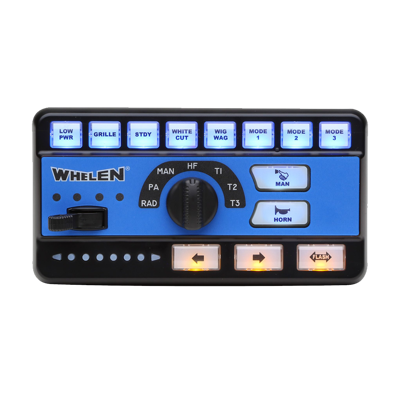 the siren is good, but i can hear static behind the siren or something. Are you able to make it more clean? I do understand what you're saying and I wonder if the default siren ingame uses Whelen cencom as well... if it does, that make sense why they sounds similar to each other.
 -
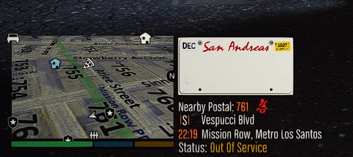 cool, thanks a lot.
 -
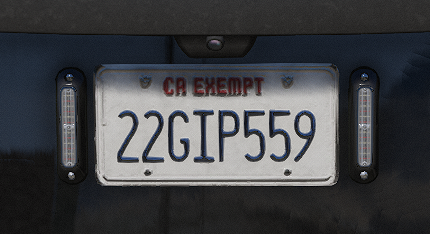
that looks great. I love it. but since this is for LEO plate, there are no letters and only numbers. I believe its seven numbers while for regular vehicles has four numbers and three letters, for an example "6SAR445." I can see that CA changes to SA since it is San Andreas but the numbers and letters should be the same as real plate. If that make any sense at all to you.
-
that isnt a plate for Cali ... dont lie. Regardless if its a lore or not, that still isn't Cali licence.
-
 appreciated
 -
No, i got that part.. Its the part where you said dlc.rpf. There is no dlc.rpf, could you show me where is dlc.rpf locate at?
-
I don't understand this direction Use OpenIV and navigate to your vehicle mod folder and drop all files into the folder. \mods\dlc.rpf\x64\levels\gta5\vehicles.rpf\ Its the dlc.rpf that i dont get. There is no dlc.rpf in mods, only x64, common.rpf and the other rest.
-
-
-
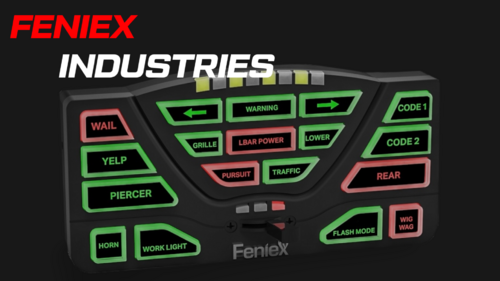 5 stars from me, even though I am not a big fans of Feniex but this one sounds good. Thanks a lot.
 -
althought that Feniex are not that popular and to be frank, they aren't as popular at all compare to FS, Whelen, Code 3, and Soundoff. But they do have some good sounds in them itself. You are right that some of the sounds does similar to NYPD and yet it isn't the same siren, but it is still good and I like the Phaser - Rumbler because it is close to NYPD as well with Hi-Lo too. I think the quality is good to be honest and very clear. I dont hear that clipping sound from your siren which is a plus in my eyes and yet it isn't so low nor high either. You are doing a great job and I appreciated that you are sharing your sirens with us.
-

.thumb.png.86be2b3ade84c284be026b09da46c41c.png)