


249Xeno
Members
-
Joined
-
Last visited
Everything posted by 249Xeno
-
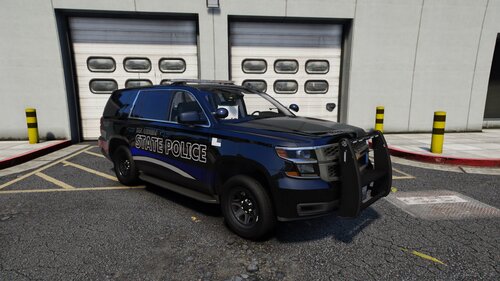 I had tried this theory before and it isn't true. even though the bodies are close and similar to each other and yet the year is just one year older. The skin will not fit. I had tested and tried on several cars with other skins. It will fit depending on the skin that was made for that current year. Like I just found out that the charger skin was for the 2020 Dodge charger and no other charger. Even the 2021 or 2023 will not fit that skin.
 -
-
 I love this event callouts. I just don't like how I have to get very close just to have the conversations. I suggest backing up the distance a bit to activate the conversation between the Ai and the officer. I ignore those callouts and just focus on chases, traffic stops, and even weather conditions with speeding.
- 194 comments
- 21 reviews
-
-

- 1
-
-
-
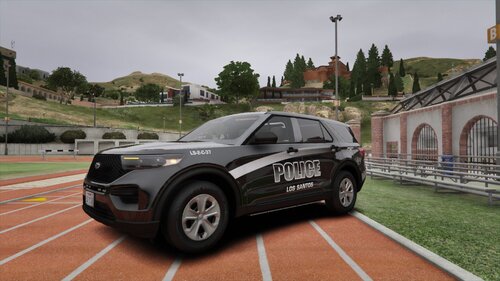 YO!! I LOVE YOU!!!! YOU ARE FREAKING BEST!!!!! I don't know what can I say to express how much I love your vehicle textures! This will be my set for my Los Santos vehicle!
 -
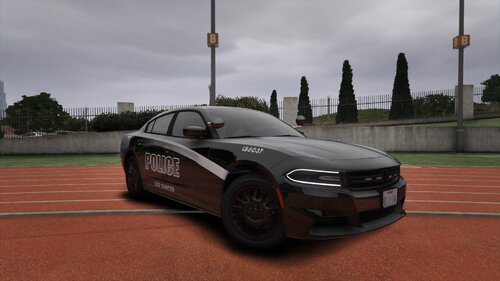 Thank you, Thank you!!!!!
 -
I see what you mean between the PNG and the DDS. Is there any way I could get it in PNG? because I love your template. I would like to use it, it works perfectly for me to do a grave shift patrol and it is so amazing.
-
That is what I did. I saw a vehicle that I wanted to change the texture from theirs to yours. But I couldn't change the size of the texture of your skin so I could do a drag and drop into the .ytd file. The skin texture would not accept the resize. If I could get a resize of 7086x7086 for the 2018 Dodge charger in png would be grateful. I'm not sure why, but it accepts png more than the .dds.
-
 why is this discontinued? I think there is more to do with this... I think there should be more updates.
- 47 comments
- 10 reviews
-
-

-

- 3
-
-
I like the design of the 2018 Dodge Charger. It goes excellent with evening and night shifts for patrolling while traffic stops. The problem is I cannot scale it down to what I wanted it to be for texture design with Gime, Can you fix that part? I know PNG can be done but why not DDS?
-
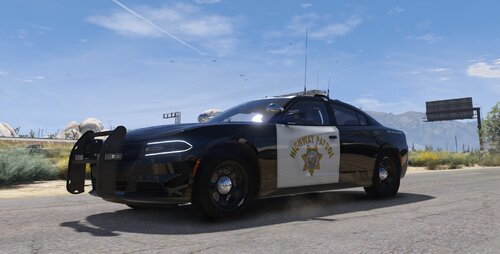 DOPE!!!! LOL>>>>
 -
if you are using dlc/addon. You will need heap limit, Pack limit, and game config. Also, make sure you are adding it right
-
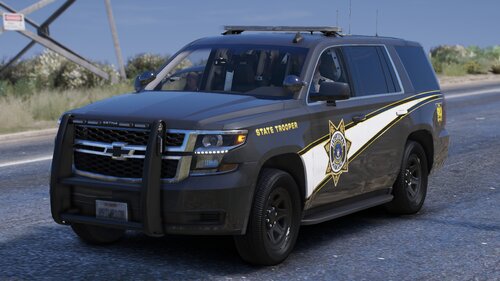 ED IS A SCAMMER!!!!
 -
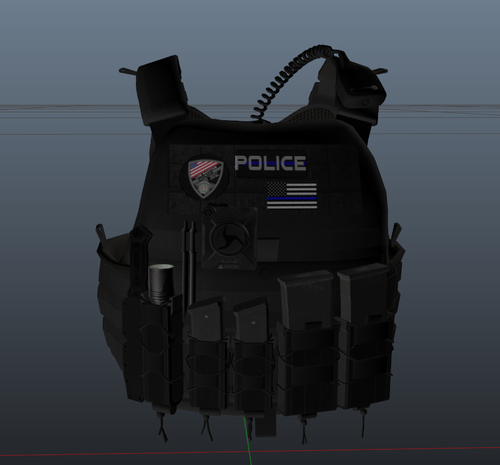 I will use this vest to remember the officer Jimmy who passed away. Although I didn't know him in person, my parents knew of him and spoke with him several times before he passed away. I wish I had met him before he passed.
- 11 comments
- 3 reviews
-
-
- 1
-
-
 it would be. The ALPR+ seems to be good from what I have read and I don't think the author has any intention of updating it either, I think this one will be discontinued but I wish the author would put that so we all are aware of it. It can be that the author is also busy with real-life stuff and has no time for this. Either way, I hope the author comes back and updates it for the new LSPDFR update. I am looking forward to this one more than because of the features it has.
- 153 comments
- 32 reviews
-
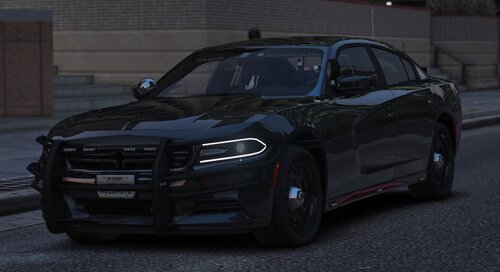 dude your car looks amazing as always!! I see the car is designed for gang units, but this car can be used for highway unmarked units too. The hide away light bars are also awesome and it is always in the right place to not be detected. I think if the car are in a different color besides white and black would be nice. I can tell that this car would be nice during nighttime vs. daytime. Maybe red, or mix in with others besides white and black. Either way, I love your car and I use it most of it, even in an addon too. Btw, what year of the car anyway?
 -
 I have done that already. I went through the whole thread and still couldn't find the answer and most of the answers that I had seen had already been tried.
- 107 comments
- 8 reviews
-
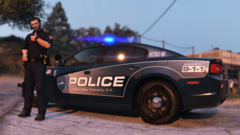 when will it be released? I love the skin of that car and it looks so amazing.
 -
Anyway, we can get this skin? it look amazing
-
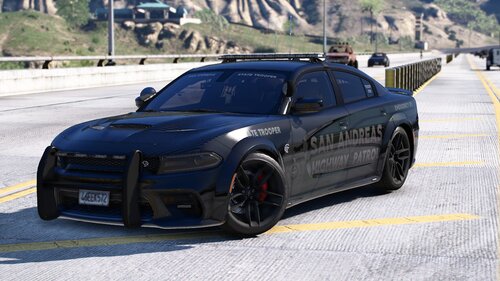 I love it! The car looks amazing and the light patterns. This is an amazing vehicle and how it was designed. I can't wait to see more cars from you and I can use them a lot too.
 -
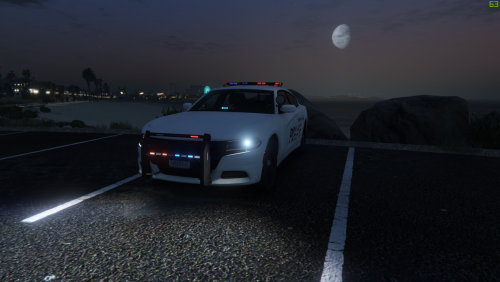 This car looks good and I would like to keep it for the 4th of July which, next year. However! I have an issue with the rooftop lightbar and the rear interior light bar not lighting up, is there a way to fix that problem? The car will be useless if I am unable to get that working. It's not the tint that is the issue, even the rooftop lightbar does not work either.
 -
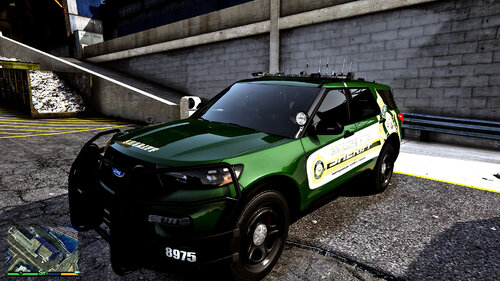 I did and I even put false as you instructed and it does not seem to work. Would it be okay if you update or minor fix that issue and attach it to the reply? I don't want to mess it up. much appreciated
 -
-
The car skin looks fantastic and I like how you set up the light. I want to use this during nighttime when it can't be seen and I can catch them quickly. I am however curious why the rooftop light bar flashes two solid red lights and cannot be turned off. Is there a way to fix that part?
-
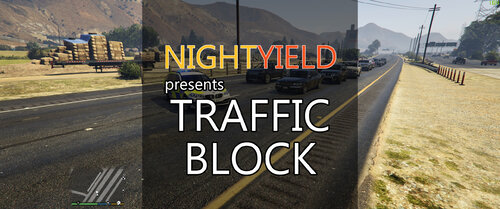 Question. I love this script! It works very well when I do a traffic stop or when I am on pursuit. But I want to know how come it does not work on the motorcycle. Is there a way or a code that can fix that issue?
- 113 comments
- 10 reviews
-
-
- 1
-

