
K7BSamuel
Members
-
Joined
-
Last visited
Everything posted by K7BSamuel
-
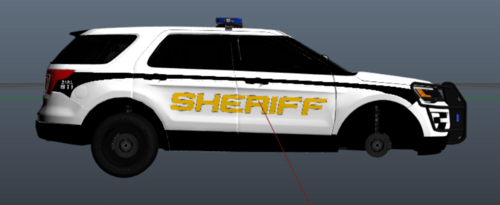 ok that's cool but this isn't LASD lol Real LASD: Hold on, did you just draw over Kilroy's livery and recolor the text? The license plate is even an exact match aside from the recoloring.
 -
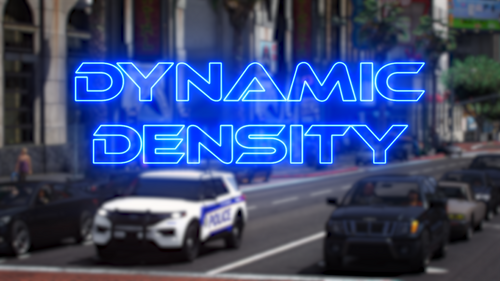 Watched @Luckyx49make fun of Astro while making this, 5/5 would recommend. Really is a great way to spice up your game.
 -
 10/10 best loading music ever, totally gets me in the mood to play LSPDFR https://www.youtube.com/watch?v=AIC1cyF7CrI
 -
 Wish I could give 10 stars instead of 5, this is simply the best callout on the site for LSPDFR 0.4, surpassing even Coastal Callouts and SuperCallouts. This needs to be placed in the Essential Mods category, best callout ever. 10/10.
- 47 comments
- 10 reviews
-