
Wehrmachgt
Members
-
Joined
-
Last visited
Everything posted by Wehrmachgt
-
-
-
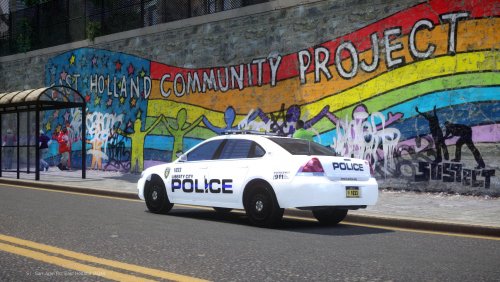
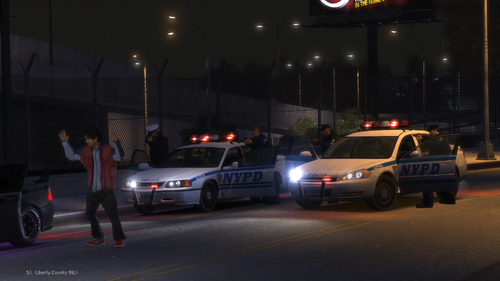 Beautiful! Literally the best car pack overall for LCPDFR. I want to highlight the chevy impala, in most packs tail lights are blinkers, but here ooboylel picked the right car model with proper indicators, Outstanding.
 -
-
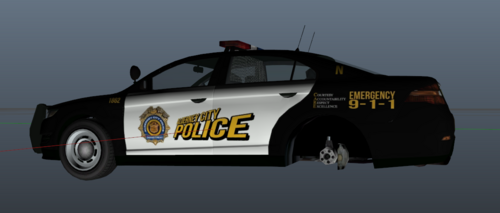 Non ELS right?
 -
I know you won't answer but what is the plugin you used to show your location and direction like GTA V's Player location display?
- 8 comments
- 6 reviews
-
-
-
-
Anyone got the new hashes?
-
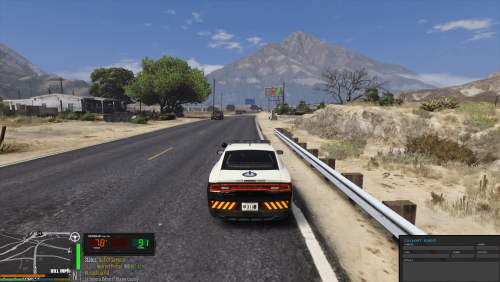 Pretty good but cars in LS are too fast they dont have time to react to traffic lights and run red light, also cars started to spawn out of nowhere and ram into me. Dunno man, still pretty good mod.
 -
 Did the mod update? It doesn't work. Launched multiple times, weapons dont show on back and i can't open the menu (pressed all my F keys) No .ini file too. I'm on 3095, though i played with this plugin a few months ago on the same version and it worked well.
- 266 comments
- 22 reviews
-
-

- 1
-
-
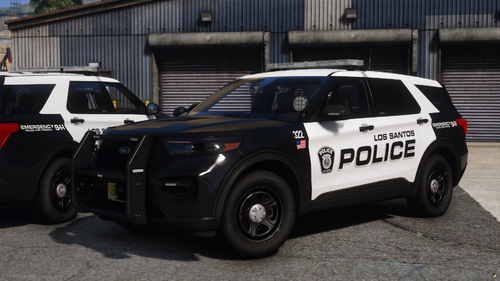 Simple, optimized and good looking liveries, would recommend!
 -
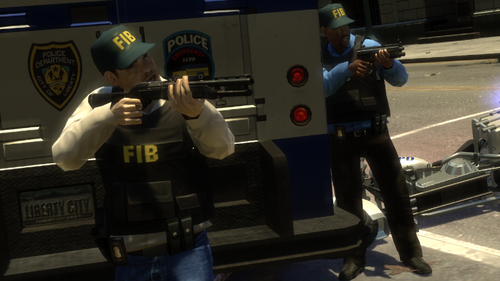 Summer of 2024. GTA IV LCPDFR Modding is still thriving. Much respect to you man.)
- 13 comments
- 1 review
-
-

- 1
-
-
-
 Sup. To make this work you need a gameconfig and everything gameconfig requires/recommends such as heap adjuster and packfile adjuster. Install gameconfig both into GTA V folder and into the root gameconfig instruction says (i forgot), Also, dont forget to set up your heap adjuster and enter the correct archive_count number. If that doesnt work, then maybe its recent GTA V update that is breaking it, wait for update then.
 -
-
❤️
-
-
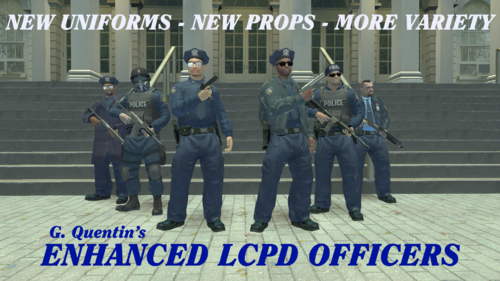 I quit IV and moved to V, but each one of your mods make me want to come back and try some vanilla+ gameplay with your mods. You are a credit to IV LCPDFR modding!
 -
-
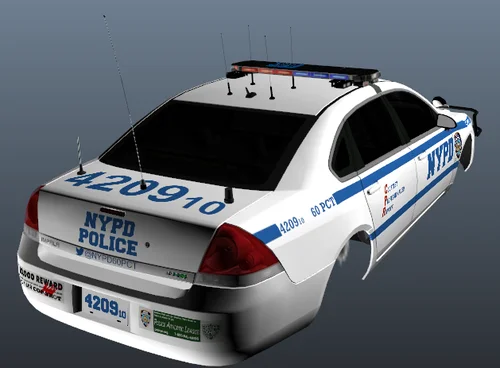 Livery pack inspired by brighton beach 60 Precinct NYPD WARNING: This livery pack contains liverys only for following three vehicles - CVPI, Charger, Impala Didnt try to be real, but tried my best at being auenthetic, used lotta real life photos as a reference. Screenshot is some development screenshot - i created this livery pack back in 2023, i decide to upload it because why not, originaly i created this pack just for myself, right now i moved to GTA V, sooo.. yeah. How to make Defender Pack work: Do not install extra cars (like ford exploders) and install just a few cars as replaces (i personally had impala for FBI, CVPI for prisoner transporter or noose patriot (i dont remember), and Charger for noose car. you can also install cars you like as replacements for police and police2 and rhino's), install handling files and carcols as replacement too, and after that Defender pack will work cool without crashes, but yeah, you wont have extra cars like new ford explorer. ANOTHER WARNING: Do not expect quality, as i said, this pack was made just for myself, the pack itself is pretty mid, so dont expect much. Installation: Go to vehicles .dds in vehicles.img of the vehicle (impala for example) and find an image inside .dds (open with OpenIV, make sure you have editor mode on) with text "(vehicle name, impala for ex.)_police)sign.png" or something like that, it should have Sign in it's name, then, replace it with the mod picture.
 -
 I fixed my crashing issue, i didnt install my gameconfig properly and didnt adjust my heap limiter. Install gameconfig both into GTA V directory and into common/data in OpenIV (read gameconfig install) and adjust heaplimit adjuster .ini to match the ArchiveCount in gameconfig.
- 73 comments
- 1 review
-
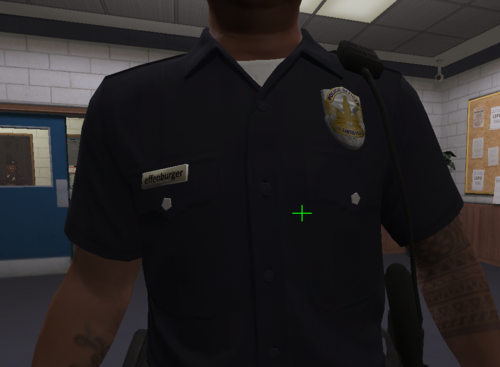 Kid named effenburger
 -
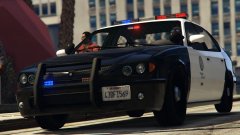 I know its eight years ago, but, where can i find this version of LSPD merit with this bullbar and lightning?