
Wehrmachgt
Members
-
Joined
-
Last visited
Everything posted by Wehrmachgt
-
-
 Cant acess add-on google drive, says its either deleted or improper URL, does anyone have that problem too?
- 951 comments
- 158 reviews
-
-

- 1
-
-
 Not the mod issue, but cars give crash, outfits as standalone are convenient and good tho
- 262 comments
- 20 reviews
-
-
 Yeah
Yeah -
 its not the car, it's GTA V physics. If you want cars to feel more heavy and uncontrolable try mod called RealisticDrivingV
- 159 comments
- 10 reviews
-
-
- 1
-
-
 i was searching for mods while on fent this one is good
 -
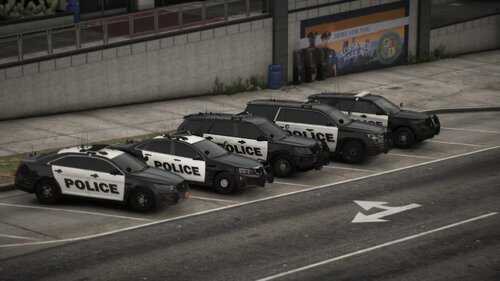 Link on cars?
 -
 ctOS? Daamn thats a good refference.
 -
-
 Thank you for the plugin, i like it! is there any possibility you can add Stop The Ped compatibility?
- 229 comments
- 31 reviews
-
-

- 1
-
-
I like this, i enjoy this. 1. Cars are optimized, i play on 4GB ram with old video card on Intel core 2 duo and after i installed those cars and RadianceV my game works fine with no lags. 2. Liveries are dope. I am not talking about the liveries themself as it's the matter of taste, but noting that the liveries are HQ (maybe even 4K i don't know, you can literally read the text inside the badge on the sides) and that doesn't case my game to freeze or lag, as said, cars are very optimized. 3. Lightning - no christmas light stuff: just a regular-looking lightbar, lights at pushbar, big light line at the rear window, and two small lights at rear license plate - Perfect. 4. Lightning patter - on code two only your main lightbar will turn on, which is best for traffic stops, and on code three all of your lightning turns on - I just wanna say how cool the patter is and how it flashes, i enjoy watching this. Also - pattern depends on currently playing siren - Dope! Five stars, i didn't play with other car mods but i can surely say that this is the best for me and i will continue playing with it! Thank you BC for creating those cars!
- 159 comments
- 10 reviews
-
-

- 1
-
-
Helped me, thank you!
-
-
 Same here, installed everything correctly, crashes on loading with RPH. All i got is EUP, ELS, Radiance V and a couple of callouts and mods a few plugins like Stop the ped, Compulite, Prowler.
 -
 Bro i bet 50% of people who downloaded, downloaded just to make their police paramedic OC lmao Good pack tho, thank you
- 79 comments
- 27 reviews
-
-
-
 Uhh... I know this is 2024 but please can you give us link on the siren you used? And how the hell did you make it switch from normal to rumbler even tho you can have only one siren in GTA IV? Come on man this siren sound really dope!
- 48 comments
- 1 review
-
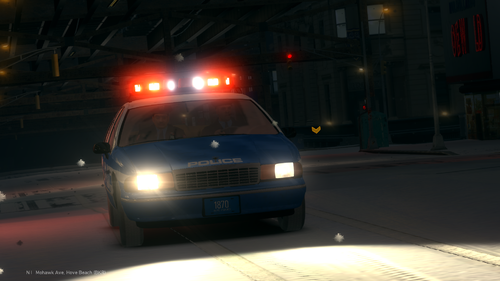 He keeps making us happy!
 -
 I like them!
 -
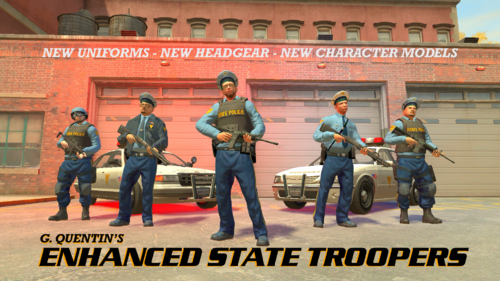 OMG, This looks FIRE!
 -
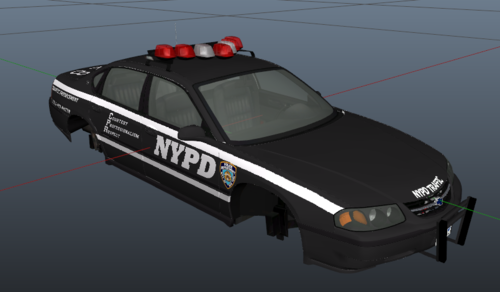 I tried to make it look like it looked on real impalas, and i think the result is pretty good. Installation: Open police2.wtd in vehicles.img, you will see file called "impala_sign_1", now replace it with "impala_sign_1.png" from the zip you've downloaded - Tada, you've installed the livery! So uhhh... that's it, just a mid livery for chevy impala, i'm not a big/skilled texturer or modder.
 -
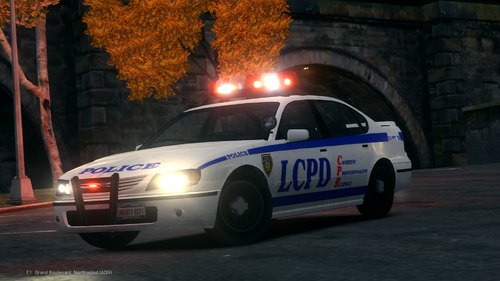 Hi! Since last update the vehicles became UV mapped. I tried to open them with ZModeller but .wft models just won't open, no error messages, i just get a green cube and that's all. How do i open those models? i just want to make some liveries for police2 and police Sorry if my question is dumb, i am a complete zero in modelling and that kind of stuff, i just don't know how to work with new liveries.
- 30 comments
- 2 reviews
-