


Mikey7436
Members
-
Joined
-
Last visited
Everything posted by Mikey7436
-
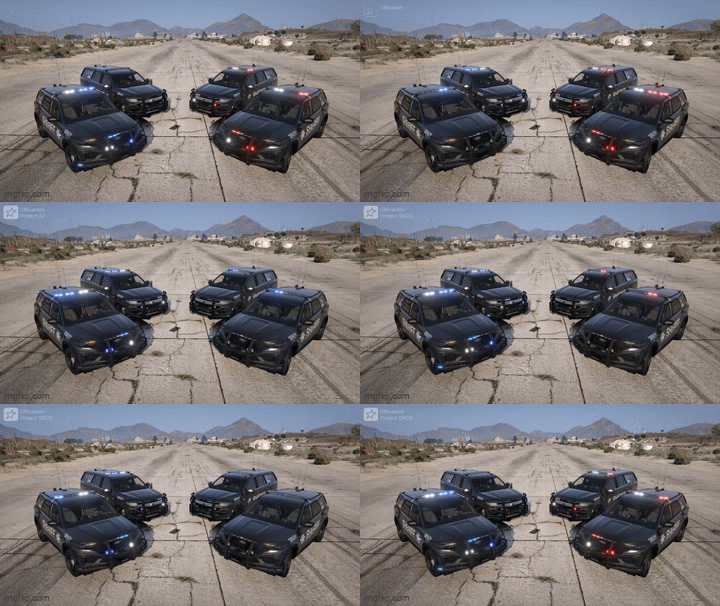 What stage lighting are these?
 -
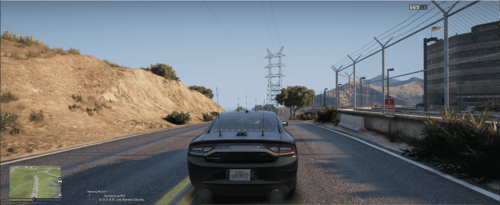 This use to work for me. Now when i get a call out the route is incorrect. It is like a straight line to the destination instead of following the roads.
 -
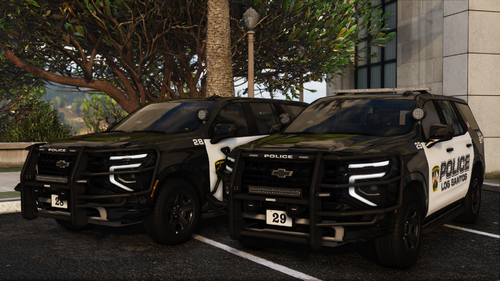 Ahh ok. Does anyone have problems that you know of? I would really like to try it out.
- 47 comments
- 7 reviews
-
-

- 1
-
-
I went to go download SSLA, but it looks like it is known to cause issues. Why make a pack that is know to cause that requires a mod that is know to cause issues? Otherwise from the pictures they look great.
- 47 comments
- 7 reviews
-
-

- 1
-
-
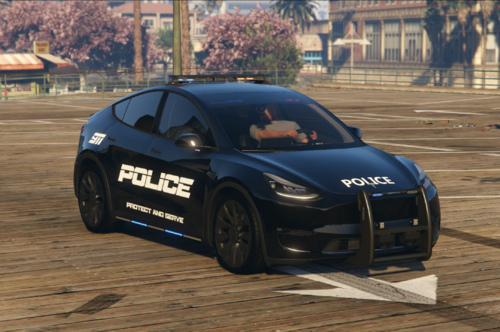 Not sure if this happens with the replace version, but with the dlc version I have an issue. When getting out of the vehicle, I'm standing half in the vehicle and half out. Also when I run to the vehicle to get in he just circles around the door and the times when he does get in he doesn't open the door, he just appears inside.
 -
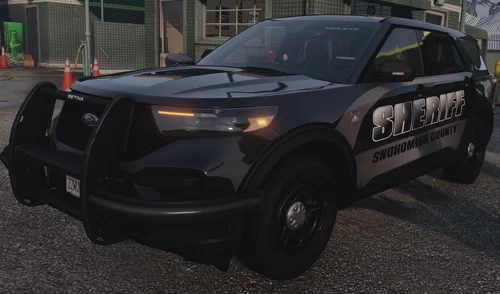 Same question as the other person. Is this vehicle all blue lights? Or are they red as well?
 -
-
-
-
-
-
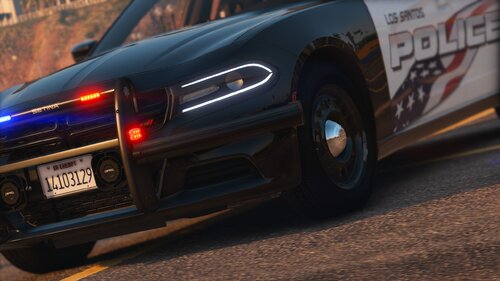 I see this is an add-on pack. The ELS files are named the same as the replace police and police2 els files. Once I copy over your ELS files isnt that going to replace the els for the current replacement vehicles and mess something up?
- 22 comments
- 4 reviews
-
.thumb.png.656f907bc2febc81911b0b821cb502c8.png) Is there anyway to keep this on the screen or bring it up on the screen like you could with compulite? I just don't really like alt-tab to switch to this mod then switch back to the game. Otherwise this is fantastic
Is there anyway to keep this on the screen or bring it up on the screen like you could with compulite? I just don't really like alt-tab to switch to this mod then switch back to the game. Otherwise this is fantastic- 351 comments
- 45 reviews
-
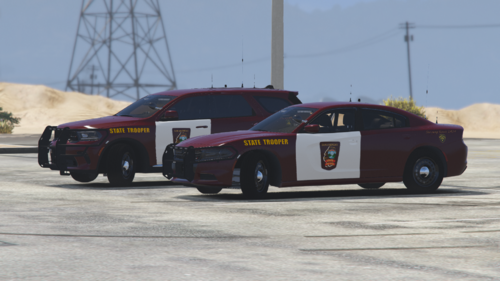 I love it. I'm trying to find all Minnesota based and this is a perfect start to it. Thank you.
 -
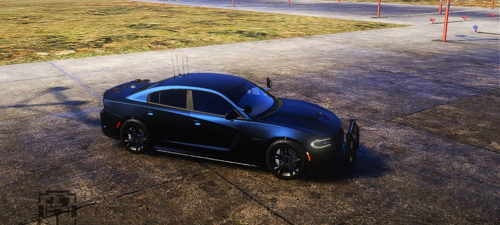 Alright I will check it out
 -
I installed this as an add-on and when I went to load it, my game crashed. I also tried going into the actual dlc folder in open iv and it says cant open the file is corrupted.
-
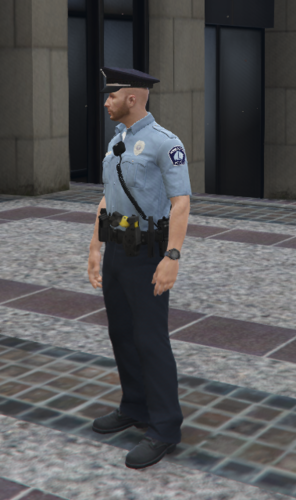 I wish I could use this. I have eup but never added a uniform pack so no idea how to do this. The only thing I do not understand is the renaming.
 -
This is a must have for a widescreen monitor. Everything is perfect.
-
WOW!!!!!!!!!! you have no idea how nice this is. I have to say this is by far the best mod that has ever came out. It is even better then sliced bread.
-
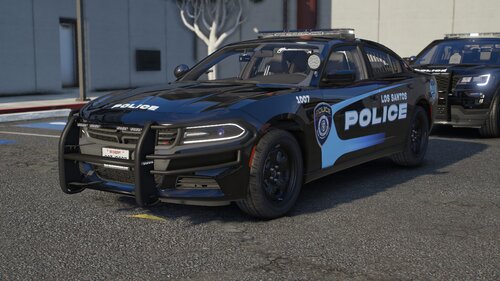 I love the colors of the vehicles. Although what i want to do is use it as a dlc and not replacement. I only see the replacement xml files and not the xml files for the dlc.
 -
-
 Just an FYI this only has stage 3 lighting, which i didn't know until I tried it out.
- 168 comments
- 18 reviews
-
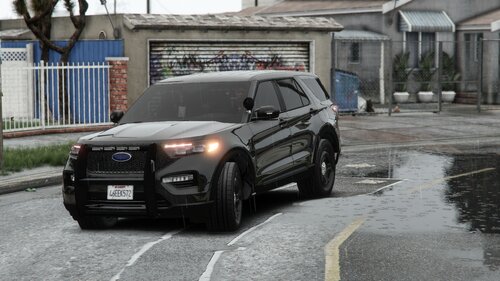 This is phenominal. I see that you just have the parking lights on the unmarked explorer. Is that just for show or is there a way to be able to do that?
 -
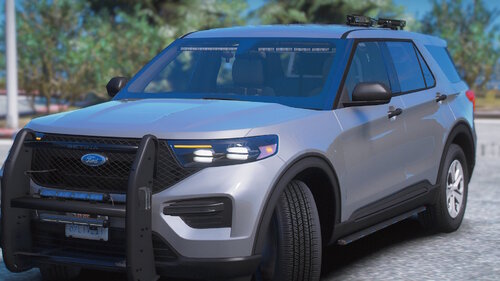 Then you did not do it right. Do you have simple trainer or something like that to spawn the vehicle?
 -
What ever the folder name is will be the DLC List file name. For instance this one it will be <Item>dlcpacks:/FPIU/</Item> What ever the folder name is will be the DLC List file name. For instance this one it will be <Item>dlcpacks:/FPIU/</Item>
.thumb.png.656f907bc2febc81911b0b821cb502c8.png)


