


This is it
Members
-
Joined
-
Last visited
Everything posted by This is it
-
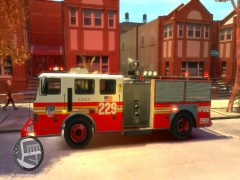
From the album: FDLC/FDNY
At the scene of the Co2 emergency. Waiting on Engine 13 from Queens to respond code 3. -
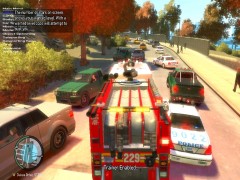
From the album: FDLC/FDNY
Responding in heavy traffic to a car on fire. -
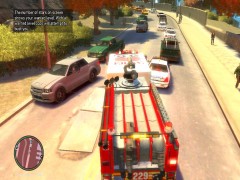
From the album: FDLC/FDNY
Engine 229 responding to a Co2 emergency. -
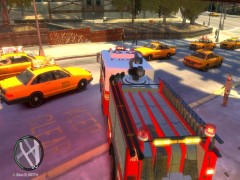
From the album: FDLC/FDNY
Responding to an MVA Engine 229. -
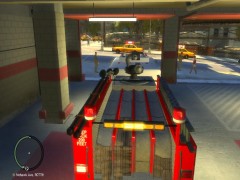
From the album: FDLC/FDNY
Leaving quarters for an MVA -
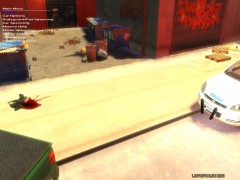 Dog died at the scene* ASPCA removed the dog from the area as the NYPD cleaned up the dog's blood.
 -
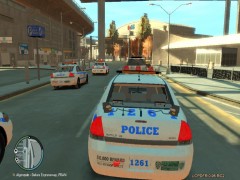
From the album: NYPD
Terrorist report was a false alarm. Leaving the scene. -
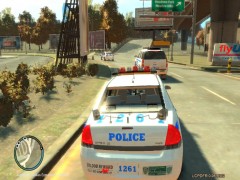
From the album: NYPD
NYPD Hybrid SWAT truck that responded. -
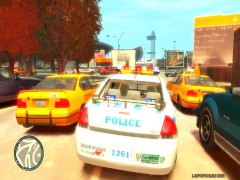
From the album: NYPD
Responding to terrorist activity at the airport. -
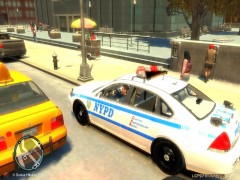
From the album: NYPD
Lunch break... 2 hotdogs and a Mountain Dew. -
From the album: NYPD
Responded to a driver who hit a stray dog. Driver was allowed to leave after the NYPD ran his license. Man never even had a parking ticket. Dog died at the seen. -
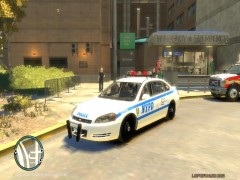
From the album: NYPD
At the hospital in Broker. Officer was shot last night due to gang violence. Watching the hospital for any of the involved gang members. -
-
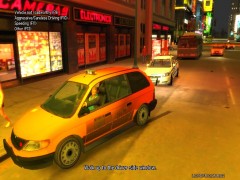
From the album: NYPD
Driver who was arrested for a outstanding warant for a murder in Queens. Photo taken by a NYPD camera in Times Square. (Photo zoomed in so the driver's face could be seen.) -
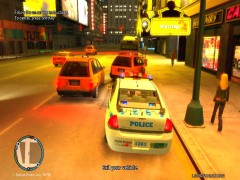
From the album: NYPD
Traffic stop in Times Square. Driver ran red light and was arrested for a outstanding warant for a murder in Queens. -
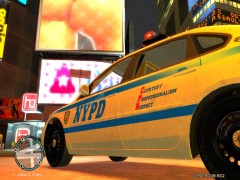
From the album: NYPD
The NYPD's motto ''Courtesy, Professionalism, Respect.'' -
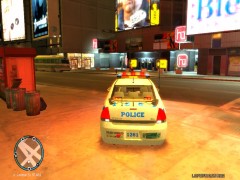
From the album: NYPD
New Impala! Best one ever. Thanks to EVI for the Impala. -
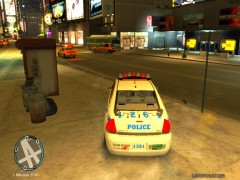
From the album: NYPD
Watching a pair of taxi cabs. Looking to see if they run a red light. -
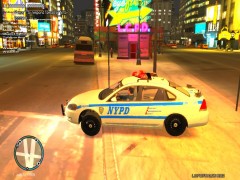
From the album: NYPD
Times Square patrol night shift -
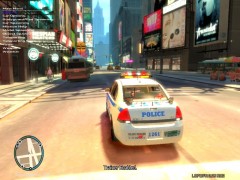
From the album: NYPD
Times Square patrol -
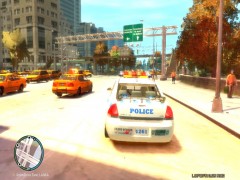
From the album: NYPD
Responding to a alarm at one of theBank of Liberty banks in Manhattan. -
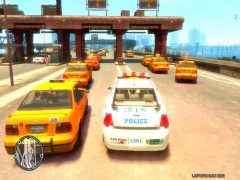
From the album: NYPD
East Island Bridge. Backup at tolls for heavy traffic -
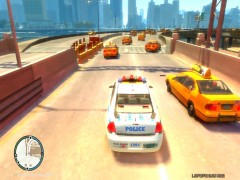
From the album: NYPD
Responding to a MVA in Broker -
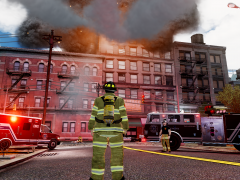 wow! @EFox me too...
 -
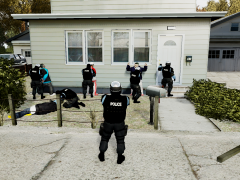 What you can do with snt... looks cool!

