


eazbox
Members
-
Joined
-
Last visited
Everything posted by eazbox
-
 @BOXmanHello and thank you for sharing this mod, i think i found two bugs on this, first one is, if you try and change the rims/wheels then my game crashes to desktop and the second is it wont allow me to upgrade engine/transmission/suspension etc, there is no option for this in trainer, in other car mods i can. Last thing, i like to ask, what file is the skin/texture/livery on this car? I cant find it and maybe you can also share a Template?
 -
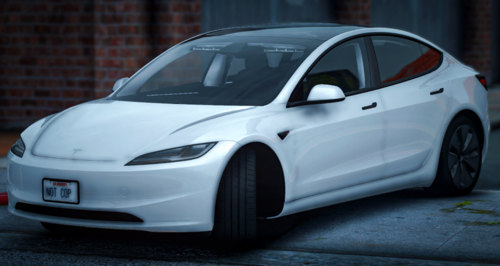 Thanks for this, works awesome in SP as addon 🤩 Cant wait to see if there will be a Marked one as LSPD 👍
 -
 Thanks for update, tho, i will not download it since the really old version works just fine 😄
- 72 comments
- 6 reviews
-
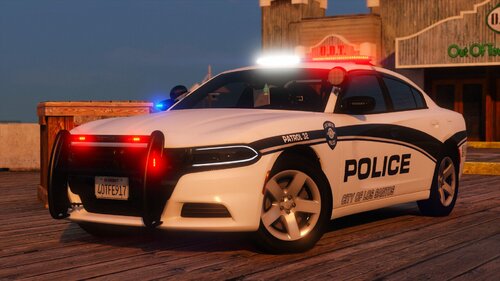 @ScorpionfamHello, i like to say Thank you for this pack, they look very good 🤩 I also like to ask, when you or anyone else writes 2023 charger, i always think, i cant see the difference between a 2018 and 2023 on the exterior of these models, maybe you can tell me that, i also tryed to google it and with 0 luck.
 -
 Thanks, does this mean i have to update my meta that i used from this?
 -
@Emergencymodder112 Hello, it says updated today, what did you change?
-
Maybe i can inspire you to try the Sheriff too 🤩 Found those on google.
-
Hello, wauw, that was fast and yea now the lights show blue too 🙂 Thanks so much for this and Thanks for Template.🤩
-
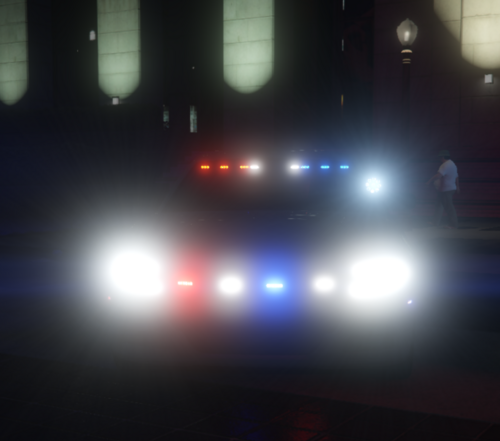
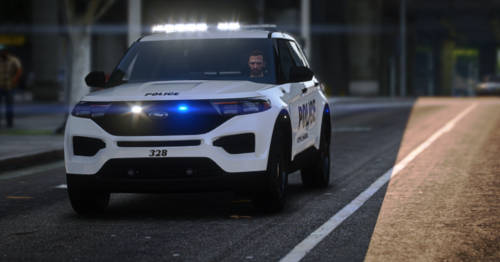
Hello again @Emergencymodder112, i just tryed the car and it seems that when you have the emergency lights on, then the lightbar on roof is White when you stand infront of it and looking at the windshield, shouldnt they have been blue? From front : and from rear: It is also at the rear lights on roof, shouldnt they be blue blue or blue and red?
-
Hello @Emergencymodder112thanks for sharing this, i like to ask, can you please share a template for the car?
-
-
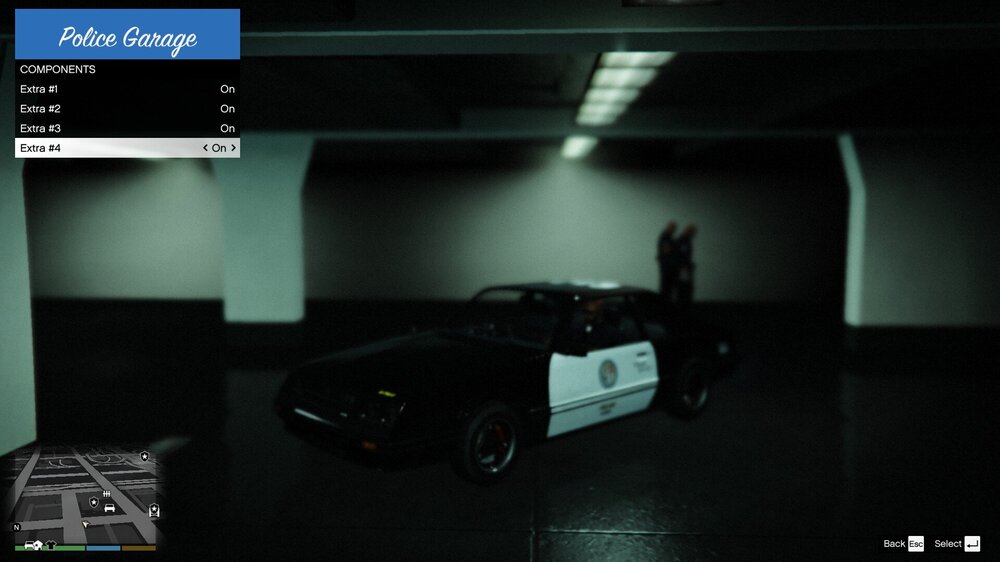
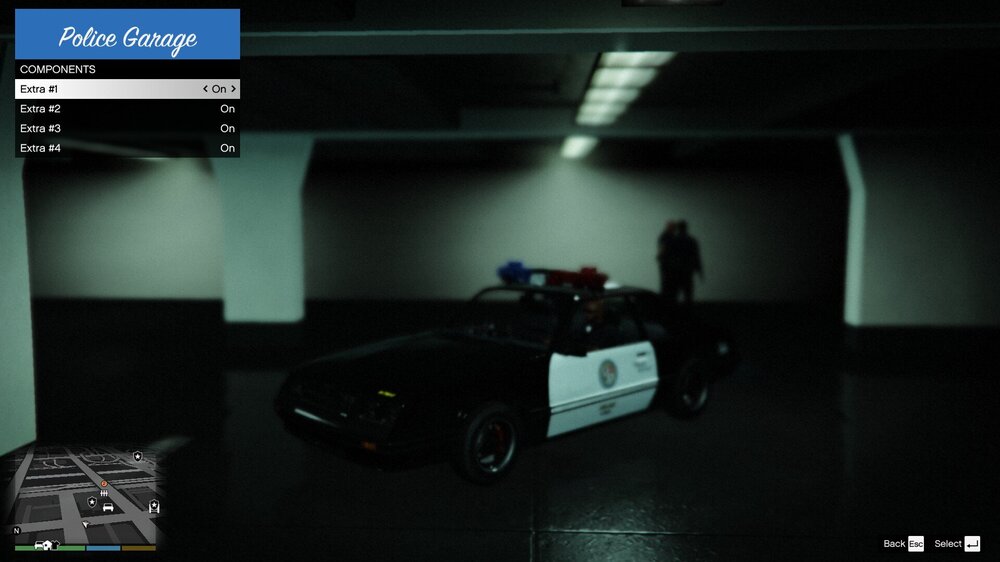
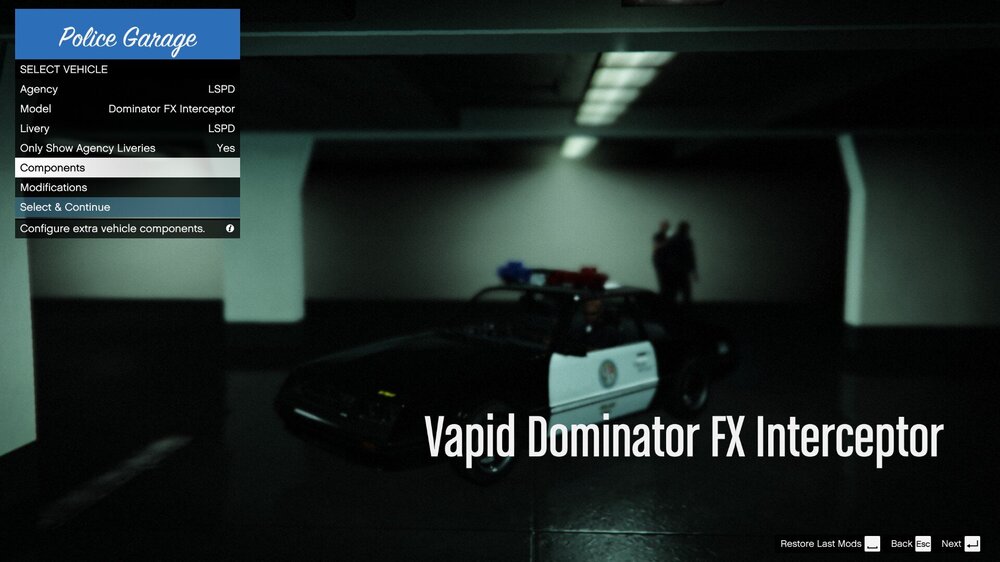
Hello, if you are missing emergency lights on GTA police cars(not mods) on some cars(mostly the new models) in the garage, then try remove els and AdvancedHookV, cause if i do that, then all the normal gta police cars has their lights on roof and i can sellect them and remove them in the menu. Yes i have the updated AdvancedHookV version AdvancedHookV_b3258. Screenshots below shows the problem. With 3files in GTA folder: AdvancedHookV.dll-ELS.asi-ELS.ini As you can see it has no lights on roof. Now if i delete those 3 files then it looks like this: and at menu so you can see the car name: I dont know if you can just ignore this bug and play, all i know is, if i play with out those els files, then my default gta police cars has ALL their emergency lights and there are NO car mods installed.
-
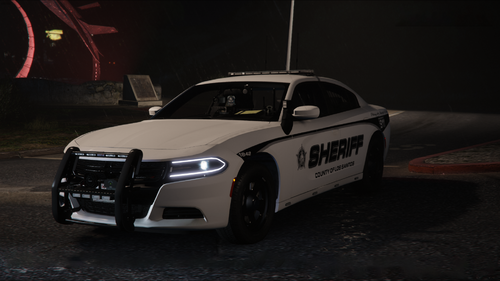 Thats not really helping him, you should tell him what car to use in handling, that would have Helped him.
- 90 comments
- 15 reviews
-
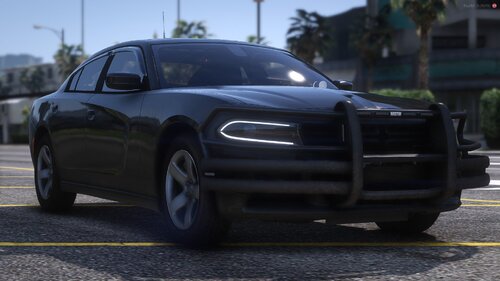 Hello and thanks for sharing this, what was updated on this?
 -
Hello Mr Rabbit, will you release that car again? The Yukon Denali? Also, thanks for the new cars, i do wish these would work next time scripthook was out of date...
- 90 comments
- 15 reviews
-
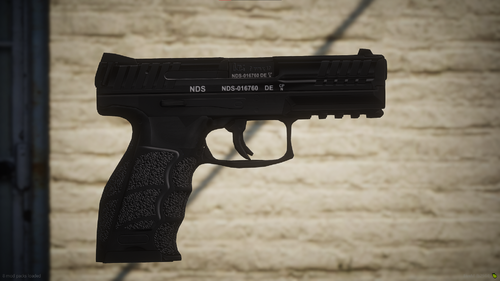 @MaxDesignsHello, thank you for sharing this, i like to ask does the vanilla attachments fit?
- 4 comments
- 1 review
-
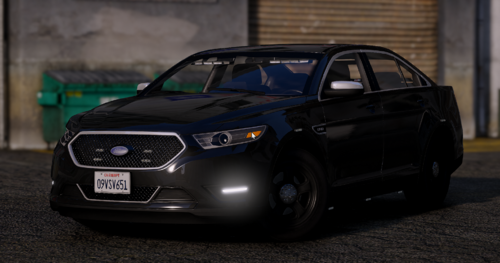 Hey, thanks so much for this Taurus 😛 Looks awesome.
 -
-
OMG 🙂 Thank you so much.
-
Hello, i hope i am in the right section since this a related to LSPDFR. The file named inventory.xml is the file i am asking about. Im pretty sure that we could add flashlight to our weapon list in this file and then when we did go on patrol it was on our weapon. <Name>Patrol</Name> <ScriptName>patrol</ScriptName> <Weapon chance="10">WEAPON_PUMPSHOTGUN</Weapon> <Weapon>WEAPON_COMBATPISTOL</Weapon> <Component>COMPONENT_AT_PI_FLSH</Component> <!-- Flashlight --> This is what i am trying to get working, but im not getting the flashlight on the gun. The full Inventory list for this patrol is this: <Name>Patrol</Name> <ScriptName>patrol</ScriptName> <Weapon chance="10">WEAPON_PUMPSHOTGUN</Weapon> <Weapon>WEAPON_COMBATPISTOL</Weapon> <Component>COMPONENT_AT_PI_FLSH</Component> <!-- Flashlight --> <Weapon>weapon_appistol</Weapon> <Weapon>WEAPON_CARBINERIFLE</Weapon> <Component>COMPONENT_AT_AR_FLSH</Component> <!-- Flashlight --> <Component>COMPONENT_AT_AR_AFGRIP</Component> <!-- Grip --> <Component>COMPONENT_AT_SCOPE_MEDIUM</Component> <!-- Scope --> <Weapon>weapon_heavysniper_mk2</Weapon> <StunWeapon chance="">WEAPON_STUNGUN</StunWeapon> <Armor>100</Armor> I am getting all weapons and armor, but there is no attachments on the weapons. Are there anyone who knows why this is not working?
-
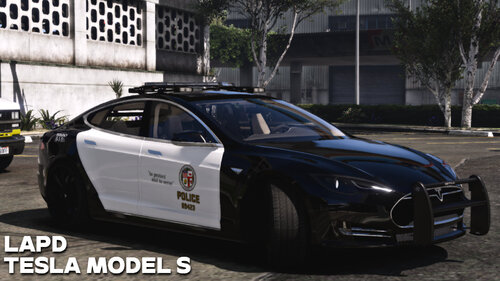 @Donut ModificationsHello, thanks for sharing this, i like to ask, do you have any plans for the headlights to work? Look at Nice car tho.
 -
Would be nice if the voice changed when you were a sherif and stoped people, so you wouldnt yell "Stop it is the police" but instead said "stop it is sheriff department" and the same with SAHP 😛 I think it would be very nice and i bet people who RP would love it.
-
 ofc i did 😄 i even wrote it in the reply you made a quote of 😄 But it dont matter any more, i deleted the mod and found something else that worked.
 -
Hello, why cant we contact Management here?
-
@Emergencymodder112thanks for free cars, tho, i like to ask, i installed all the new els and up to date on gta5 and lspdfr and it seems that when i hit j key and a siren on the cars just ignores me? I checked your <flags> section and that seems just fine, i see that you have lightSettings value="0" sirenSettings value="0" in carvariations is that why? I use your addon pack.




