


eazbox
Members
-
Joined
-
Last visited
Everything posted by eazbox
-
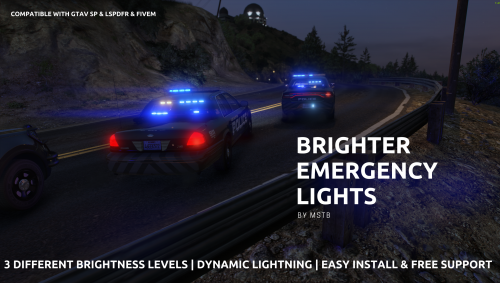 Hello, why is there a vehicles.rpf file in this? Do you Need to use that, im asking because i use mod cars for police and this has files that would replace those..
- 64 comments
- 11 reviews
-
Hello and thanks for reply. I use the rage files that comes with the LSPDFR latest download. I have copy paste all the text that shows from the moment the bug starts.
-
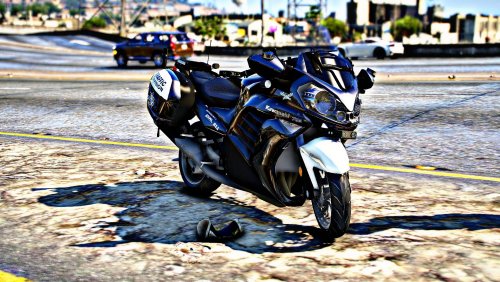 😍🤩 Amazing bike and Thank you, btw, can it be made so you could use "trunk" on bike to get vest-armor etc. on it?
 -
Hello, i like to ask, does anyone know why my lspdfr crash when i try to call a tow truck? Small and large tow truck makes the LSPDFR plugin crash, large flatbed works. I ge this error in rage log. It is when i use call tow truck with Stop the ped Version 4.9.5.1 . I got the latest version of everything. I hope you can help. Thank you for reading.
