


eazbox
Members
-
Joined
-
Last visited
Everything posted by eazbox
-
 Thank you so much for this, i hope you will make more NON Els vehicles 🙂
 -
 @JessMFirst i like to say thanks for this free car, tho, there is a bug in it. I cannot transport my arrested suspect with this car, i try to do what this guide says https://www.lcpdfr.com/wiki/lspdfr/04/features/making-arrests/ Look under the section where it says: Transporting an arrested suspect by yourself and then under this section:Manually open one of the vehicle's doors so that the suspect can enter the vehicle: So it is kinda a joke, i got this fancy car and cannot transport my suspect away... This is IN SINGLE PLAYER mode and not on any fivem server or whatever.
 -
6 years later and i also have that problem and it looks like none on these forums knows how.....
-
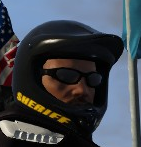
Hello, i am trying to find where the helmet on the pictures are located, i been looking for days in the dlc files i got from gta and in the eup files and i cant find it. It is the helmet i automatically take on when i sit on a bike when im on duty. Never mind! I found it and i found the "hidden" extra texture that had sheriff on it. Hahaha
-
Amazing, thanks. Anyway, back on topic. I found a temporary solution, i edit the meta of the bike and put in <audioNameHash>POLICE</audioNameHash> and then ingame open trainer and change the Engine sound to what ever MC that i think is fit for the bike at use. It is a crappy solution because then i force myself to rely on Scripthook and when that is not working when RS makes a stupid update, then im back to square one... Now if only i could replace the main siren of policeb and replace the engine sound on that too, then it would be Golden.
-
Hello, i like to ask two questions about the PoliceBike sound, how can i replace the Siren it uses? Also, how do i replace the engine sound it has? I tryed the way this does https://www.lcpdfr.com/downloads/gta5mods/audio/10129-sound-mod-for-policeb-hakuchou-variant-v1/ But that does not work, it still have the old anoying sound as engine. Are there no wave file or awc file that i can replace for engine and siren for just the bike? Found a video with a siren Go to 00:57 and there you can hear the sound of their siren. Also, is the siren sound that is used for POLICEB is that even real? Why cant i edit and use the normal siren that police cars use ?
-
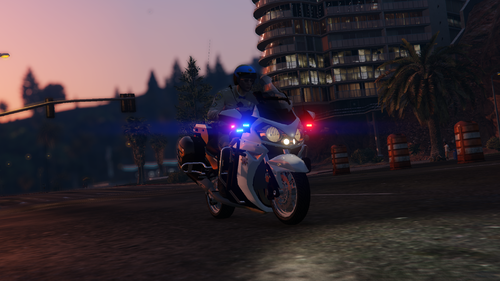 Is Author dead or something since people that is asking for the non els version gets no replys? If not, why not just unlock it and let Other people convert it to Non els?
- 13 comments
- 1 review
-
-
-
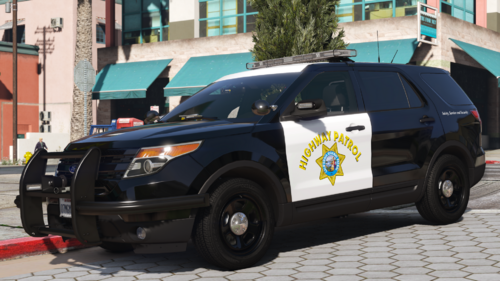 Hello, thanks so much for doing CHP mods and the option for lore, i like to ask, any chance that you will be doing their 2020 model? https://www.reddit.com/r/PoliceVehicles/comments/181kshy/chp_2020_ford_explorer/ I know they also has it in polar model, but this is one i already had as link. Also thanks for the chargers.
 -
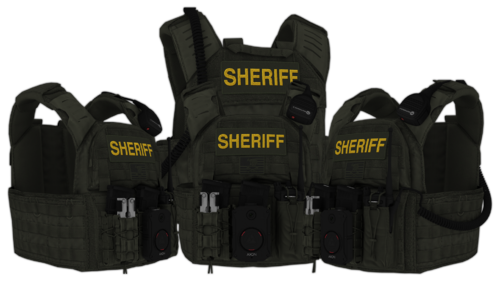 Looks Very nice aand thanks for sharing, any chance you can share those pants and tshirt on picture? I dont have discord.
- 10 comments
- 2 reviews
-
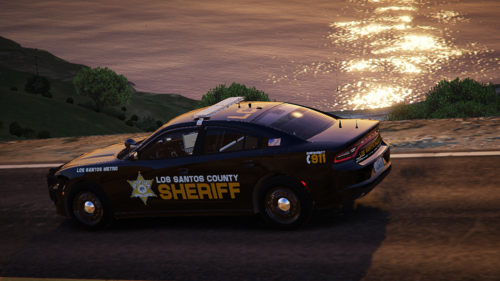 Thanks so much for this and your reply. About the Tahoe, dont worry about it, i got a few versions of that model on my drive. even have two slick tops 😛 I hope your kids gets better.
 -
Hello, this look very nice, but where are the links to all the vehicles shown on those pictures?
-
-
-
conclusion, those who make the car model dont care about it thats for sure. They get their money anyway.
-
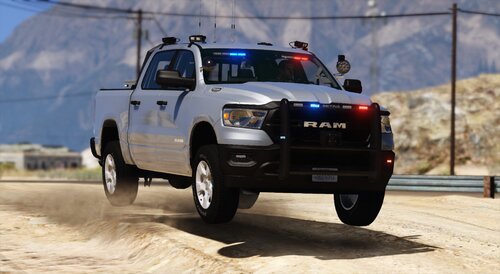 Hello @Steve6645, thanks for this free mod, i got a question, does this car have those rims/wheels on that you show on pickture ? If not, how do people get those and tires too?
 -
-
 Hello @Mattediouswouldnt this overwrite the file from VisualV and make the settings from that mod change?
 -
.thumb.jpg.8cfe740d89ba4851866c4138c85d76c0.jpg) Hi, couldnt you just have made a forum post with this information, so people didnt have to download a text file?
Hi, couldnt you just have made a forum post with this information, so people didnt have to download a text file? -
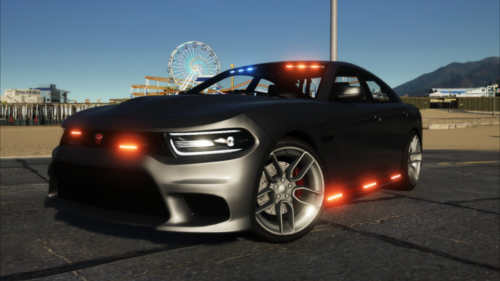 @Neon SkyeHello, thanks for this mod and thanks for the update, could you please tell me how you got those dark red and blue colors on the lights that you show on the pictures? Cause when i use your mod, they are more like light blue and light redish and other car mods i use they are just like your pictures, did you change them before you uploaded the car?
 -
 @GumpHey, thanks for this mod, any chance you could make the spotlight work like on your other car mods? Also, do you have any plans on coming back and do new vehicle mods?
- 65 comments
- 36 reviews
-
 Erm.. it comes with none of those. Can you please give link to the metas you use, cause then i will just use that. Vehicle.meta Carcols.meta carvarations.meta.?
 -
-
Hey thanks 🙂 But i cant really use it without knowing what dds file to replace since i cant find it in the ytd file.



.thumb.jpg.8cfe740d89ba4851866c4138c85d76c0.jpg)
