Skip to content
View in the app

A better way to browse. Learn more.

LCPDFR.com

A full-screen app on your home screen with push notifications, badges and more.

To install this app on iOS and iPadOS
  1. Tap the Share icon in Safari
  2. Scroll the menu and tap Add to Home Screen.
  3. Tap Add in the top-right corner.
To install this app on Android
  1. Tap the 3-dot menu (⋮) in the top-right corner of the browser.
  2. Tap Add to Home screen or Install app.
  3. Confirm by tapping Install.

CafeRacer

Members
  • Joined

  • Last visited

  1. Santiago Ramos     Performed a traffic stop on a Classic Gold Bobcat XL with registration 85AZQ814 in Paleto Bay, Procopio Dr
  2. Santiago Ramos     Finished responding to a Pursuit in Paleto Forest, Great Ocean Hwy
  3. Santiago Ramos     Responded to a Pursuit in Paleto Bay, Procopio Dr
  4. Santiago Ramos     Finished responding to a Forestry Wild Animal in Vespucci Beach, Vespucci Blvd
  5. Santiago Ramos     Performed a traffic stop on a Black Ruiner with registration 82ZKN420 in Rancho, Dutch London St
  6.    CossackGames reacted to a review on a file: pdComp - Police Computer
  7. Santiago Ramos     Performed a traffic stop on a Worn Blue Emperor with registration 60IFK719 in Sandy Shores, Alhambra Dr
  8. Santiago Ramos     Performed a traffic stop on a Stone Silver Tampa with registration 03ONA047 in Strawberry, Capital Blvd
  9. Santiago Ramos     Performed a traffic stop on a Stone Silver Tampa with registration 03ONA047 in Strawberry, Capital Blvd
  10. Santiago Ramos     Responded to a Prank 911 Call in Rancho, Innocence Blvd
  11. Santiago Ramos     Performed a traffic stop on a Red Minivan with registration 67IKC169 in Pillbox Hill, Elgin Ave
  12. Santiago Ramos     Performed a traffic stop on a Ice White Asterope with registration 42NZS247 in Burton, Eastbourne Way
  13. Santiago Ramos     Performed a traffic stop on a Blue Unknown Vehicle with registration 04IGJ493 in Murrieta Heights, Supply St
  14. Santiago Ramos     Finished responding to a Pursuit in Elysian Island, Plaice Pl
  15. Santiago Ramos     Responded to a Pursuit in Mirror Park, Mirror Park Blvd
  16. Santiago Ramos     Performed a traffic stop on a Orange Taxi with registration 40HGZ793 in Textile City, San Andreas Ave
  17. Santiago Ramos     Responded to a Bar Fight in Los Santos International, New Empire Way
  18. Santiago Ramos     Performed a traffic stop on a Shadow Silver Stanier with registration 09BUB850 in Little Seoul, Innocence Blvd
  19. Santiago Ramos     Performed a traffic stop on a Olive Green Unknown Vehicle with registration 83ZIE482 in Little Seoul, San Andreas Ave
  20. Santiago Ramos     Performed a traffic stop on a Graphite Black Sentinel XS with registration 83HYA895 in Backlot City, Red Desert Ave
  21. Santiago Ramos     Performed a traffic stop on a Ice White Fugitive with registration 83HYQ672 in Davis, Innocence Blvd
    I was really excited to add this and use it alongside NPCAI, unfortunately as stated on previous reviews it is missing the correct files to make this fully functional. I tried getting all the necessary files to get it to work but was too much of a headache to get it run properly. I gave up on trying to fix it, this is definitely not ready for release.
  22. So I figured out what plugins interfere with mine. Do you happen to have a discord? may be easier to communicate through there but for the mean time I found DLS and SimpleCtrl keys stay active while in the computer. Once I unloaded those plugins the keybinds did not activate while using the mdt.
    Great PD mdt/cad/computer. Perfect replacement to use along side Policing Redefined and NPCAI. Syncs with ID/DL and stopped vehicles.
  23. Hey just want to say great mdt/cad! exactly what we need especially to work along side PR and NPCAI. As previously mentioned by others if you do not pause the game first then while typing whatever keys you press interact with the game. I saw that you are trying to not make it so the game does not pause so that you can wait for tow/coroner etc while writing your report but maybe somehow have it as block keys while the mdt is open. Other than that it works great sync perfect with ped ID and vehicles. Keep up the great work!
  24.    CafeRacer reacted to a file: pdComp - Police Computer
  25.    CPL.BEVAN reacted to a file: LSPD livery pack
    Great work! This is amazing, makes patrols so much more immersive. Keep it up!
  26.    CafeRacer reacted to a file: Dynamic Lighting System
  27.    CafeRacer reacted to a file: Seatbelt
  28.    CafeRacer reacted to a file: Damage Tracker Framework
  29.    CafeRacer reacted to a file: Deadly Weapons
  30.    CafeRacer reacted to a file: MCCallouts
  31.    CafeRacer reacted to a file: Los Santos RED
  32.    CafeRacer reacted to a file: Immersive Ambient Events
  33. GWhiteDakilla started following CafeRacer
  34.    GTAKING23000 reacted to a file: LSPD Mini livery pack
  35.    GTA 5 Jedi Master reacted to a file: LSPD livery pack
  36. Buckerroo576 started following CafeRacer
    • 370 downloads
    • Version 1.0.0
    This livery pack was created by me to be used with the Ripple liberty II but can be used with other vehicle packs as long as its the same template. The livery pack does come with the 2k and 4k liveries including patrol, and supervisor liveries. It also comes with the um versions. the Camaro does have the regular livery plus a ghost livery. Again if you would like the vehicle pack please go to Ripple Development website to purchase. Enjoy!!!!
    • 194 downloads
    • Version 1.0.0
    This livery pack was inspired by the Albuquerque NM police department. The vehicle pack does include a couple of pick-up trucks but I did not make liveries for them as the server that used them did not request them. Vehicle pack is by Ripple Development (liberty I) but liveries can be used on other packs as long as it uses the same template.
    • 105 downloads
    • Version 1.0.0
    This pack was inspired by the Las Cruces, NM police department. It contains liveries for the only vehicles used by the department. It is currently made for Ripple Liberty 2. If you need this for another car pack or would like for the rest of the pack just contact me on my discord. Thank you and enjoy! https://ripplesvehicledev.com/collections/law-enforcement/products/liberty-ii-pack-1
    • 201 downloads
    • Version 1.0.0
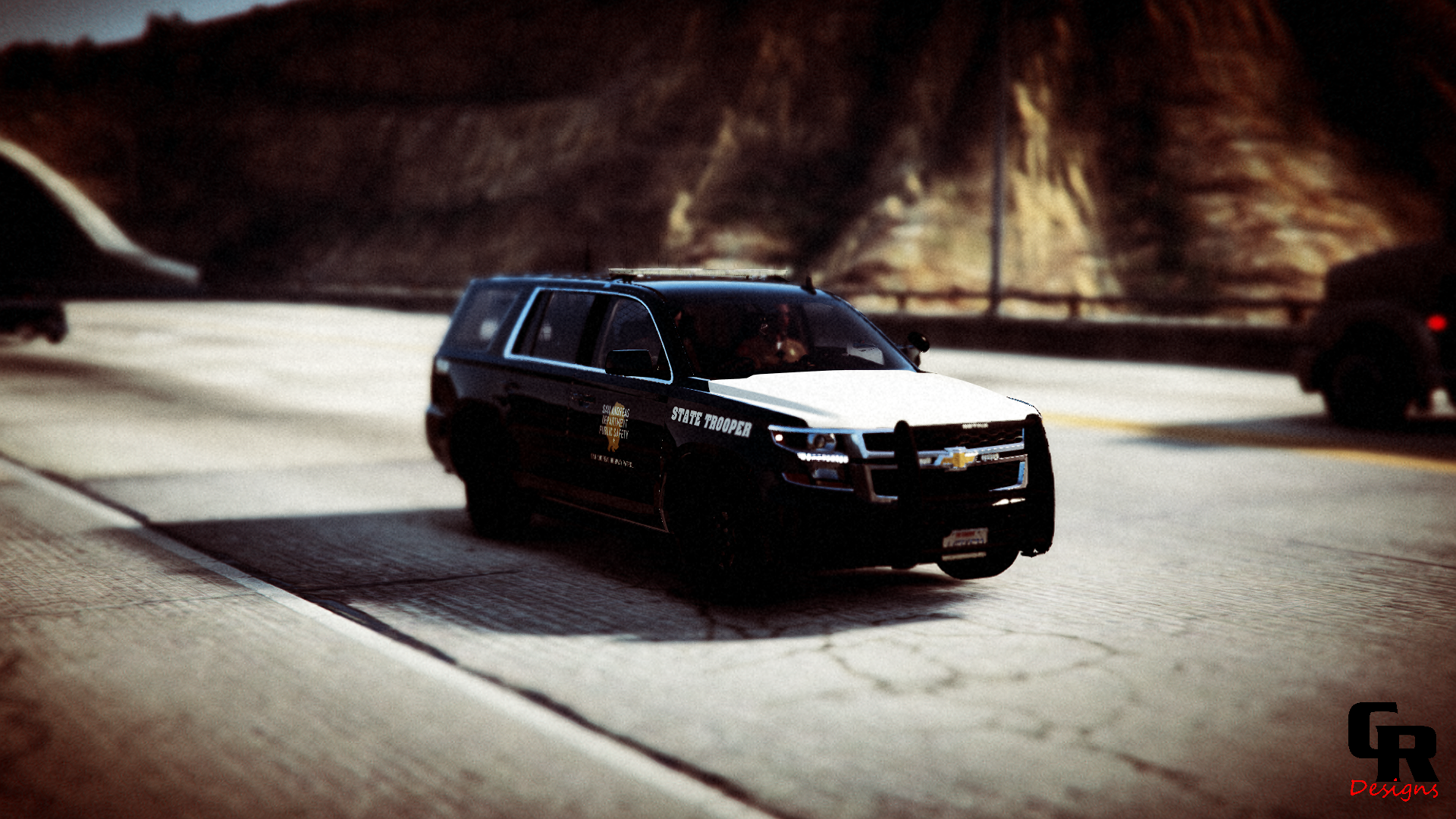
    This is a San Andreas State Police livery pack It is meant to be used with Allen Development Federal Signal Valor Pack Please do not reupload or edit the files
    • 104 downloads
    • Version 1.0.0
    This is a mini BCSO livery pack created by me. It is meant to be used with Allen Development Liberty II car pack. It comes with 2k and 4k texture files and instructions in the read me. Please do not repost or claim as your own. If you have any questions feel free to message me. Enjoy!
  37. This is just a livery pack (only textures) for the vehicle pack that is linked. But to answer your question the vehicle pack is ELS
  38. I uploaded a file and it shows as still pending approval, I was wondering how long does it usually take for it to be approved? It stated to contact a moderator
    • 590 downloads
    • Version 1.0.1
    This is a Los Santos County Sheriff's livery pack. It is meant for Allen Development's Federal Signal Valor Pack which you can find here. Textures have been tested and look the way they are supposed to. Insipired by Marathon County Sheriff's Office but ended up switching the colors. I hope you enjoy this livery pack. You can check out more of my work in my discord https://discord.gg/xFqF6XM7c2
  39. CafeRacer changed their profile photo
  40. As stated by DarkVypr you can use StopThePed which is a lot more customizable as far as what keys to use for certain actions. It also adds a lot more options to call certain services like coroner/tow truck makes it a bit more immersive.

Account

Navigation

Search

Search

Configure browser push notifications

Chrome (Android)
  1. Tap the lock icon next to the address bar.
  2. Tap Permissions → Notifications.
  3. Adjust your preference.
Chrome (Desktop)
  1. Click the padlock icon in the address bar.
  2. Select Site settings.
  3. Find Notifications and adjust your preference.