


Medicmojo
Members
-
Joined
-
Last visited
Everything posted by Medicmojo
-
Did you notice this section on the model page? You probably have.........but, looks like "trailerswat" needs to be added to the vehicle meta file (on the veh that you want to do the towing) Also - check the comment thread if you haven't already..........there is mention of it being a "large" trailer, so it needs a flatbed hauler or something like that? Otherwise.......sorry, no ideas for you! Good luck!
-
Glad you were able to fix the texture and those strange stripes from the dirt map or generic_mud texture! For the car model disappearing at distances.......that is a fairly common issue. It has to do with the LOD settings in the vehicle.meta files, and is something you can change for each vehicle. If you open up the vehicle.meta file for a car model - either what a dev includes as part of a DLC pack, or using the GTA base game vehicle files when you use "replacement" models - about 3/4 of the way through the portion for that model, you will find at series of 6 numbers in the section "lodDistances", looks like this........ My (very basic) understanding of the function of those numbers, is that they tell your game at what detail level to "draw" the model, and various distances. Or.......something like that, lol. Anyhow - base game vanilla models aren't very detailed, right? (That is why we like using dev replacements!). So, with vanilla models, you don't notice a difference. But, when you put in a nicely detailed model - I guess the game loses those details. As I said, it is a common issue - with an easy fix. Just change (increase) the lower numbers - 500 is the max. A quick Google search for "lspdfr lods", or searching the same in the forums here, should give you lots of information. Here is a YouTube tutorial video from Gaming4Life that covers the problem. As a cautionary note - increasing these numbers MAY have an impact on your PC performance. Many tips (including in the video above) will tell you just increase all to 500. But.......now your game is trying to draw fully detailed models at all distances. That can cause problems with lower end PCs. Definitely worth a try - but, you may have to adjust them a bit to find a good balance between visuals and performance.
.thumb.png.d7913ca3aedc4b1e397ec9ae00d4847b.png)
-
It is in the the group of pictures/images I sent above - where it looks empty. Right click on the black square between my pictures, right under the words.... "Here is my replacement transparent texture, if you need it..........just replace this into your .ytd for the Taurus" ......there is something there! RIght click and "save image". It should work to give you the blank transparent texture file. You can then use OpenIV to replace the "vehicle_genericmud_car" texture in the .ytd for the Taurus model. Same process as installing a different livery texture on a model.
-
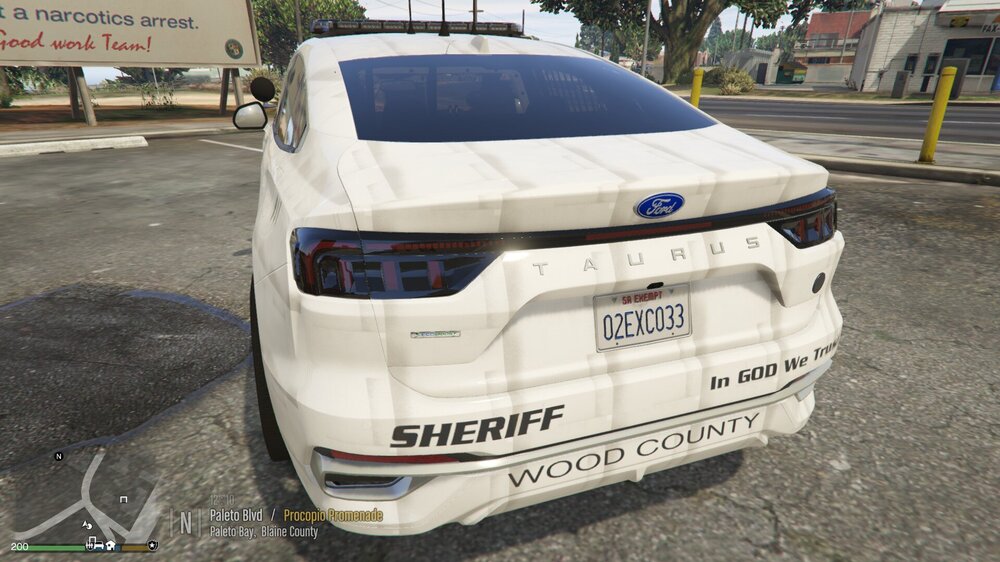
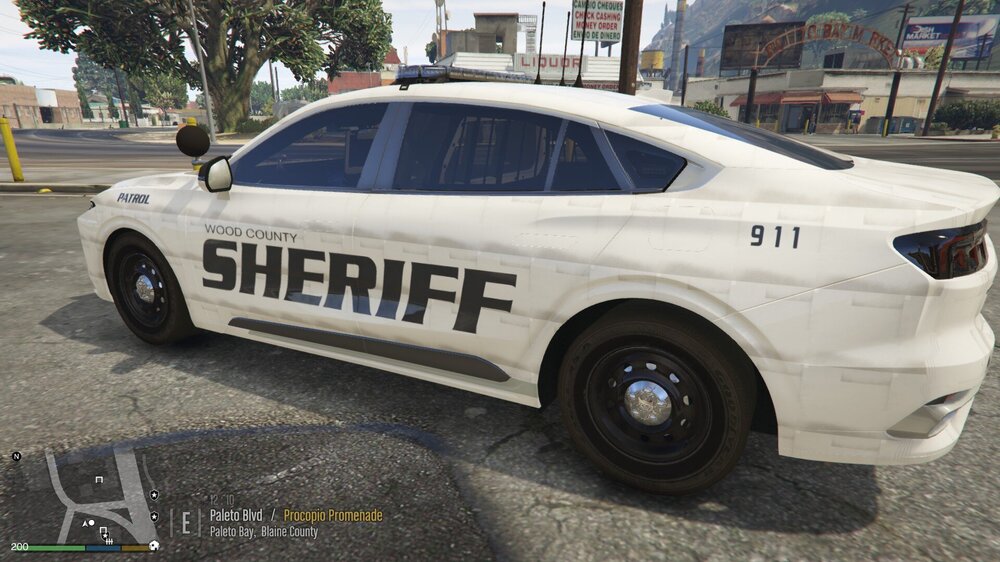
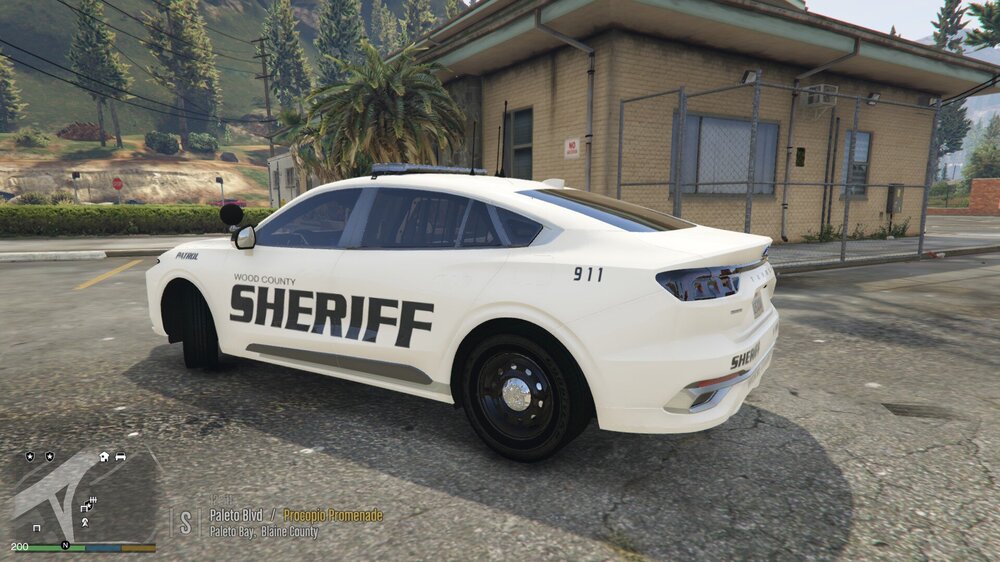
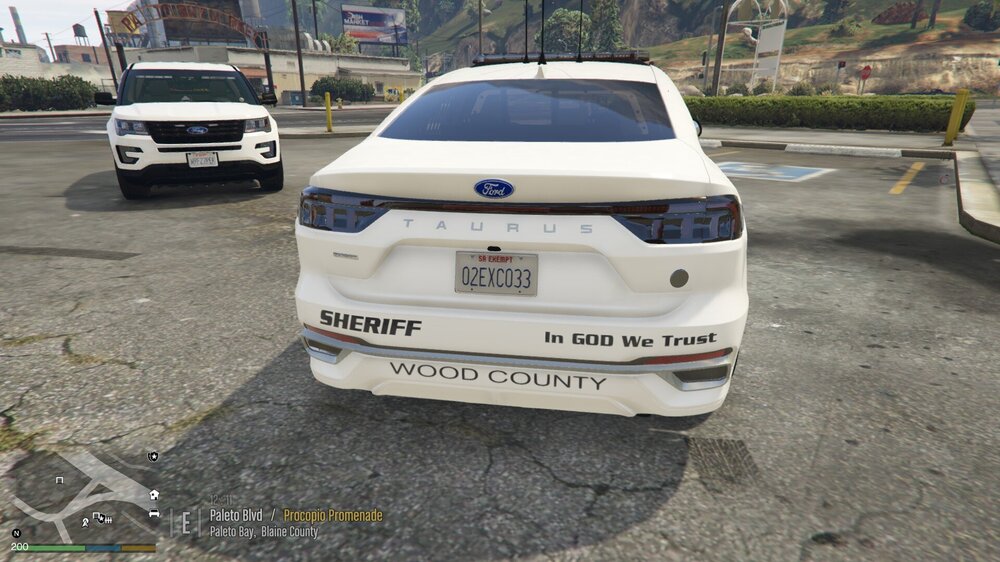
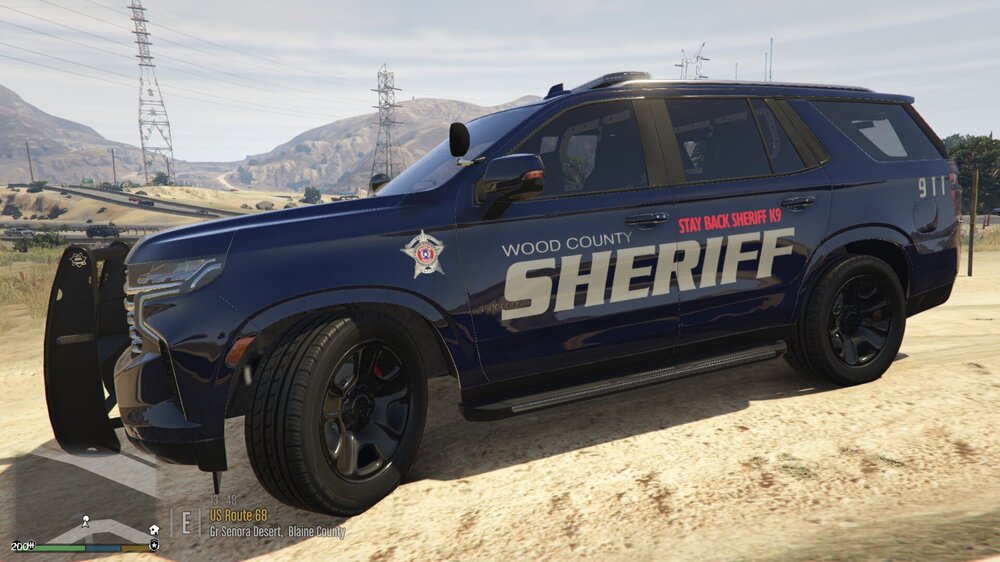
yes, that is the same model pack I had the issue with. I think it happens with both models - the Taurus and the Tahoe? I looked back in my old project files......here is the Taurus initially Same issue you are having. Here it is after replacing the "vehicle_genericmud_car" texture in the .ytd.......... Fixed! And, like I said......you never have to wash the car now! lol Here is my replacement transparent texture, if you need it..........just replace this into your .ytd for the Taurus lol......doesn't look like there is anything there - sorry! For the Tahoe in the pack, I do have some screenshots in game, with the devs included livery, where the same problem occurred......... I don't recall what I did to fix that..........as I don't have a transparent texture on hand for that model. Maybe those stripes went away when I put my own livery on it? Anyhow - hope this helps!

-
Using a trainer, have you tried the "fix" or "clean" functions? .......you probably already have, right? Not sure if this is the same pack (Emergency Distributors?) - but I did have this issue before, when doing a livery project for someone. Even with my livery, the strange striping showed up on the model in game. And, if I recall correctly........it was only with one model from the pack. Anyhow - figured out it was something to do with the (faulty?) dirtmap texture in the ytd. When I replaced that texture with a "transparent"/blank one, the stripes went away. LOL......and, as a bonus.....the car never got dirty!
-
Hey there......yeah, that is a tough one to recreate accurately! In real life, I think a lot of the lines/breaks in the battenburg pattern are because of contour lines on the vehicle itself, right? Either concave or convex to the main body. Or, outlining around door/handle/compartment/etc edges. I would think that is mainly done because those contours and breaks in the body would be weak points for the decals to adhere well over the lifetime of the vehicle - that would be where the decals would first start peeling. These lines create flat edge for the decals to stick to, and prevent early peeling. Same idea as to why - if you look closely - most decal applications won't have sharp, pointed corners........usually slightly rounded everywhere - which again, prevents early peeling. You will see the lines on US vehicle decals as well - although certainly not as pronounced as the UK style! As for your main question and how to recreate it....... I think the template can both help and hinder you. Yes, the template shows all the corners on the model.......I guess sort of like a topo map? But, templates also seem to have a lot of other random lines eveywhere, right? I think one of the hard parts would be choosing the right template line to follow? I use GIMP, not Photoshop........not sure how much of a difference that would make. Two quick thoughts I would have, once you figure out the lines you want to use on the template........ First - I wonder if you could create a duplicate layer of the template each time you want to create one of those line breaks in your Battenburg livery. Then........maybe "shrink" the template a tiny bit? That would give you a new position of that line to follow - allowing you to maybe select and highlight the area you want to delete? I think you would have to do that may multiple times in multiple areas on your livery - as shrinking and repositioning in one area won't translate everywhere. Another option, maybe easier........? Again, after choosing which template lines to follow - what about just drawing a path that follows that line, whether it is straight, curved, or whatever........then using the "stroke path" (or whatever it is called on PS), making it 5 or 10 pixels wide, and use the underlying car body colour (white, or silver, etc)? Make sure that stroked line layer is above your Battenburg pattern layer. That should create those lines........hopefully?
-
Not sure if you figured it out yet.........I just tried it out, and the Miami Dade livery does work fine. But, you have to install the polmav model from Yard1 that is linked further up in the thread. You are right, the livery won't work properly on the vanilla polmav model (lol, I tried that to, and it was all wonky in OpenIV). But, once I installed Yard1's remapped model, the livery works perfectly.
.thumb.png.081d1c6ddbc2068163acf298af0a11ca.png)
-
 OK, got it. I don't know that you have to delete it? Up to you. I'm just surprised someone is still finding this about 3.5 years later! Just noticed over 6100 downloads now.......lol, I wonder how many are really using it? lol
- 24 comments
- 2 reviews
-
-
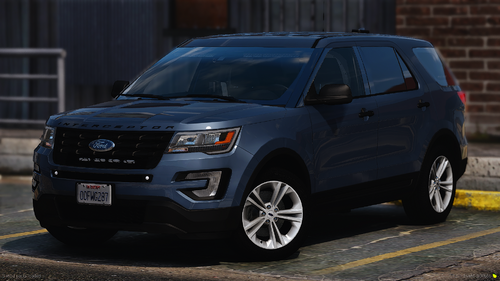 ok, cool - that works. Thanks! I'm pretty sure I have that one lying around somewhere....... EDIT - yup, found it!
 -
Looks fantastic!! Thanks for sharing! Any chance on a template for it?
-
Are you looking for the models to be made, and the livery? Or, do you already have models you want to use, and just need the livery done? I'm a livery guy........let me know
-
This is probably the mod you are thinking of.......... But, I don't know that it changes the behaviour of the NPCs after the shooting. I think it just allows your character to apply cuffs to the body.
-
Hey - I know its been a month now - did you ever get this livery work done? If not, let me know - reply here, or send me a DM. I do livery work, and would be happy to do this for you - I'm sure we could figure something out. First thing, though - and forgive me if you already know this part - when you see a livery that is truly "reflective" on a model...........that actually doesn't have much to do with the livery itself. The biggest part of a reflective livery is the model itself - the reflective aspect is actually a secondary "surface" texture layer built onto the model. Then, you just edit the regular livery to only have the parts you want/need to reflect - the rest remains transparent - and then use that revised livery layer as the reflective texture in the ytd. As i understand it (lol.......definitely only a very basic understanding!), that reflecitve texture surface layer on the model is slightly offset from the normal surface layer - and that offset allows the colours to be picked up twice, I guess? ......which somehow then creates that bright reflective look. It is a cool effect, for sure - but, again......something that has to be part of the main model build to start with. In a way, no different than some models aren't even built with a livery layer - if there is no "xx_sign_1" layer But.......maybe you knew all that already! So, back to the question - do you have a model(s) in mind that already have a reflective texture layer? Then, this work could be done. If you aren't sure, just check the .ytd file in OpenIV - look for an extra "sign" texure - one would be the regular livery layer. If reflective, there will be another one that has "reflec" or something similar as part of the name. Otherwise, another option is to create a pseudo-reflective look - using the 3M hexagon style grid pattern overlay on the parts you want "reflective". That doesn't really give a true bright reflectiion in game......but, it does make those decals have the look you would expect. I can send you example pictures of what I mean. I'll stop now......let me know!
-
Well, I managed to sort this out myself - thanks to anyone who read it, and put some thought into it, though! LOL........gotta love/hate this game, right?!?! It definitely was a simple fix - I stumbled across another video on YouTube posted a few years ago. And, it was something obvious. Best advice - always backtrack through whatever you have done lately! As part of working through the original "unable to launch, try reinstall" issue that many were having - which turned out to be that args.txt file - one of the possible issues I read about/saw in a different YouTube video, was changing compatability settings. In the both the GTAV.exe, and GTAVLauncher.exe files - the suggested fix was to check off "Run as Administrator". I did that, no help - until seeing all the args.txt comments here. But, apparently the game ultimately did not like that! The more recent video I watched for my specific issue now, the "unable to launch GTA5.exe" error, mentioned the same file compatability checks.......but to make sure those WERE NOT checked off. I unchecked them....... Sure enough.........problem fixed! Maybe this weill help someone else down the road. Man....this game!
-
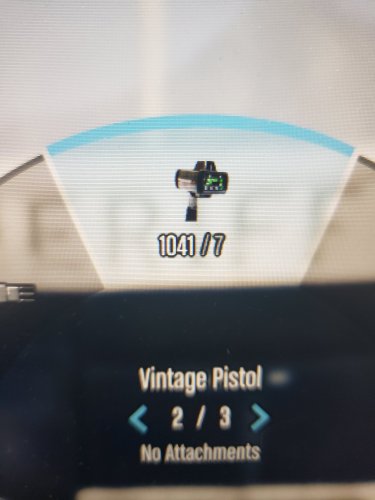
I poked around with this a bit, and........I'm sorry - I don't know what the answer is. I don't really "play" the game very much at all - spend most of my time doing livery work, and only jump into game to check those results on the vehicle models. So, honestly - it has been so long (and updates, and reloads) since I put this to real use! I do still have this image and the text change file installed in my game, however. If I go into game, and don't "force duty" - I can get the HUD icon and text to appear using my Weapon Wheel......AFTER adding the "Vintage Pistol" to my inventory via Simple Trainer. I don't have the actual LIDAR mod itself installed anymore, though - so the weapon in hand is still the Vintage Pistol model. I went on duty via "force duty" - and, was then unable to get the HUD icon/text to change. I started thinking..........do you use Stop The Ped? Because, in that mod's .ini file, there is a "Realistic Weapons" section. Has a default list of standard police option weapons/items, right? So, you can't use a heavy mg or the Holy Hellbringer when on regular patrol - even if you add those weapons via Trainer. I tried making a couple adjustments to my STP .ini file - you can either yes/no using Realistic Weapons, or add exceptions to the list of what will be considered "realistic". But, I must still be missing something..........the HUD icon did not show up for me. I'm 98% certain I had it working "on duty" back when I first made and released this mod. But, again - I'm just not very fluent in all these files anymore! Not sure what else I can offer. I hate to say it, and don't want to sound like "that guy" - but, as you can see, yours is the first comment about this in over 5800 downloads........maybe it is something on your end?
- 24 comments
- 2 reviews
-
Hello! Earlier tonight, I was able to launch and use GTAV and LSPDFR without any problem. I actually don't "play" the game much anymore - usually just loading in to check livery projects that I am working on. Usually don't even "force duty" - just spawn the models, take some screenshots, maybe drive around, etc. Did that tonight - then drove around a bit and shot up some other cars for stress relief! Literally an hour later - went to go into game again..........and had the "unable to launch, try reinstall" issue that a lot of people had the past 24 hours or so. Worked my way through all the usual fixes - verified files, uninstalll/reinstall Rockstar Launcher, etc. Then, saw the comments about removing the "args.txt" file - got that sorted out, and thought I was set! Went throught my usual startup via RPH - starts out ok, loading Rockstar.....but, then a quick flash of an error message - and, everything stops. Same thing happens when I try to launch just GTAV from my Steam Library. When I try to launch from the Rockstar Launcher app - the same process and error message happens......but this time, at least the error message stays on screen. Here is what it shows I usually use a revert game (currently 3411), and was doing so since the lastest update without problems. Since this error message, I have tried not reverting - just using the current 3570 main files after Steam verifies integrity - still get this message from Rockstar Launcher and Steam Library GTAV attempts. Any thoughts on this one? I am probably missing something obvious, right? Thanks in advance!
.thumb.png.8dede3309497eaf2ae0a6670edb047ab.png)
-
Hey, wow.......I haven't looked at this in a long time now! Cool to see that people are still finding it, and putting it to use! Or, trying to.....at least - lol! I certainly haven't heard any other issues - unless something might have changed through all the updates that have happened since I originally released it. Let me look into this and see what I can figure out for you.............I'll get back to you.
- 24 comments
- 2 reviews
-
You are welcome! Now, of course........the trick for you will be finding a model that you want to use, that this livery fits on!! I did check both download files quickly - there is no template file included with either the livery I linked you to, or the model the guy used to make the skin. Unfortunately, that means it will be a process of trial and error for you. However, this is a fairly simple livery to work with - just the door logos, and the STATE TROOPER text - and the guy made it in 4k. That means it can (probably) be reworked to fit the template of whatever model you want to use. If you have familiarity with any graphics programs, you could pretty much just copy and past things around for use in your own game. If you aren't a graphics guy - let me know. I could do it up for you quickly - just would need to know what model you want to use (a link to a vehicle or pack on here, or that you provide otherwise).
-
Not sure if you are still looking.......but, did you happen to see this livery posted back in April? It is based on a 2024 Durango......maybe that will work for you? https://www.lcpdfr.com/downloads/gta5mods/vehiclestextures/50958-indiana-state-trooper-livery/
-
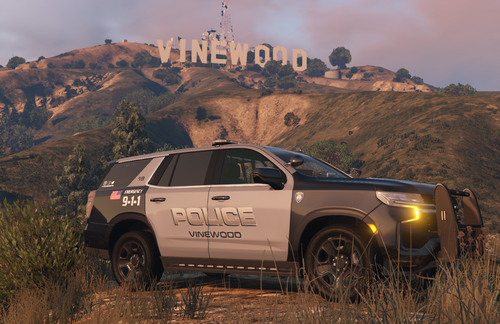 Think of it the same way as how a flag flying on flagpole would look. When hung on a flag pole, the star field is always oriented to the pole, right? Just like you always think of the flag - oriented with the star field to left upper corner. But.........only when you look at the flag pole from one side. If you look at it from the other side, the star field would be at the right upper corner. When it comes to vehicle or uniform placement, like bigred mentions, usually the stars will always be oriented to the front of the vehicle/uniform. The etiquette reason behind that - think of the flag "flying" as it went into battle.......would be oriented with the star field forward, flying from the pole/mast/antenna it is being carried by. Some will argue that having the stars towards the rear of the vehicle/uniform, will make it look as it would if the flag was "retreating"! In my research for making liveries, I would say the vast majority are set up with the stars forward. However, that means you know have to have left and right decals, patches, and crests - making for double the cost! There are some agencies that don't use the different right/left orientations - maybe it is a cost thing?
 -
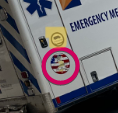
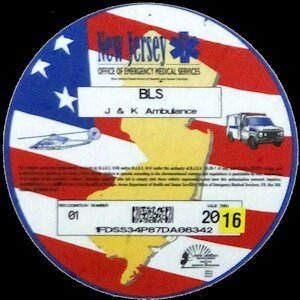
Hey, bud - did you figure out yet what that other circular logo is? (my highlight in yellow). That should be the CAAS Accreditation decal. Here is the best sample image I have found online, for you to use. Also, here is maybe a better resolution image of the NJ State decal that you can use.

-
Like you mention, as I understand it - vanilla vehicles are not templated/mapped the same way as devs do for replacments. When you look in the YTD file for the vanilla vehicles, some (like the emergency vehicles) will have the "xx_sign_xx" file we usually replace with a new skin texture - but, these sign files don't look like anything we are used to seeing! Looks like those pretty much just allow the vanilla vehicles to have different unit numbers, or maybe the couple different delivery truck brands you see in game. Thero (SoCal) did create a "stock vehicle template pack", and shared it on gta5-mods.com - I will try and post the direct link here. If it doesn't work, just Google search "thero stock vehicle template pack"........should be the first one on the list. https://www.gta5-mods.com/vehicles/air-port-service-and-service-vehicles-template-pack Basically, it sounds like he took nearly every vanilla vehicle model in the game (emergency vehicles, trains, trucks, etc).....worked some magic with the models to add a typical template layer, and then mapped the actual template to use for making custom liveries or skins. Amazing!! The only thing is.......you have to "replace" his new model files into the game. You can either dig down in OpenIV and truly replace the original model wherever it lives - or, just treat it like a standard "replace" model. Drop his model files into whatever patch day you are using........it will then "overwrite" the older vanilla files. I've used it a few times successfully for changing the skins, but leaving the vanilla vehicles in game.
-
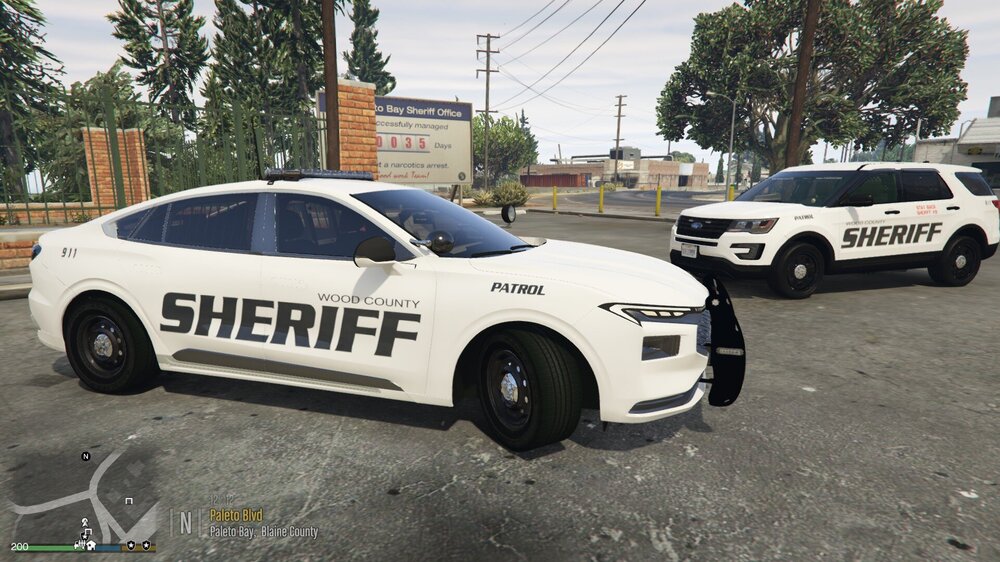
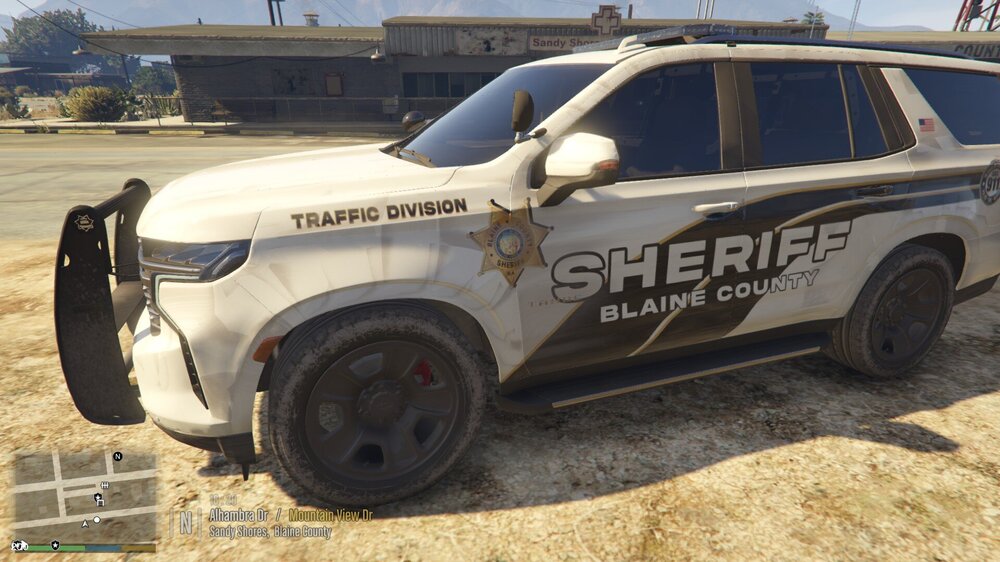
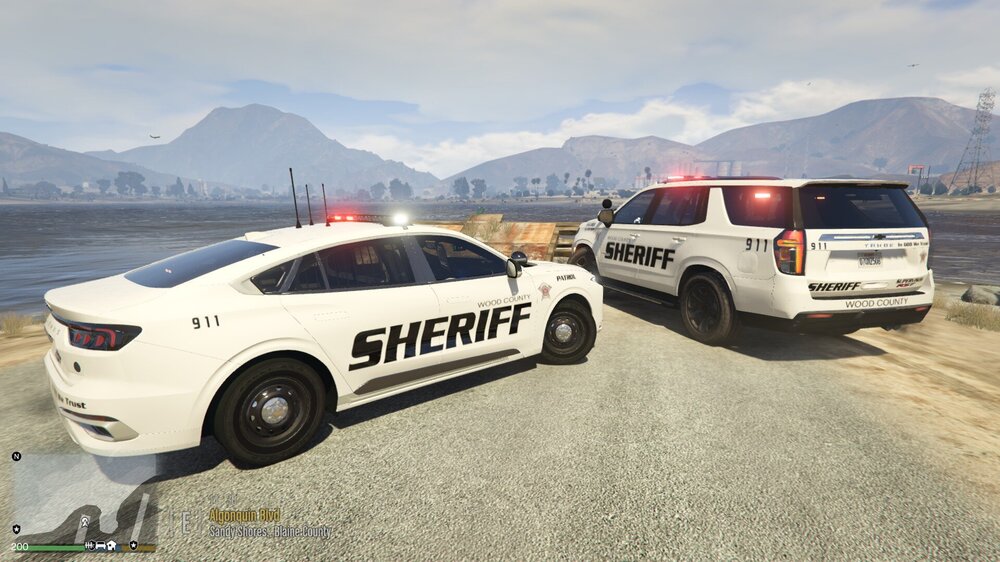
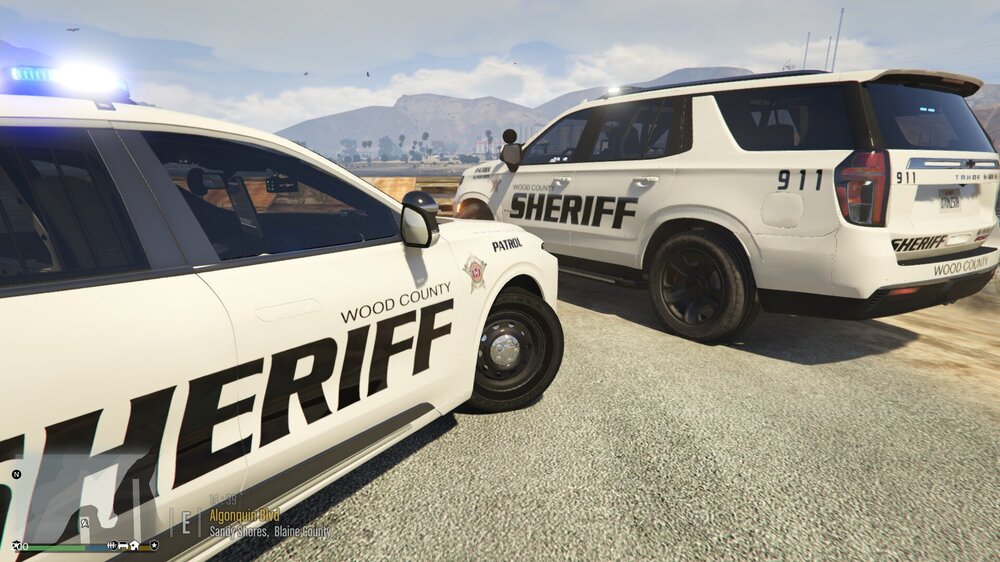
 Have always liked your vehicle models a lot, and this mini-pack looks amazing. As much as I would love to see a pack with more model variety, I like and appreciate the "small agency" idea of only having a couple of base model units to roll with. Having said that, really nice to have the variety within these two models. Any concerns with livery releases for these models?
- 129 comments
- 14 reviews
-
-

- 1
-
-
Yeah, I hear you! I never did figure anything out as a workaround. My guess is that it would all have to do with what the dev of that particular model built into their design. Thinking that whatever base model they used might have come with a slot for a plate, so that is why it shows up in the ytd. But, if they didn't include a plate slot on their build of the base model.....then, it won't work. I've moved on, lol. Do what I can with the livery plates!

.png.2aba23a7f3ba6ed1555c907de28765eb.png)



.png.67a365a87c4ea5b733445e78c3d0763d.png)
.png.67770d083a54625083c7225cfe82c426.png)


