CremeFraiche
Members
-
Joined
-
Last visited
Everything posted by CremeFraiche
-
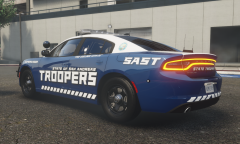 They're not available at the moment, I'm still debating whether or not I want to release them. I will likely release some of my other projects that I've been working on though.
 -
It wasn't a trick question, I just didn't expect anybody to take interest lmao. Those textures you made are really nice as-well.
-
Wait you actually want them?
-
-
From the album: Random Stuff I made
-
-
-
-
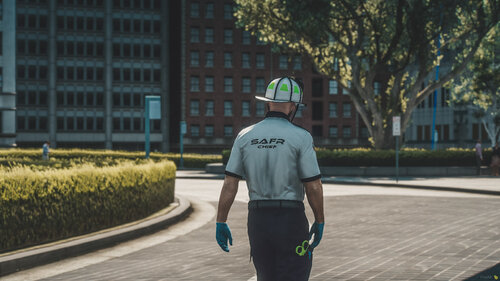 Can I ask what font this is? It looks really nice
 -
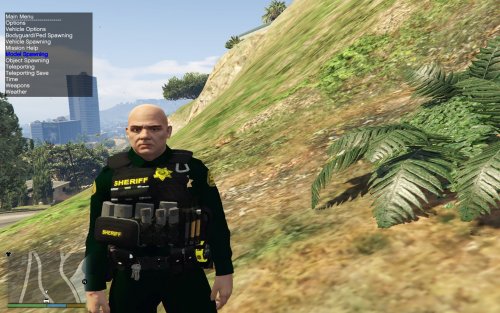 No, I do not. In OpenIV, the belts also have no texture for some reason, I just noticed.
- 43 comments
- 5 reviews
-
-
-
Do I need to download another ytd file? I copied all 4 files that were included inside the sheriff folder.
- 43 comments
- 5 reviews
-
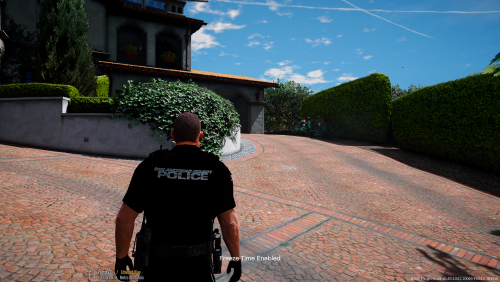
Whenever I install the sheriff ped, this happens: https://gyazo.com/fd969919eec4f4543086b68be4bc9cb4 I might be installing it incorrectly, but I don't think I am.
- 43 comments
- 5 reviews
-
-

- 1
-
-
Well, great to know I'm not going insane...
-
Note: I apologize if this has already been done, or belongs in a different forum, I'm not 100 percent sure where to put it. When you guys start to speed trap next to the highway, do you guys feel as if the AI know what you are doing, and start to slow down? I swear, every-time I start running radar, the AI slow down, going from 70 to 40 as they drive by me. I know this sounds kind of crazy, but still.
-
-
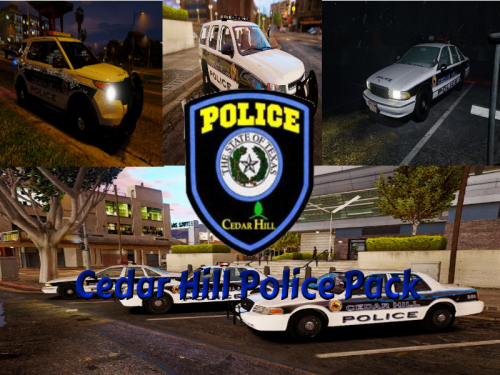 As always, amazing quality by Brandon on his cars, they look absolutely beautiful in-game, can't wait to use them for my LSPDFR video.
- 3 comments
- 2 reviews
-
-
- 1
-
-
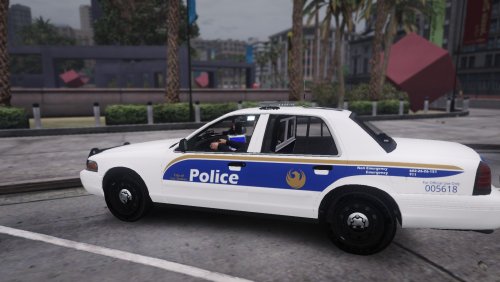 These are nice, but I'd love to see MCSO and DPS to go along with it, if possible. #HomeTownPride
- 6 comments
- 2 reviews
-
-
Has anyone ever noticed anything weird about LSPDFR? (Might be I'm just crazy or a lot of coincidences). Often times when I pull someone over and say something like I'm gonna arrest them (out loud or when I'm recording) they end up running. Also has anyone ever noticed that you can force a pursuit by pulling someone over and just waiting? Seems like if I wait long enough to make contact on a traffic stop they just start a pursuit. Feel free to post your weird experiences with LSPDFR below.
-
Did the person run over an officer? If so other officers will go lethal.
-
It would be great to see a tracking mode feature for pursuits. By that I mean if a suspect you are chasing is driving too erratically or is too big of a threat you can call in a helicopter unit to follow him and then continue pursuit once he is an a safer area.
-
So a few days ago I tried to mod my police 2 and both sheriff slots. The new model appears when I look inside open iv and select those files but they spawn as the default cars in game. I was successfully able to modify the buffalo and the police 1 car though so I don't know whats wrong.
-
I understand that due to the complexity of the request as well as still not having gta v templates it would be great to see an MCSO (Maricopa County Sheriff's Office) vehicle/pack made.