



olddutch7
Members
-
Joined
-
Last visited
Everything posted by olddutch7
-
That is an amazing idea. I had the same thoughts at some point. I also don't like when you call code 2/3 backup, the vehicle they arrive in disappears when you look away and look back. Even if you are close to it. Sometimes i'll move the backups cars to block a road, but the minute I look away, they are gone but the officers are still there walking around :/
-
Did you replace it as "policecar 2"? Because its it should be "police2"
-
I do not believe so. The reason you should create a name is if you are adding a vehicle to the game. If you are just replacing it, then I would advise against it. In the vehicles.meta file, you can change the "game name" to what you'd like and that will change the car name in game when you enter it.
-
Well you need to learn how to use Photoshop. I took a course in High school a few years ago and that taught me how to use it. If your still in school, I would recommend you take a graphic arts class. I'm sure youtube tutorials could help you out too. It looks a little confusing at first, but Photoshop is actually really easy to use. But then you need the software which doesn't come cheap. Here is a video tutorial that may help (https://www.youtube.com/watch?v=7ZlXagXwcn4) I'm sure you could also use programs like paint, but that sounds a little frustrating, but it's free. Just upload a template into the program, design the skin, then save it as a png file and upload it into the vehicles .ytd file. If you need any help, I can do my best to assist you. :) I just looked up the Louisiana state trooper car and it looks really simple. I'm sure I can do that for you. Today is Halloween so ill be a little busy today, but I will try and do if for tomorrow.
-
I don't always have a lot of spare time but I can defiantly look into it!
-
-
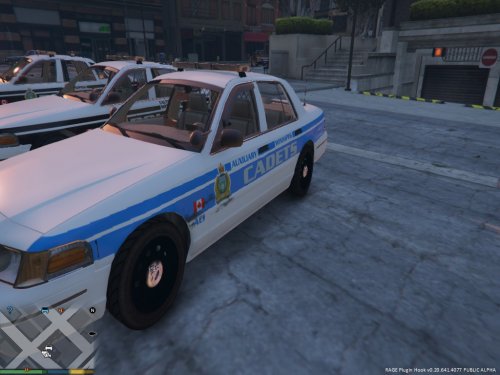 Hmm that's weird. The file I included is just a png file, not a car file. I don't really know what to say lol, I haven't had any texture errors like that except once when I installed a car wrong once. I screwed something up in the carvariations.meta file. Maybe double check to make sure the car mod is installed properly.
- 5 comments
- 1 review
-
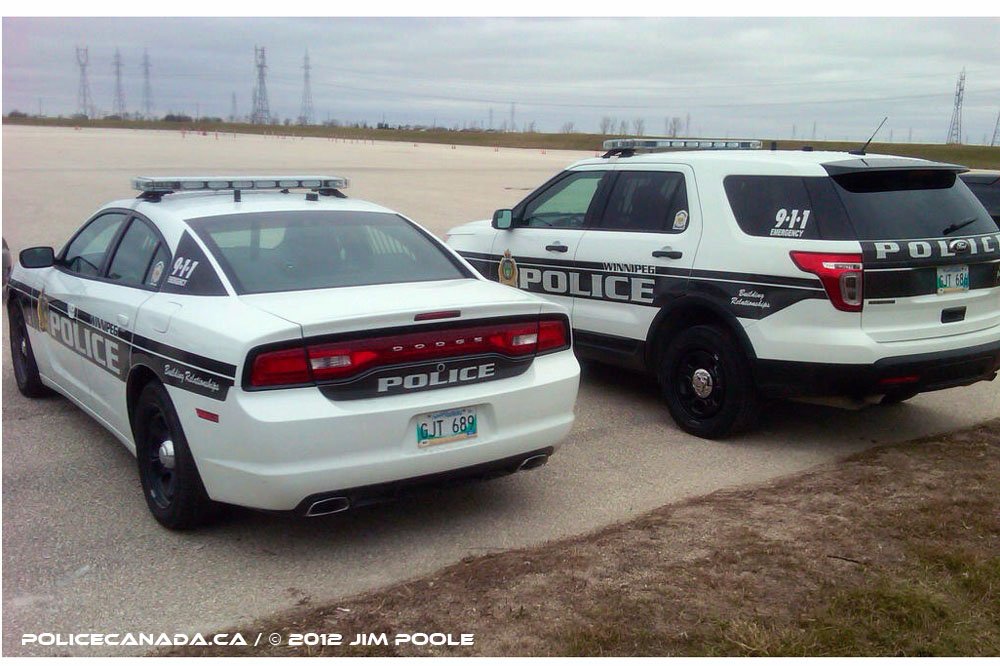
I seen you liked my Winnipeg skins so I thought I would attempt this for you. This is about 30 min of work and it's not nearly done. But I wanted to give you a taste :)
-
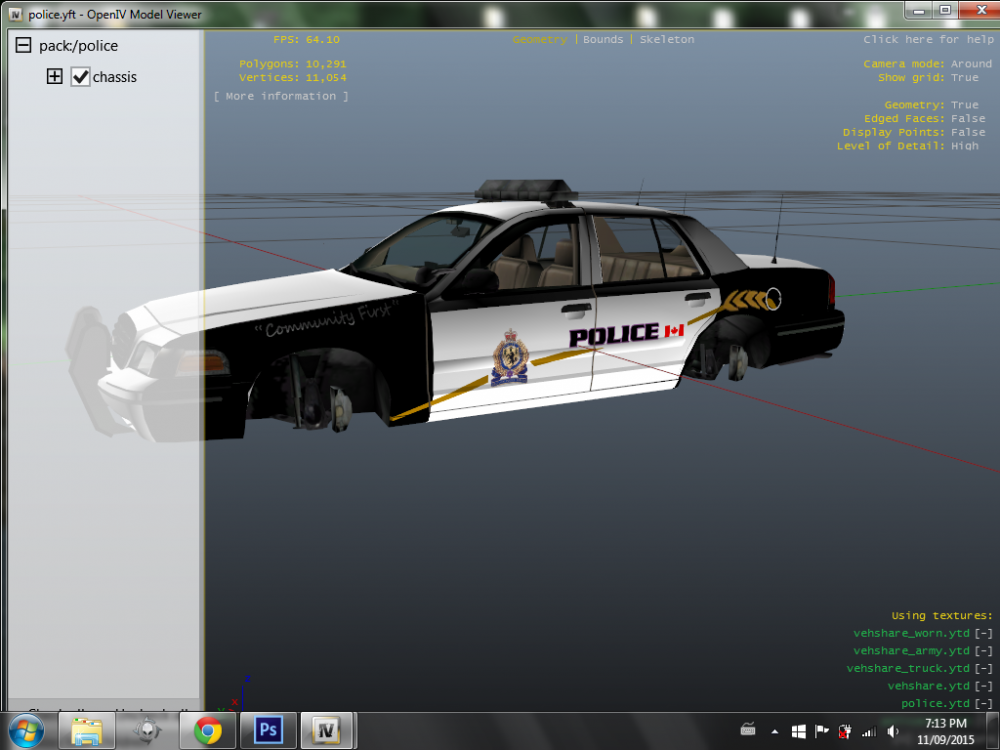
***VERSION 3 HAS BEEN RELEASED** There is nine skins for the 1999 Crown Vic. This is just a texture, not the model. I only take credit for the textures. The 1999 Ford Crown Victoria is made by YCA-RE. You can get the model here: https://www.gta5-mods.com/vehicles/1999-ford-crown-victoria-police I am always working on textures so this pack is still a work in progress. I plan on making skins for other cars and also making Los Santos variations of the Winnipeg Police Skin. There is currently nine units: 401 (District 4 Supervisor) 402 (District 4 Unit) SC01 (Street Crime Unit 1) TAC1 (Tactical Response Unit 1) K901 (K9 Unit 1) AC1 (Auxiliary Cadet Unit 1) CR01 (Community Relations Unit 8) CT08 (Central Traffic Unit 8) 30G4 (Gang Unit 4) Enjoy :)
- 5 comments
- 1 review
-
What I mean is when I add this line to the vehicles.meta, <Item> <parent>vehicles_van_interior</parent> <child>sheriffvan</child> </Item Which adds the physical interior of the vehicle it crashes the game during the loading story screen. If I don't have that line in the vehicle.meta file, it works fine, except the interior of the van is white.
-
Hello everyone, I am trying to add a sheriff transporter to my gta 5. I have installed plenty of car mods into the game so I know what I am doing. I can get the model in game and the texture I made for the transporter, but when ever I try and add an interior to the van, My game freezes upon loading story mode. Does anyone know how to add these interiors? Thanks,
-
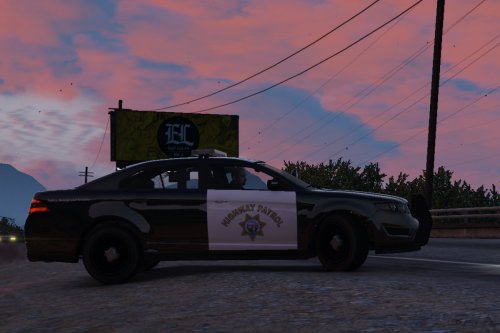 Very nice!! I really like how you made it like the strainer so you can remove the lightbar and make it a slicktop. Can I suggest that you do that with the granger? I've been trying to make a slicktop sheriff granger.
- 27 comments
- 15 reviews
-
-
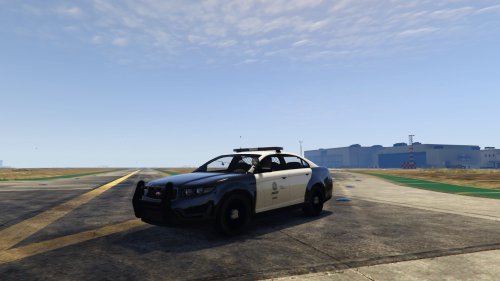 It works and it's good, but the LSPD skin on the car is not the one shown in the picture your advertising. Can we get the skin that is in the picture?
- 11 comments
- 2 reviews
-
Thank you for this post. It has helped me a lot. I am adding the LSPD Granger into the game and I have it it working. It spawns, it has sound, interior, light & sirens. The only issue I am having is that every time the vehicle hits an object in game, my game crashes. Any ideas on what that could be? Thanks,
-
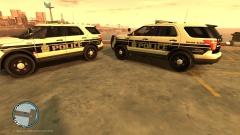
From the album: Winnipeg Police Explorer
-
Model by Bxbugs123/Trooper Dashie Skin by me Skins are still a work in progress
-
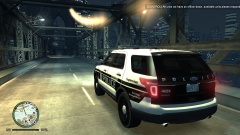
From the album: Winnipeg Police Explorer
Winnipeg Police Service Explorer



