
CorsoMaxima
Members
-
Joined
-
Last visited
Everything posted by CorsoMaxima
-
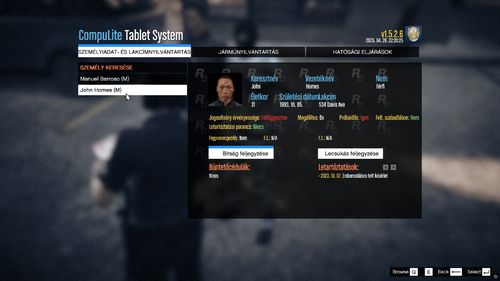 Ez magyar fordításnak fordítás, csak nem magyarosan... A nyáron dolgozok rajta még egy kicsit ezen...
- 2 comments
- 1 review
-
Jelenleg nem minden szó van átfordítva a plugin adottságai miatt. Ez a mod a CompuLite nevű plugint fordítja át magyarra. Gondolom nem kell többet elmondani ennél.
- 2 comments
- 1 review
-
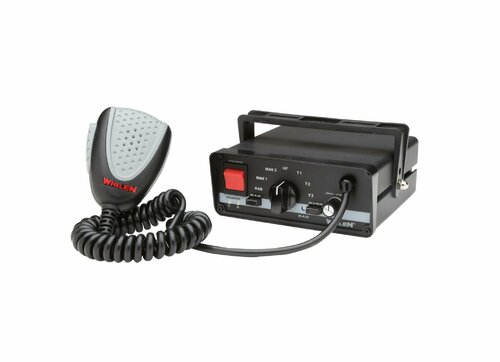 Tutorial on how to install this siren pack: Requirements - OpenIV - and this siren pack 1) Unpack resident.rar (I put the .rar file onto Desktop) 2) Open OpenIV, and head into x64 > audio > sfx > resident.rpf 3) It will warn you (that) you are currently not in the mods folder, make sure you click on "show in "mods" folder" / "copy to "mods" folder" 4) Now that you are in the mods folder, go back to mods > x64 > audio > sfx, and right click on resident.rpf, and select "replace" (if you don't see it, enable edit mode by clicking the edit mode button) 5) Select the resident.rpf file (the one which you have downloaded), and press Enter or click on Open 6) Profit
- 5 comments
- 1 review
-
-

- 2
-
-
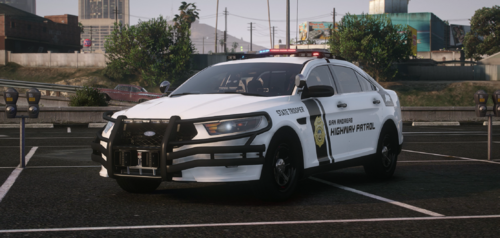 I would imagine a police chase at 3 am with these sirens... it would truly bring fear for the citizens, not for the criminals...
- 6 comments
- 1 review
-
-
- 1
-
-
You are welcome.
-
Are you able to check if you have downloaded and installed all required files into the dictionary?
-
Have you installed the required mods to get the game and the mod work?
-
Hey, sorry for a very late response, but the main config file, not the slotcontrol.
-
It's probably with your ELS configuration. May you be able to send your ELS .ini file?
-
LCPDFR is out-dated for the .NET thingy [which is a requirement by default]. That's why you get those keybinds, though, as Cyan pointed it out, the original keybinds [found in the PDF] will work. If you really want, you can downgrade your GTA 4. Some people said they had/have access to the original experience of LCPDFR.
-
-
Version of LCPDFR + GTA 4?
-
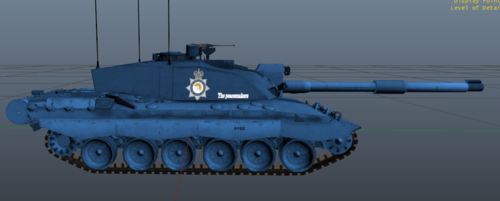 "the design is very human"
 -
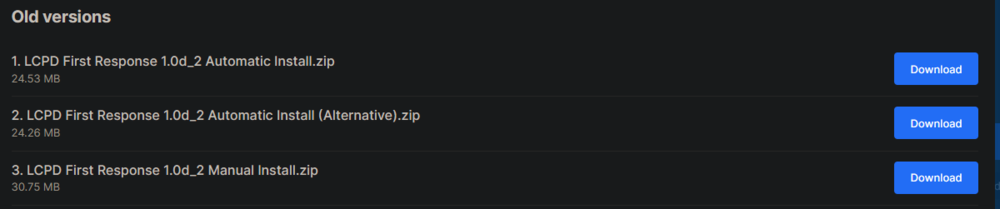
You can go ahead and install the LCPDFR 1.0d_2 version.
-
What plugins do you use?
-
The traffic stop feature got removed from the LCPDFR Complete Edition Patch.
-
- What LCPDFR version do you use? - What plugins do you have?
-
What plugins do you use? Also, can you provide more details as @OfficerChris1 said before? What happens before the game crashes?
-
Download LCPDFR again, then unpack it into the game's root folder/open the .exe file, if you have downloaded the automatic installer.
-
-
It probably has to do something with the taser.
-
yeah.
-
If it is the latest version, then go ahead.
-