


Hilth0
Members
-
Joined
-
Last visited
Everything posted by Hilth0
-
Lt.Caine and Bxbugs over at GPM.
-
-
-
Steam wins. CD Cons. -Breaks -Can be lost -hard to find in stores. -have to buy a whole new disk if it breaks. CD Pro's. -Trade able -more portable Steam Cons -cant trade -less portable Steam Pro's. -Can't break -Reinstalling the game is easier -Cannot lose it. much more.
-
I know you meant that I am not "dumb". I never implied you made it from scratch I am just saying you should at least make the title according to what you have done.
-
Lol.
-
This is a world where people defend people shooting high people. I've lost my faith in humanity, I am going to go kill myself now, cya.
-
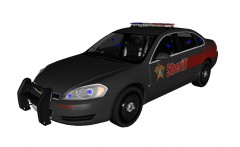 Nice but I would go with a Setina PB-200, Try modifying TraumaPak's rambar into one! Great car!
 -
You didn't make it yourself, you put a bunch of unlocked models onto this car.
-
Cool!
-
This.
-
-
Yes this is, probably some unneeded collision space used.
-
Looks nice but PPV's are lowered a bit. But that is if you want absolute accuracy. Anyways looks good as said previously!
- 23 comments
- 14 reviews
-
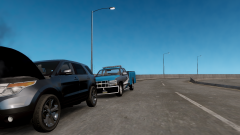 No. Dude do not use that bumper, That guy "gucci" stole it from Lt.Caine.
 -
The bumper and the Utility Cab.
-
Are these parts by LT.Caine? If so who gave them to you? Unless it's EVI's stuff.
-
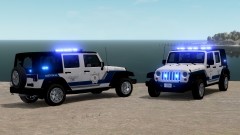 AMAZIN.
 -
-

From the album: Hilth0's WIP's
This will be my last upload to lcpdfr, As I am switching to GMC. -
Can't wait! This is really shaping up to be one fantastic game!
-
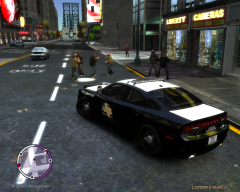 Tim98's.
 -
-
-


