ModHD
Members
-
Joined
-
Last visited
Everything posted by ModHD
-
-
 simple. & simple. 5 star.
 -
-
-
-
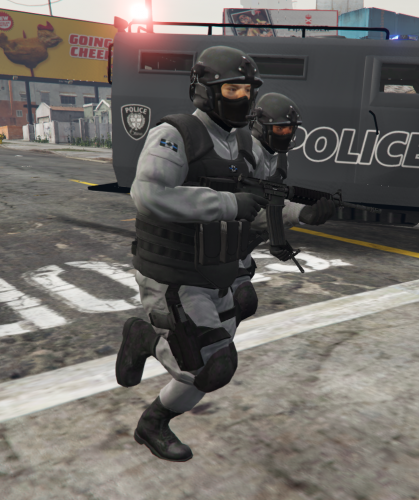 I Agree with xMoD. Very good work.
 -
.thumb.jpg.1db0be3e377ccefdd47e57a95ec56762.jpg) I Rated 5 Stars but I Feel it is a Three. I rated the car 5 Stars because Its AWESOME. I took 2 stars off my mind because well... WTF is up with these damn ponies all over the fucking .yft files.. Like i Even blacked it out and I still see ponies in it.. IS THIS A JOKE BECAUSE ITS BUGGING ME TO DEATH. Also I have OCD. I need those ponies gone. P.S. I think its a virus maybe... does anyone have a fix?
I Rated 5 Stars but I Feel it is a Three. I rated the car 5 Stars because Its AWESOME. I took 2 stars off my mind because well... WTF is up with these damn ponies all over the fucking .yft files.. Like i Even blacked it out and I still see ponies in it.. IS THIS A JOKE BECAUSE ITS BUGGING ME TO DEATH. Also I have OCD. I need those ponies gone. P.S. I think its a virus maybe... does anyone have a fix?- 239 comments
- 70 reviews
-
-
 ! Dear Users. THIS IS AN AMAZING MOD. LIKE TRULY AMAZING WORK BY THEHURK... God Bless you man... Ive been looking for ALPR's Like This... Looks like I can now live in peace and start Texture modding... Thanks! :D
- 501 comments
- 104 reviews
-
-
guys I modded a car in zmod. Im using bxbugs lightbar. I coverted the L0 to L1's. Looks great ingame but the lights are stuck on. they dont flash. help me.
-
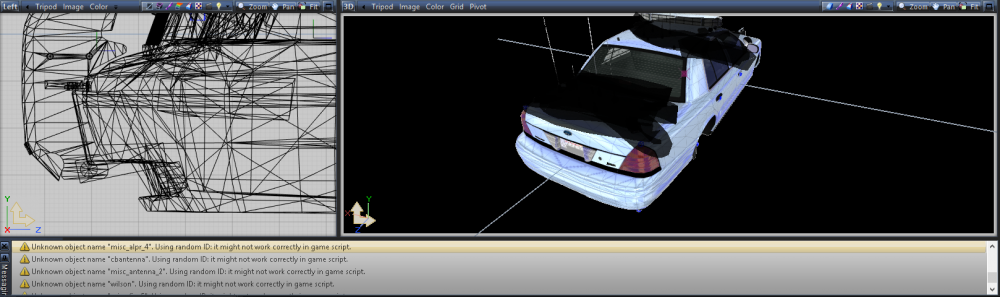
Does anyone know what this error means?
-
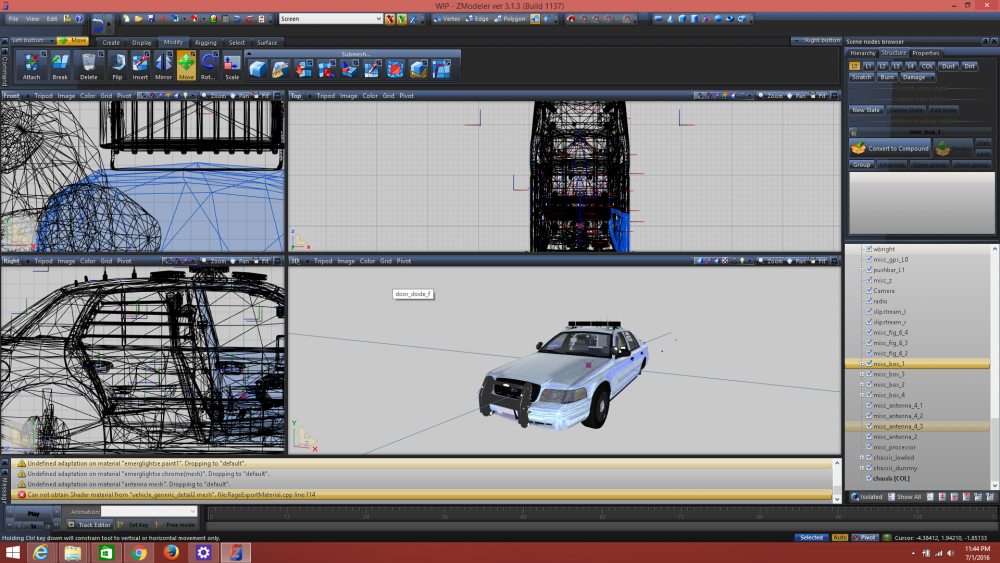
Dear Developers I need help Exporting my CVPI. What do I need to do? Some of my APLRs are showing up incorrecty. Alot of impovement needed... I know. But who wants to beta test and help me out here? :D
-
-
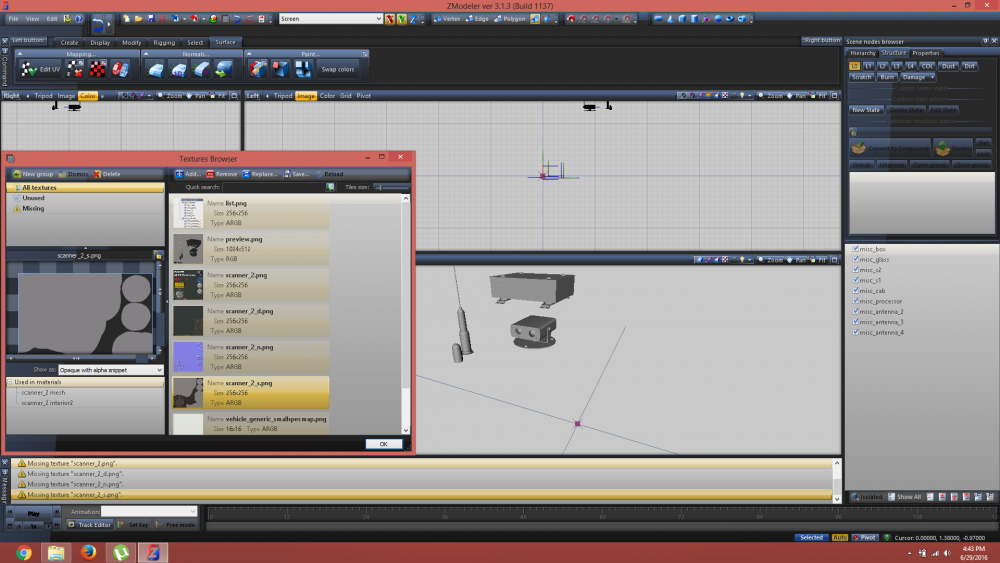
UPDATE: I put my textures in before the model imported. Still get these messages.
-
GTA V Guys! :D Hmm... Let me try this. If im successfully, all commenters will be added to my credits for helping me. God Bless. YOU WONT REGRET TELLING ME THIS.
-
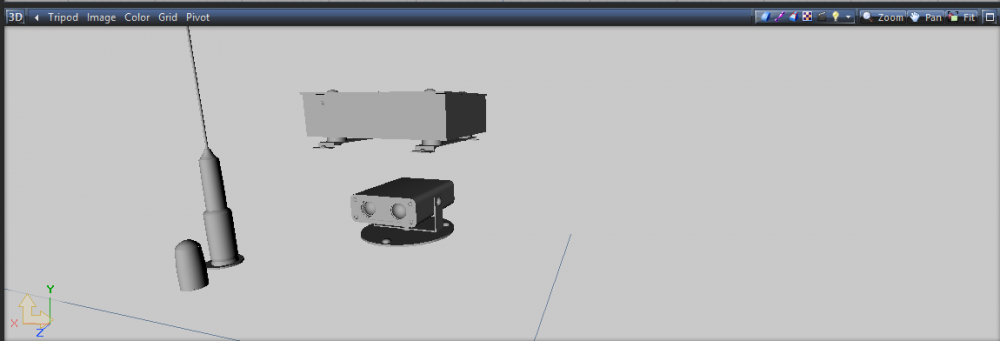
UPDATE: I Have successfully imported the CVPI with Textures, but I am still having problems with my extras. My APLR has been imported but im unable to move on because it doesn't have textures like shown. Any assistance would be great! DEAR DEVELOPERS, I know you see me as a noob, but I had completed some Vehicles in modeler 2.2.6 for GTA IV. Export was successful... two years ago. Please help answer just one question. I have successfully imported a CVPI, but how do I import the extras? Such as APLR, Sirens, Tire, and Antennas? They are in WFT format. Can someone send me a toturial page link or atleast try to be nice? : P.S. Im Using zmodeler 3.0 or whatever the lastest version is.
-
-
-
-
YOU WERE RIGHT I ACTUALLY DELETED A LINE ON THAT FILE!!! THANKS! hehehe ikr thanks for the support and comments you guys keep this place alive!!
-
What I ended up doing was reading the last part of the OpenIV log. I dont know but somehow my mpluxe update got corrupted... I mustve deleted something while not paying attention. I got it fixed by replaced the old mpluxe patch in my mods folder with the original one that i had backed up. Thanks for the comment though!!
-
Hey guys I need some help so far ive never had to ask a question without asking google or youtube first. Ive tried loading my game 15 times now but it wont start now!! All I did was change 1 vehicle texture, I changed some value for CopHolster Mod, and I had added a line to vehiclevariation.meta. Now the game crashes EVERYTIME after loading worlds and ped with ragehook. OpenIV.log
-
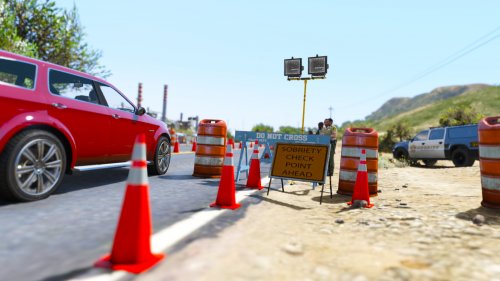 Looks Nice! But its not working for me... I dont understand your installation methods. Can you help me??
 -


.thumb.jpg.1db0be3e377ccefdd47e57a95ec56762.jpg)