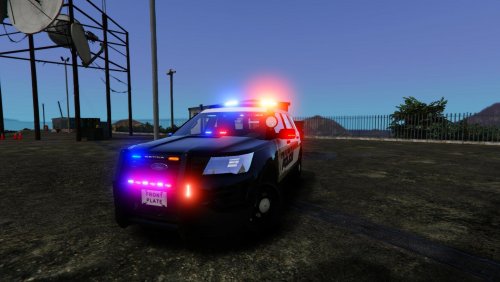
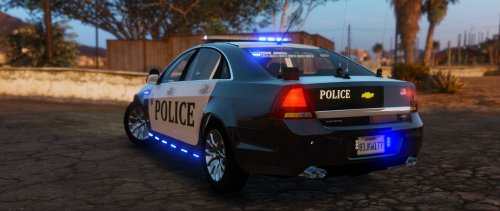
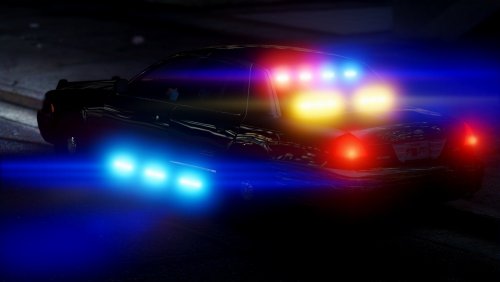
J.J Designs
Members
-
Joined
-
Last visited
Everything posted by J.J Designs
-
.jpg.3a552c9655e49b701071ed33b6a9adb0.jpg) yea is the same ones
yea is the same ones -
wich on do you have ??? got a pic
-
i got hub caps for it if you interested
-
o0o0o0o thank these video help me to get to where i need it to go thanks
-
does anybody knows where i can find els parts for my new project or is z3 the same as z2 where you download stuff slap them on, on go ????? sorry im new to z3
-
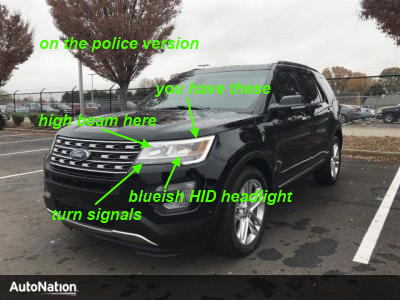
 yes it will in fact any slot i have my set to police2 same question here headlight is not even on the right spot and they come with HIDs here and example thehurk bro is there any way you can put these on for the models ?????
- 427 comments
- 75 reviews
-
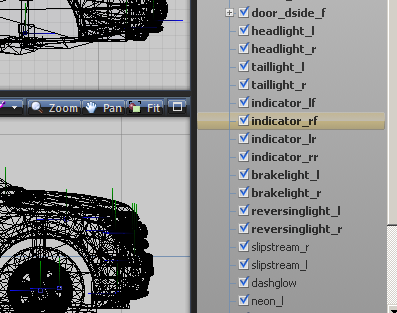
so these is what i got and still doing it ????
-
???????????????
-
hey raddz need help with a model if you can please get back to me asap thank you
-
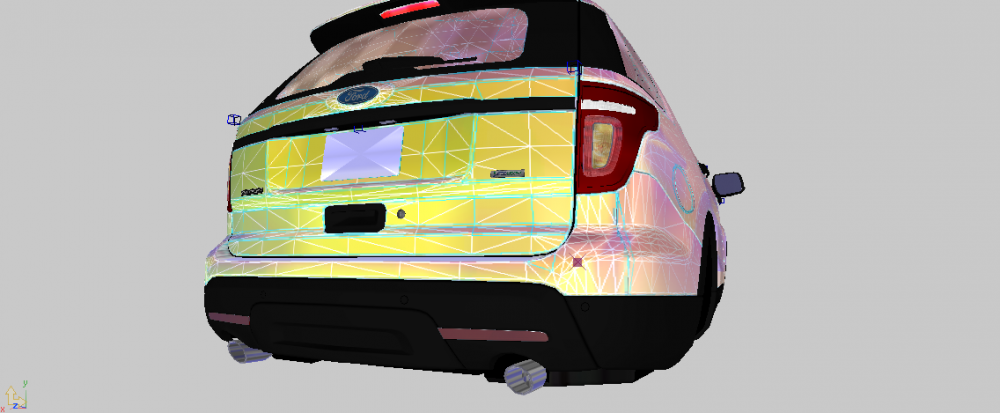
these teillight stays on when im on game how can i fix it everything alse work fine just teillight
-
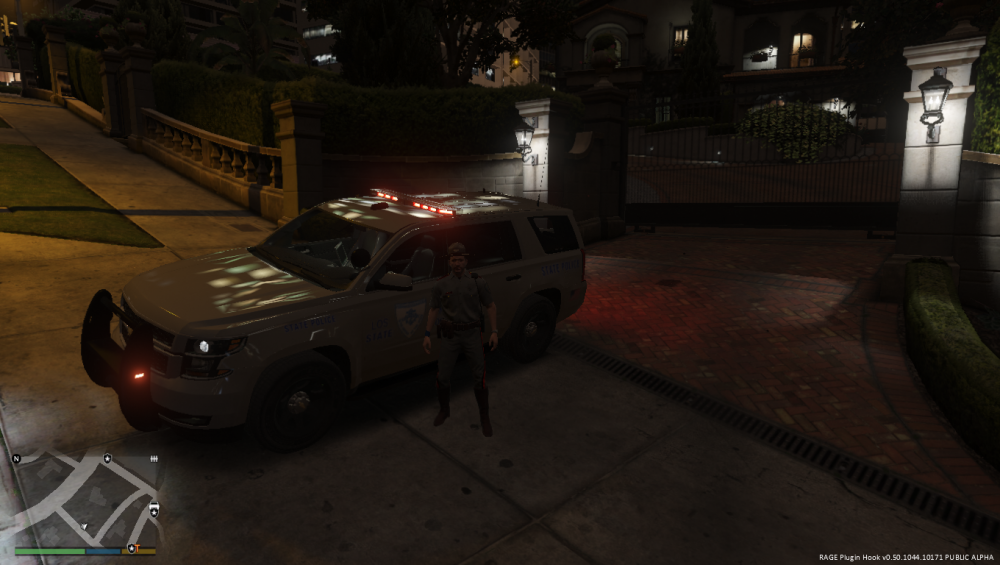
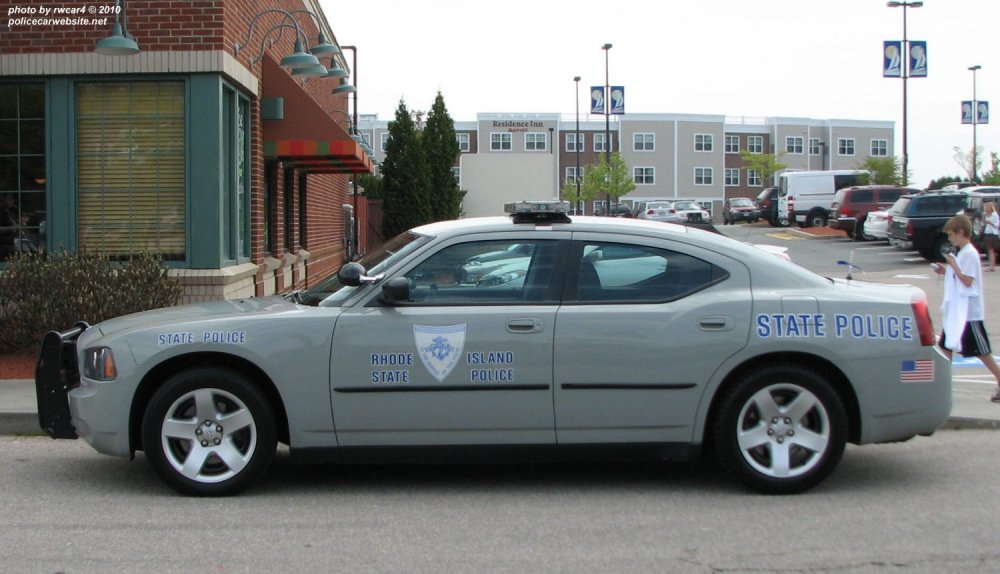
just simple nothing crazy don't worry about skins I can make them myself caprice w/hub caps and ford explorer and charger options: i want lightbar to fully go on when i hit the cruise key just like in the second picture and be able to see the traffic adviser when i hit the k key slicktop charger 08 and 11 to 13 what im trying to see now that we have ELS is something like these on these video but for gta5


-
-
-
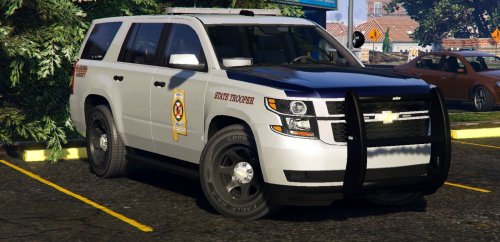 trying to install on sheriff2 slot but lightbar keeps popping black i was tall by a memeber here i have to change some texture but i dont know how to get to it
- 32 comments
- 17 reviews
-
i need to get to lguard and sheriff2 need to change the glass or something for my ELS cars cuz there black
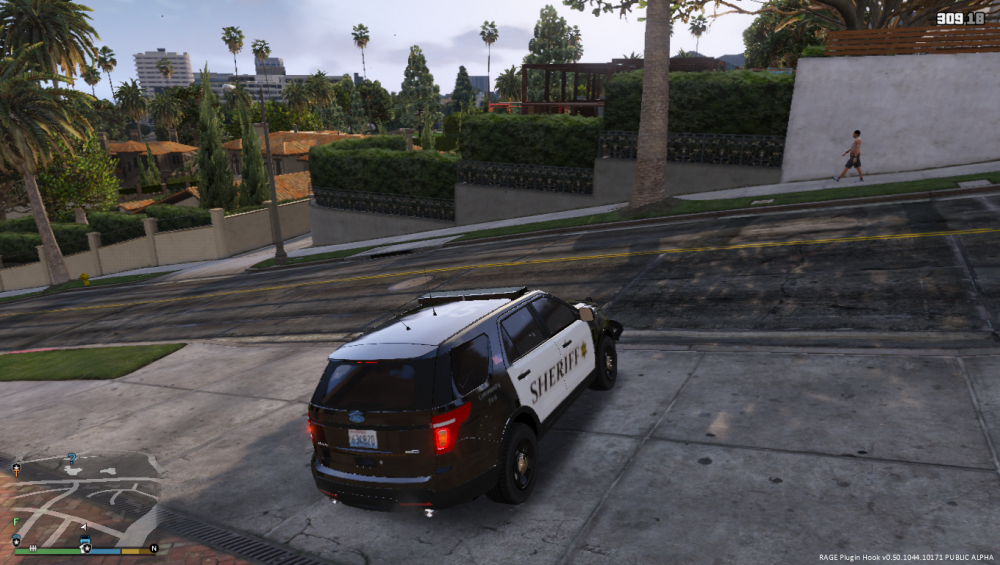
-
-
-
OMG these SUV FIRE FIRE FIRE FIRE just not feeling the dual spotlights those cruise lights are on point is it possible to see a 2013 explorer whit these same set up
- 427 comments
- 75 reviews
-
-
gp, you wrong man car look really good i love the cruise mode on the mark unit just for some reason cant get the takedowns to come on as you see in the picture they work on the slick but not on the mark and i see AI on the mark unit with them on so i know there but cant get them on update so was looking around and found takedown light but why do i have to go in trainer o turn them on why not with the els tkd key ??
- 427 comments
- 75 reviews
-
-
-
not really filling it yet no takedowns or steady burn lights as most newer police cars have these feature like in the picture below
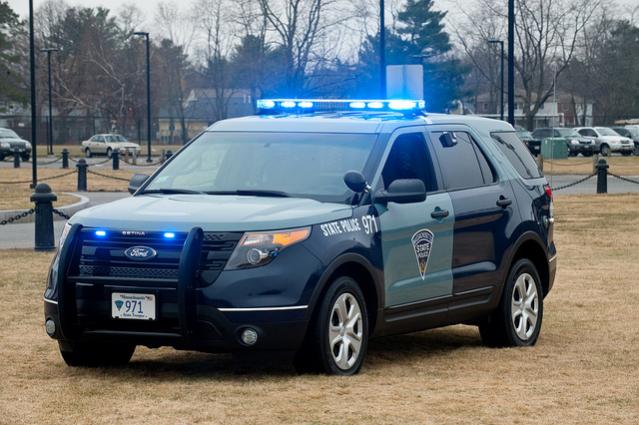
-
 mmmm no take downs and no steady burn as most newer police car have these feature now
- 2,655 comments
- 234 reviews
-
-

- 1
-
-
Auto-Center Steering Patch help stop working after update anybody as this same issue https://www.gta5-mods.com/scripts/auto-center-steering-patch

.jpg.3a552c9655e49b701071ed33b6a9adb0.jpg)