


GeoffreyGamer
Members
-
Joined
-
Last visited
Everything posted by GeoffreyGamer
-
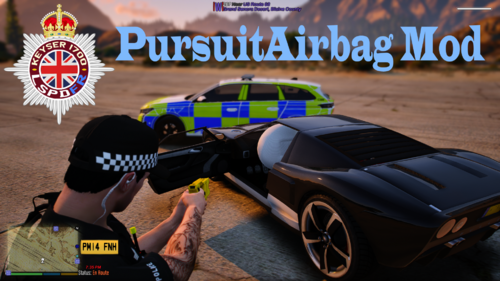 Just did an install/showcase video on this. I love it!!! https://youtu.be/J7XszOIux7E
- 48 comments
- 2 reviews
-
-
-
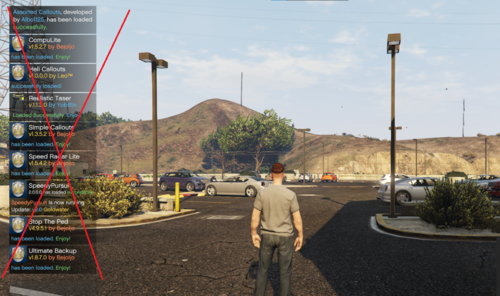 Works as directed! Great mod!
 -
-
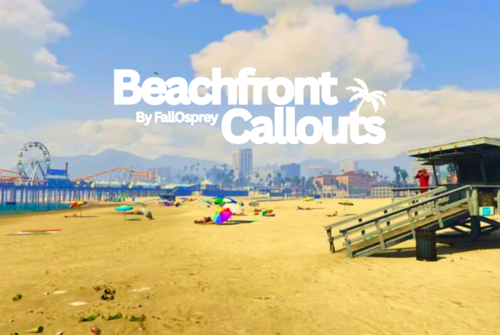 Did an install showcase on it. Would be cool to see some Pier calls, like, couple fighting or kids spray painting on rides or something. Nonetheless, well done!
- 24 comments
- 10 reviews
-
-

-

- 2
-
-
-
-
-
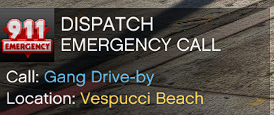 Just did a showcase on a few of these callouts. I dig them! Not sure if it was mentioned above or not but with the tank pursuit, the suspect exits the tank as soon as you arrive to his location. Keep on these, they are great!
- 191 comments
- 7 reviews
-
-
- 1
-
-
-
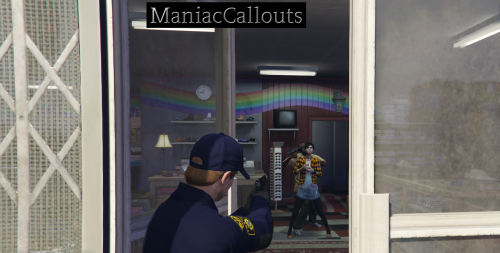 Just did an install/showcase video of these callouts. I dig them. More please 🙂
 -
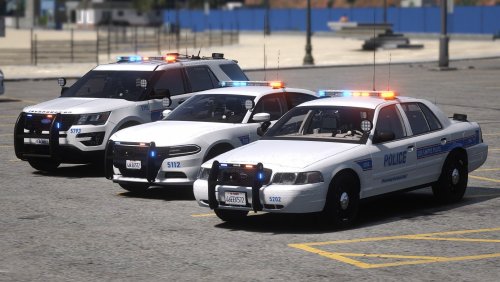 Yes Sir! I didn't know you did these! Next on my list!
 -
👀👀
-
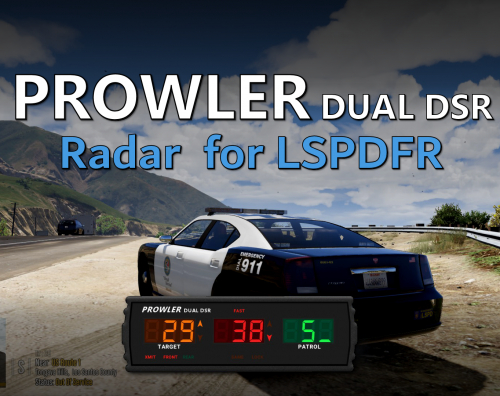 I do use that. But the aesthetics of this Prowler one trumps that for sure. I went back to using Speed Radar Lite but trust me, if a lock feature is added to the Prowler, I will be replacing SRL in all my LSPDFR files lol
- 234 comments
- 37 reviews
-
Hey man, first off, HUGE fan of you and your work! I had a question in regards to this mod. Do you have any plans in the future of updating with the "Target Speed" option? I know in the FiveM version you can. Not sure if it goes against the realism as I have NO clue if IRL police vehicle radars have a "Target Speed" option. Thanks in advance man and keep up the amazing work you do!
- 234 comments
- 37 reviews
-
-
- 1
-
-
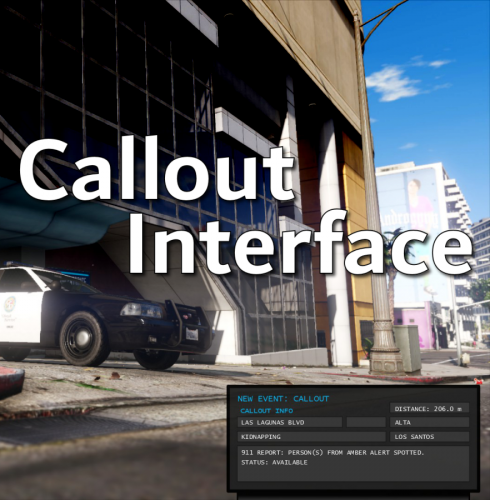 Just HAD to do a video on this mod AS SOON as I heard about it!! Opus49 and ben_hamilton ALWAYS dropping fire mods! THANK YOU! Keep it up!
- 451 comments
- 50 reviews
-
-
-
 Just did a tutorial and showcase video! Great job man. Very simple mod for some added realism! Keep it up
 -
-
-
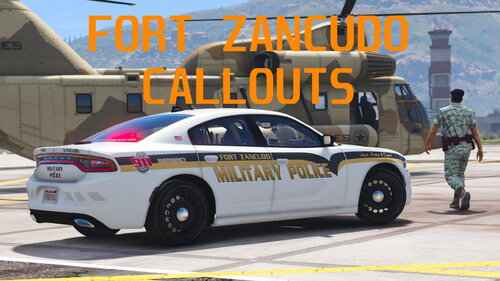 Your recommended vehicle pack and liveries do not match one bit. Liveries are for an FPIS (not included in recommended pack) a 2018 charger (not included in recommended pack) and a 2018 Tahoe (also not included in the recommended pack). Just thought I'd let you know. It's pretty important to test and try the recommended mods before telling others to do so. Shame on me, I should have realised that before wasting time on a tutorial. lol Great callouts none the less
 -
 I also did a tutorial and showcase of this callout and I am quite pleased with it. My only suggestion would be to either eliminate or expand the call sign options. A lot of folks (myself for instance) have a connection with their call signs. So we really love to have that option to use them. I know...it's petty. But the callouts and work put in is phenomenal! Good job man
- 106 comments
- 13 reviews
-


.thumb.png.c7996ad4d333199218e0eed7a31f81f0.png)
