Skip to content
View in the app

A better way to browse. Learn more.

LCPDFR.com

A full-screen app on your home screen with push notifications, badges and more.

To install this app on iOS and iPadOS
  1. Tap the Share icon in Safari
  2. Scroll the menu and tap Add to Home Screen.
  3. Tap Add in the top-right corner.
To install this app on Android
  1. Tap the 3-dot menu (⋮) in the top-right corner of the browser.
  2. Tap Add to Home screen or Install app.
  3. Confirm by tapping Install.

Lennyy

Community Team
  • Joined

  • Last visited

Everything posted by Lennyy

  1. Your log would give me more Information about your Issue
  2. That usually happens when you go on Duty as the BCSO. I suggest going on duty at the LSPD station and Teleport yourself into Blaine County if you want to patrol up there. That won´t impact your game at all since the Agency you are working for is only for visual purpose
  3. Hello there. Could you provide me with your Rage log after the crash?
    Straight up a A+ from me. Great Work Big. Keep up making stuff!!
  4. Hello, Maybe I can help you out right here. Are you on Duty as the BCSO ?
  5. Hello there Porci. I’m pretty sure that you know why you got muted and we told you multiple times to stop bringing up the mentioned theme. Anyways since you posted this in the support Forum may I ask what you need help with?
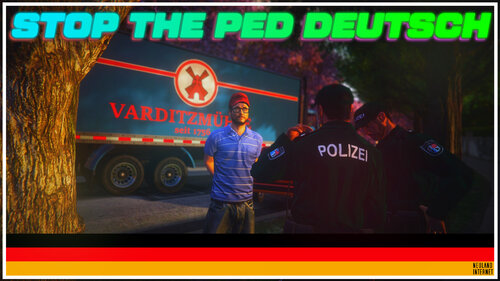
    Das hat mein Leben bereichert. 11/10 Sternen. Werde es meiner Tante Angela zeigen auch wenn das Internet für sie Neuland ist
    This is amazing. Cant wait for the whole SWAT Callouts plugin
    Awesome plug-in. Use it all the time even in third person.
    One of the best and most essential plugins of all time

Account

Navigation

Search

Search

Configure browser push notifications

Chrome (Android)
  1. Tap the lock icon next to the address bar.
  2. Tap Permissions → Notifications.
  3. Adjust your preference.
Chrome (Desktop)
  1. Click the padlock icon in the address bar.
  2. Select Site settings.
  3. Find Notifications and adjust your preference.