


RazzleDazzlRed
Members
-
Joined
-
Last visited
Everything posted by RazzleDazzlRed
-
Did you remove whole CalloutsV or just change a setting? I've opend the .ini file of CalloutsV but couldn't find any settings related to the end button.
-
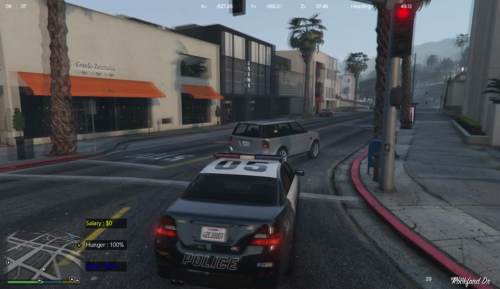 Hi, i'm very curious to a update. Loved the mod so far but i miss the use because it doesn't work anymore. GTA got updated again so that's a pain in the ass.
 -
Multiple YT people have given the solution. ( for steam ) Click Steam in the left top corner, Play Offline. That should solve your problem so you can play your reverted game.
-
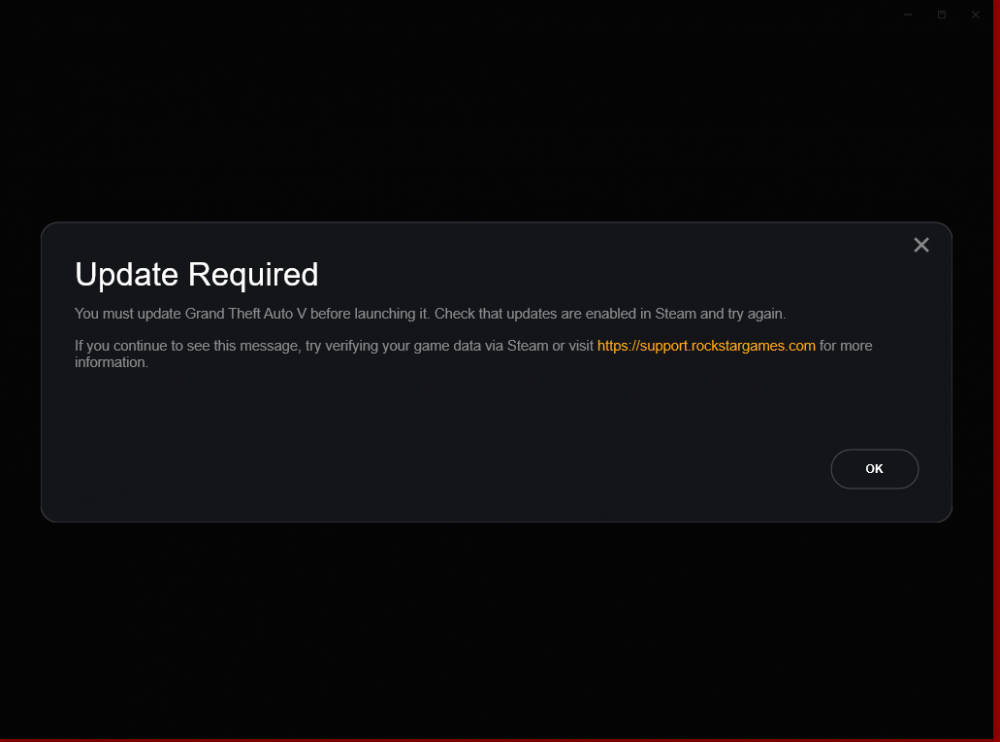
Hi, With the new release of the gta update i have made multiple back-ups before hand. Yesterday everything worked fine with the reverted vesion, today it won't work anymore. I've reverted diffrent back-ups and keep getting this message from the rockstar launcher. Is this a know problem? Can somebody help me trough this please? Regards, Alex
-
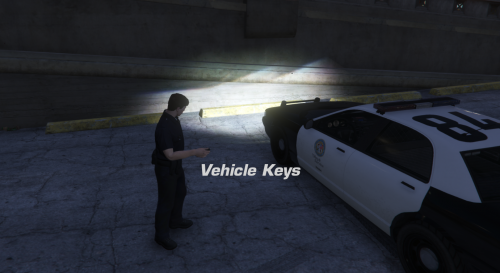 In order for RageHook to recognize this plugin you need to double click RageHook and hold SHIFT key for 2-5 seconds. Wait for Rage Menu to appear. Then go to Plugins tab and select Vehicle Lock Plugin and save and launch RageHook. That way the game will always recognize it. Credits to YT Benzo Effect P.S. Don't forget to change this to false if you have Traffic Policer. "[Features] //Set the following to true or false to toggle the automatic locking of your vehicle doors to prevent thefts. AutoVehicleDoorLock=false"
- 55 comments
- 10 reviews
-
It works perfect now i have change a lot of controls and i don't have any problems now. thanks, you can close the forum or can i do that?
-
No just as LSPD
-
Alright i've came across some other bugs, in gta v when lspdfr is loaded and on duty when i press start en go to the LSPDFR tab it won't load. Something diffrent after 15/25 min the game gives me a prompt with LSPDFR has shut down. Then i need to ReloadAllPlugins again to let it work. RagePluginHook.log
-
I want to thank you for everything! i got it running again. I needed to try multiple times to log in when i logged in and made a character everything worked fine. Please if you found something in the mean while that i need to change that let me know! Regards Alex
-
So i've done everything and it worked! but then when i wanted to create a character or log into my account it crashes. my screen freezes so i can't see the prompt message. RagePluginHook.log sorry i forget everytime to quote lol Only thing i see at this moment is this

-
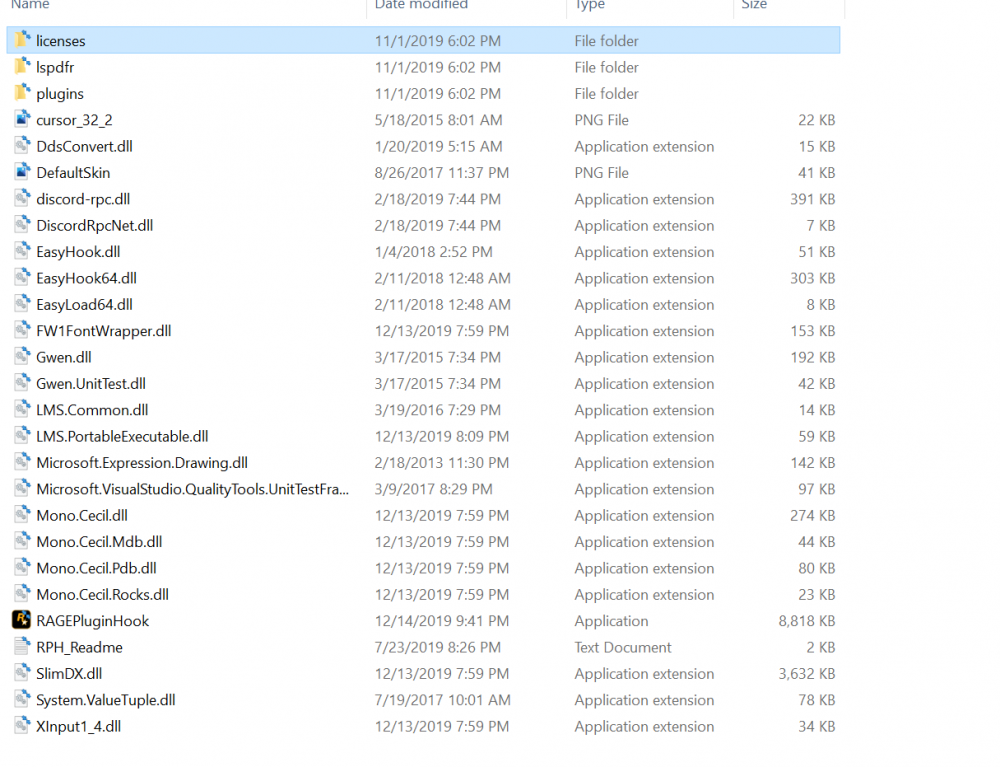
Oke nice found it and downloaded it 🙂 Could you kindly help my with the manual instal? I'm not sure what to do. In the manual Readme file it says place everything into the game folder except SDK and licenses folder. But i only see Licenses.

-
Thank you for the quick response! What do you mean with 'reinstall LSPDFR Manual'? Sorry i'm new to LSPDFR.
-
Hello LSPDFR Community, I've recently installed LSPDFR, the working mods from Bojoljo and a breathalyzer mod. It worked yesterday and played a long time, booted it up a lot of times so i'm clueless why LSPDFR crashes now when i load in. When i spawn in as for me Franklin i press F4, ReloadAllPlugins. Then LSPDFR Crashes. I've tried typing LoadPlugin, LSPDFR etc. but that also didn't work. Can Somebody assist me please? Regards Alex RagePluginHook.log




