


chriswhit
Members
-
Joined
-
Last visited
Everything posted by chriswhit
-
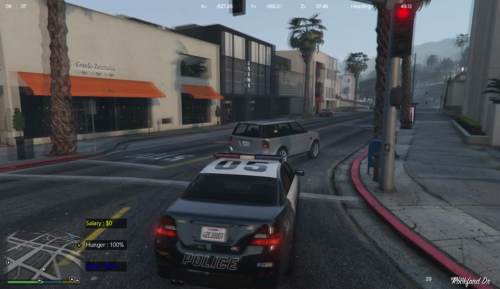 i downloaded this. and it worked correctly as it should but the E interaction key wont work. I press E and nothing happens. the menu doesnt pop up for me to eat or sleep.
 -
-
did you find any good ones?
-
 im new to LSPDFR and ive been wanting to try it for awhile since ive seen jeff and polecat play these. My LSPDFR runs perfectly but when i download and install Fire callouts everything loads and then once the game starts it makes a beeping noise and then loads up and i can see the police stations and fire stations but cant enter them. and on the start menu LSPDFR is not longer there. am i doing something wrong here?
- 365 comments
- 20 reviews


