


ArriveAlive
Members
-
Joined
-
Last visited
Everything posted by ArriveAlive
-
Happens with Light snow as well but not with Xmas, so I guess i'll just use that. Thanks!
-
I went back to the original visualsettings and it's still the same 😞
-
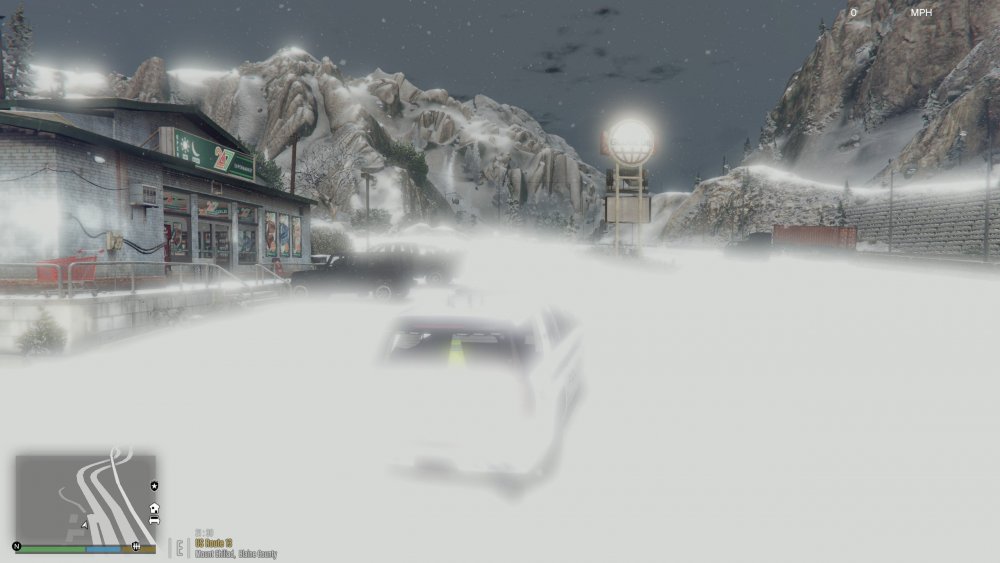
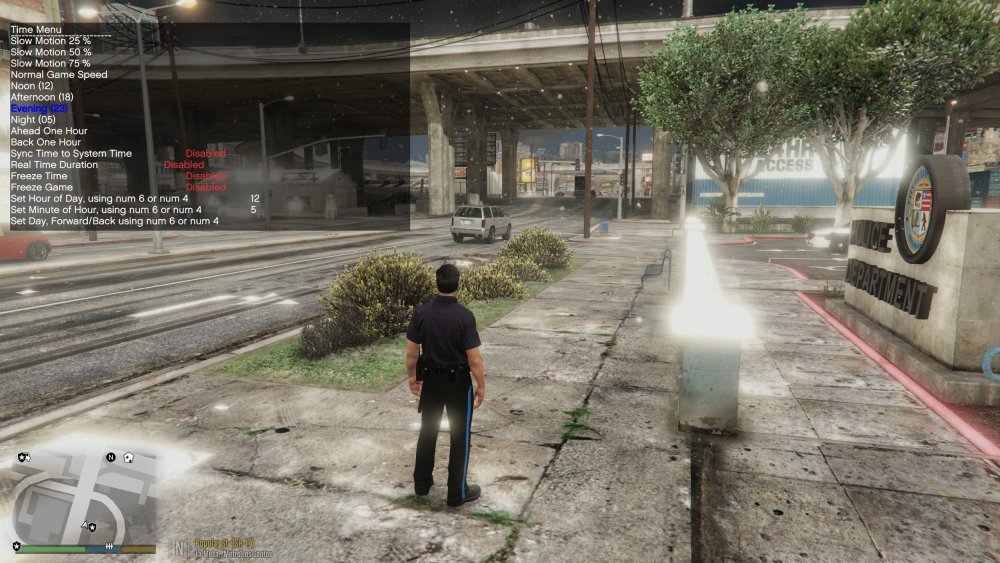
So I have used the snow mod before using simple trainer (it is updated) and I used to also set it to 'blizzard' and never had this issue. Picture attached. Every time I enable snow via trainer and then set it to blizzard or light snow it turns like this. Occurs mostly if it's during the evening time range. Would anyone know why this is happening now and if there is a fix? I only have radiance V and no other visual mods installed. The second picture is snow mod disabled, evening time, with just blizzard on and just some areas are bright.
-
Good catch. I am having the same issue but did not realize it was at certain locations. When I began the game away from the vinewood apartment (instead I began with giving someone a ticket) it did not crash.
-
😅 Yeah I have to get rid of some but I did do 3 steps: Updated RageNativeUI again, took out the RageNative ini folder from the main gta5 directory, and updated my driver and I did not have a crash. Not sure which one it was but thanks for the reply!
-
Hmm so I kind of had this issue too after updating everything. Only difference was I went on duty and after 2 minutes it would crash. I do not know how to read the logs but what I did today was I redownloaded RageNativeUI from github and took out the RageNativeui.ini file from gta5 directory and it's working fine now. I also saw there may be a hotfix to RageNative (not sure if it's the same file from github) but you might have to find that in the support forum (it's recent). I would download it from github first and then see if it works, if not then look for the hotfix file here. Lastly, I updated my graphics driver. Maybe try those and see if they work.
-
Help please. I updated LSPDFR, Rage hook, Rage Native, and Script hook V today and once the game starts, I play for about 2 minutes and then it crashes to desktop. I have attached the RPH log. RagePluginHook.log
-
I updated LSPDFR, Rage hook, Rage Native, and Script hook V today and once the game starts, I play for about 3 minutes (after all plugins are loaded ) and then it crashes to desktop. I have attached RPH log. Edit: forgot to add, I also installed Albo's Modding DLC file (.oiv file) to turn a police vehicle into a DLC and after that this began. I back tracked and deleted the DLC file within the "MODDING" folder created by the oiv file but don't know if there is more to delete since there is no oiv uninstall. RagePluginHook.log
-
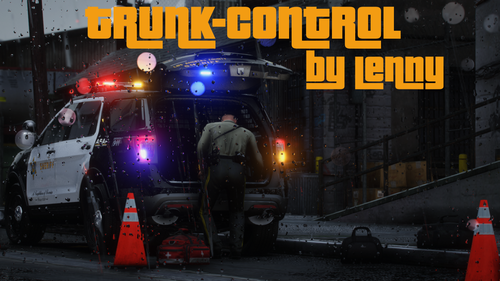 If you can make this open the trunk while you're outside of the vehicle as well, that would be awesome. Great job on this plugin!
- 47 comments
- 14 reviews
-
-

- 4
-
-
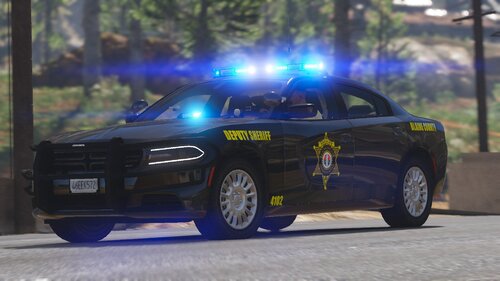 Would you ever make it with the lights being red/blue? Vehicle looks amazing.
 -
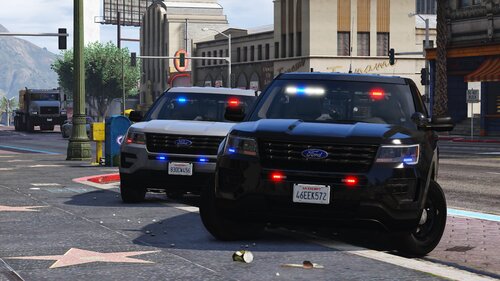 I see that it was updated but not sure if you tried fixing the takedowns but they're still shooting from the back, although the lights turn on in the front. Everything else is splendid.
 -
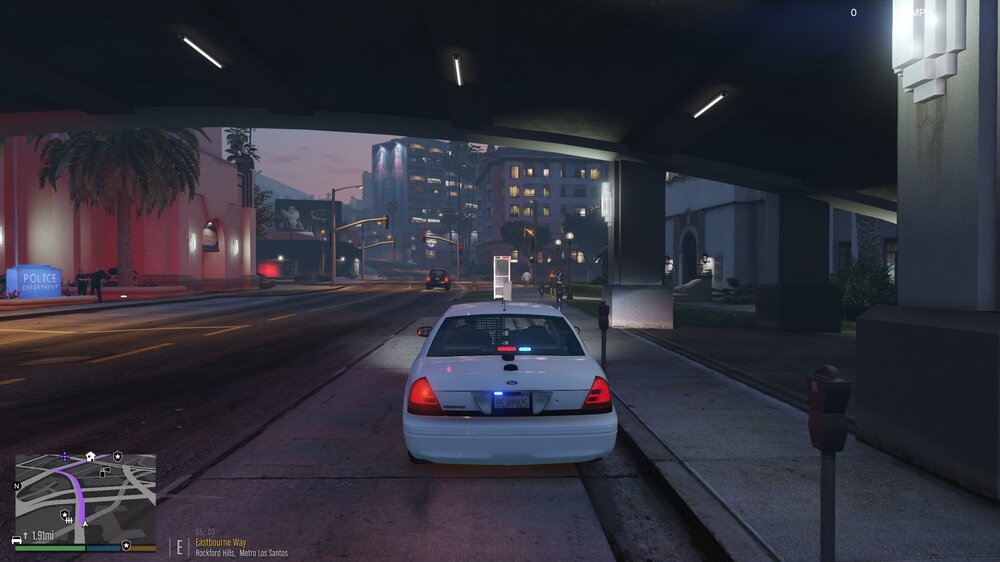
Hey all, So I realized some vehicles I have an issue with the lights. I have ELS, VisualV and RadianceV installed. Some vehicles have a light(s) that are light blue and the same vehicle will have the normal blue on other lights. I have posted pictures to show the vehicles. My shader and postFx have always been high/ultra. What can be the issue? I have spoken to one of the vehicle creator and he said he does not have that issue on his end. Any help would be greatly appreciated
-
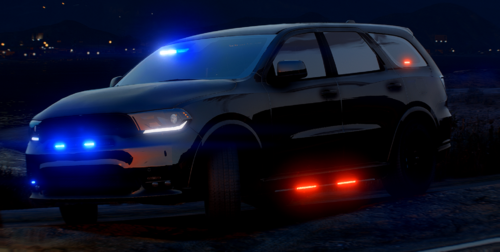 When you turn on the takedowns the light comes on in front of the vehicle but it shines from the back and nothing from the front.
- 13 comments
- 2 reviews
-
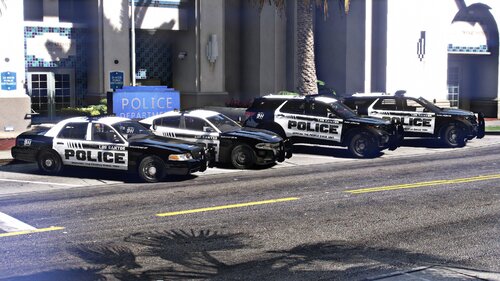 Just tested it out and everything looks amazing on these vehicles. ALPR would be a nice addition. Great work!
- 40 comments
- 8 reviews
-
-
-

- 2
-
-
-
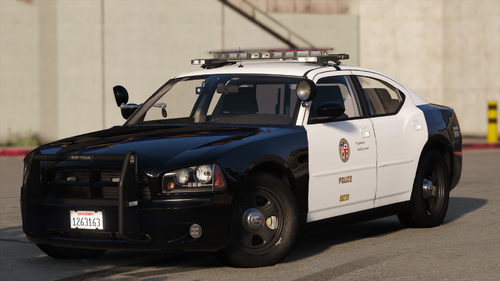 I can't seem to put the ALPRs on. I tried going into trainer and vehicle components but none are placing the ALPRs (i tried it on both vehicles). Am I doing it wrong?
- 21 comments
- 3 reviews
-
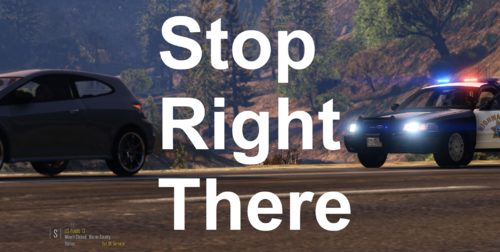 Sounds good! Thanks for the quick action.
 -
Side note, I do like the vehicle being blipped. Either a button or automatically goes away once you send the driver off or arrest (if possible) will work! 😄
-
Works great and adds so much realism to gameplay. Awesome idea/plugin.
-
Finally! I have been wanting to pull someone over during a redlight without them having to move. So far I've noticed it works great but the red blip when you mark them does not go away after you've let the driver go. Great job on this!
-
So the radio keeps going on and saying "dispatching SWAT from police headquarters" every 3 seconds and they are being dispatched and sent to my location as soon as I go on duty. I am not pressing anything either. The only recent thing I did was update all of Bejoijo's plugins. Anyone have an idea what may be going on and fixes?
-
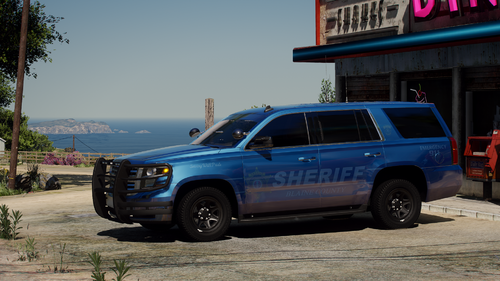 I did it (and also noticed the police4 ytd already had tahoe_sign_1/2/3) but I still replaced it from the addon and still doesn't show up. Does it have to do with carvariations or vehicle meta? (I have no experience with this but I did notice the addon DLC does have those files).
- 77 comments
- 10 reviews
-
So I tried the addon and they contain liveries but the replacement slicktop Tahoe (police4) does not. Is there anyway to have it on the replacement one since I only want that slicktop Tahoe in ghost/blue?
- 77 comments
- 10 reviews
-
-
This pack is awesome. How do you get the slicktop Tahoe blue like that? I replaced it and it spawns as white. I tried changing colors but it won't.
- 77 comments
- 10 reviews


