ArriveAlive
Members
-
Joined
-
Last visited
Everything posted by ArriveAlive
-
 Are we able to use a second computer to open this app on (for realism) or is it only in game?
- 392 comments
- 40 reviews
-
I removed both and it worked and put back NexusMDT (since I like it a lot) and it did not crash. Thanks for your help!
-
Hey everyone, I recently noticed my RPH crashes often. First noticed when I start the game and press F4 so I can 'forceduty' to go on duty and play.. immediately when I hit F4, it crashes. I will then wait some time and get into the game and hit F4 (no crash this time), type and enter forceduty, which works fine but after playing for 15-20 minutes it crashes again. The only recent scripts/plugins downloaded within the past few months are NPCAI, Sandy Callouts, ChiLls Callouts, NexusDispatch and NexusMDT. I have attached my most recent RPH log. If anyone can please pinpoint the issue I would appreciate it. Thanks in advance! RagePluginHook.log
-
 ^ crashed mine too as soon as I loaded from simpletrainer Edit: After your update, it works great. Thanks!
 -
 Any plans on making this for STP? We [STP users] really need something like this.
- 249 comments
- 7 reviews
-
This would be beyond amazing if it can be used as an external MDT on your laptop. Any plans for this?
- 392 comments
- 40 reviews
-
Will try, thank you!
-
Hey all, recently my GTA5 has been crashing. I noticed while I'm playing it crashes the game at random times (can be when a callout just popped up or while i'm driving) and it shuts down gta5 completely. Not sure if it is a plugin or my PC. I have attached a log from this morning. Can someone please let me know what it may be. Thanks in advanced! RagePluginHook.log
-
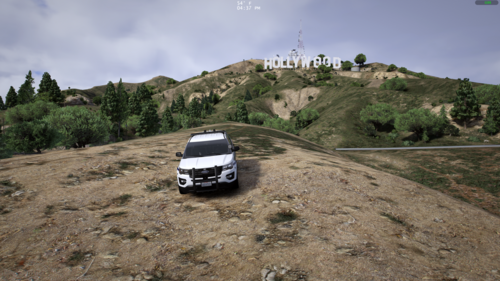 That worked. Thanks a lot, it's a gorgeous vehicle.
 -
For some reason only the lightbar works for me. Wonder if I installed wrong or require updating? any idea? I installed it like any other DLC install.
-
-
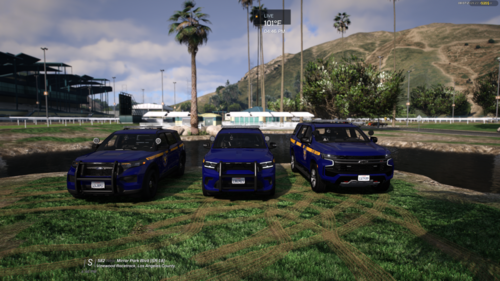
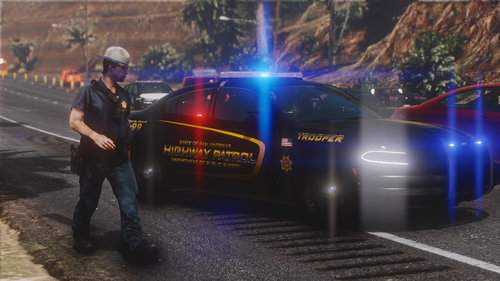 The vehicles look amazing, so do the lights. You think you can add ALPRs? Would be a real nice addition as state patrol to do some plate reading. Keep up the great work.
 -
.thumb.png.656f907bc2febc81911b0b821cb502c8.png) This is an amazing mod. But, can anyone here tell me how to work this with dual screen on PC, or does this not work with monitor screening? While I am in game I cannot move my mouse to my second screen to utilize the application unless i minimize the game. Is there a work around for this? (I tried bordless window and full windowed). Edit: Nevermind, I read through each installation instruction and got it to work seperately on my Mac like an actual MDT. This is AMAZING! Words cannot express how much you are advancing LSPDFR. Keep it up!
This is an amazing mod. But, can anyone here tell me how to work this with dual screen on PC, or does this not work with monitor screening? While I am in game I cannot move my mouse to my second screen to utilize the application unless i minimize the game. Is there a work around for this? (I tried bordless window and full windowed). Edit: Nevermind, I read through each installation instruction and got it to work seperately on my Mac like an actual MDT. This is AMAZING! Words cannot express how much you are advancing LSPDFR. Keep it up!- 351 comments
- 45 reviews
-
-

- 1
-
-
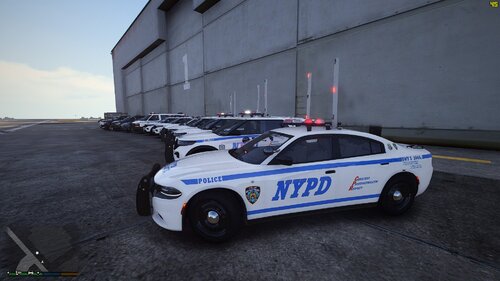 is there anyway to get blue lights on the rear corners of the rotators. IRL, when the corners rotate it shows blue when in the rear and red when front facing
 -
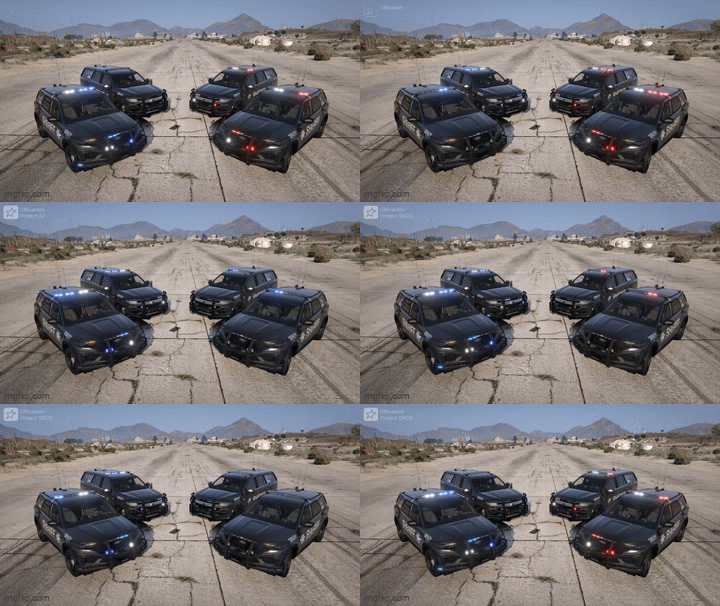 Just a little obsessed
 -
New version of Mccallouts is causing crashes and the author is aware of it
-
This is a beautiful vehicle and lights. Which extra is the ALPR? I installed as addon and do not see any ALPR generate utilizing vehicle components.
-
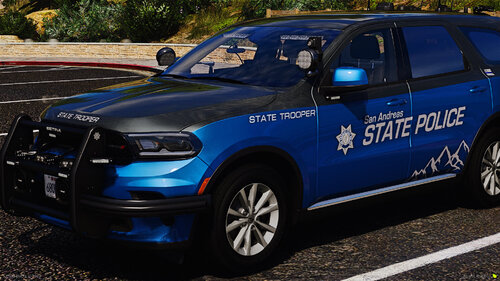 Extra 11 are antennas and nothing happens with Extra 9 on the 2020 FPIU and even after fixing the vehicle going through each extra there are no ALPRs for the 2020 FPIU (SAST 3)
 -
The decals, color combo and lights look amazing. Great work! I will open support on Discord to notify you of an issue.
-
 Hoping someone can make this to work without grammar police and callout interface but amazing work. Always wanted a plugin like this!
- 93 comments
- 2 reviews
-
-

- 1
-
-
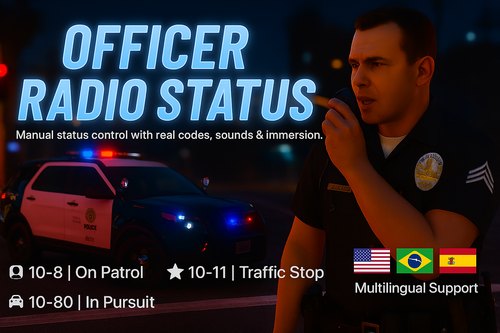 My comment was referring to update status via voice command on this plugin, not grammar police.
- 44 comments
- 1 review
-
If you can make it so we can talk to dispatch to update our status instead of manually doing it this would perfect this plugin. I know grammar police has this but since this is a lightweight plugin (which I prefer), being able to talk to dispatch to update status is the only addition we need to add to the realism.
- 44 comments
- 1 review
-
-
- 1
-
-
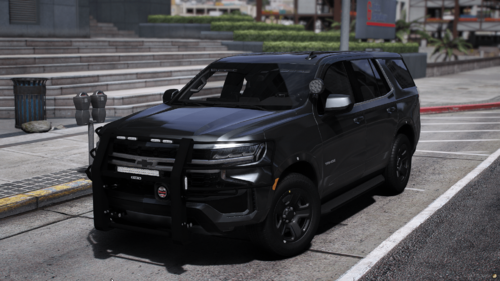 That worked! But like someone else has said, the headlights don't work at night.
 -
First and foremost, amazing work! But I do not see ALPRs for either the 'non-pushbar' or 'pushbar' vehicle. I switched through all the vehicle components and only get antennas. Could it be an install issue from my end?
-

.thumb.png.656f907bc2febc81911b0b821cb502c8.png)