



James009
Members
-
Joined
-
Last visited
Everything posted by James009
-
I'd like the idea of more pursuit stuff. They could help to reduce the long pursuits that can occur. Furthermore, a roadblock could be set up in other circumstances, for example when you get the armed gunman call you can create a perimeter and have greater security.
-
I take it you cannot just swap a head?
-
You could probably use filler voices, I wouldn't mind suspending my disbelief if it means more callouts. Besides, there is a ton of voices available... just have em cursing at each other. Regardless, this mod is heading in the right direction.
-
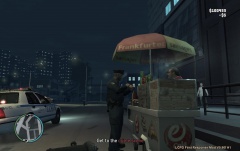 Does he just eat or does he eventually get to police work? lol.
 -
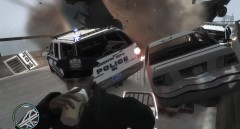 lol, epic time for a coffee break.
 -
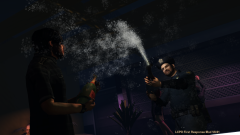 What the... lol. Native mod?
 -
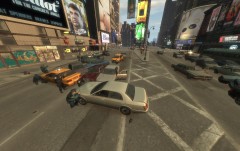 What on Earth did you do?
 -
I enjoy using them for screenshots and videos. I still want to be walking and have to drop my coffee to shoot an armed suspect.
-
Uhhh... not pulling my cruiser to the side of the road enough and losing my door to careless traffic. Hate it when that happens!
-
I've seen them before but was to busy to 'help'. Anyways, the randomness of this game/mod had me from the beginning.


