


AikoCutie
-
Joined
-
Last visited
File Comments posted by AikoCutie
-
-
 2 hours ago, jacalapar said:
uh no it's not, i use the holster sounds plugin and have 0 issues. Reinstall it or show us a video lol
it doesn't lol your good dude
What part of "its been confirmed with the developer" do you not understand? Like i said before, he personally told me that copholster sounds shouldn't be working if you're using the intimidation function. Btw everyone's games are different, If it works for you, good job.
-
-
1 hour ago, AstroBurgers said:
LSPDFR Already has a hotkey for it, if you go into the M menu and make sure "Intimidate" is selected you can just hit Caps lock
That is correct, however, if people use the holster sounds plugin. The plugin will break if you use the intimidate animation, it's been confirmed with the developer, So making a completely new holstering animation would be great.
-
Hi, this is really good, however, i have one request, is there any possibility that when you're doing the vest grab animation, is it possible to make it so your character doesn't lean a bit forward to grab the vest? instead they are having their back straight while grabbing it.
-
-
-
-
-
-

-
-
-
-
-
-
-
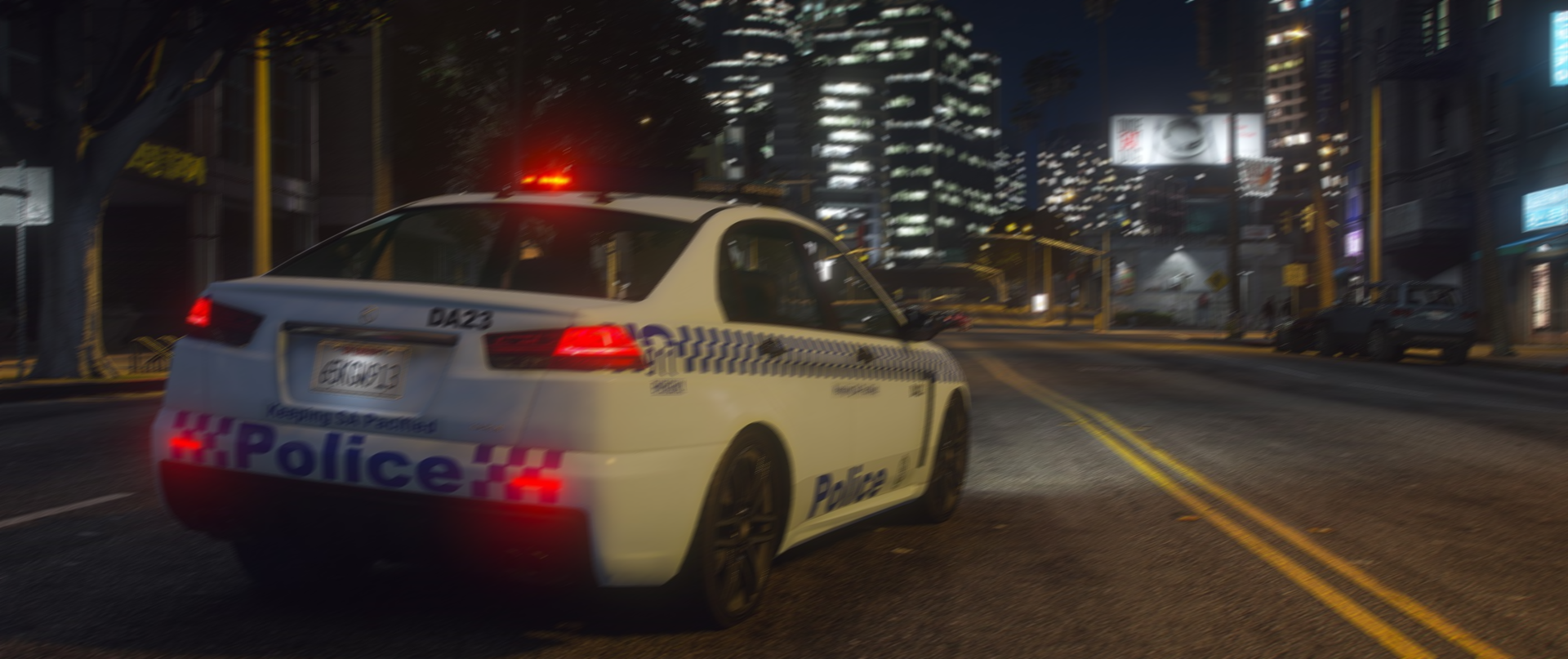
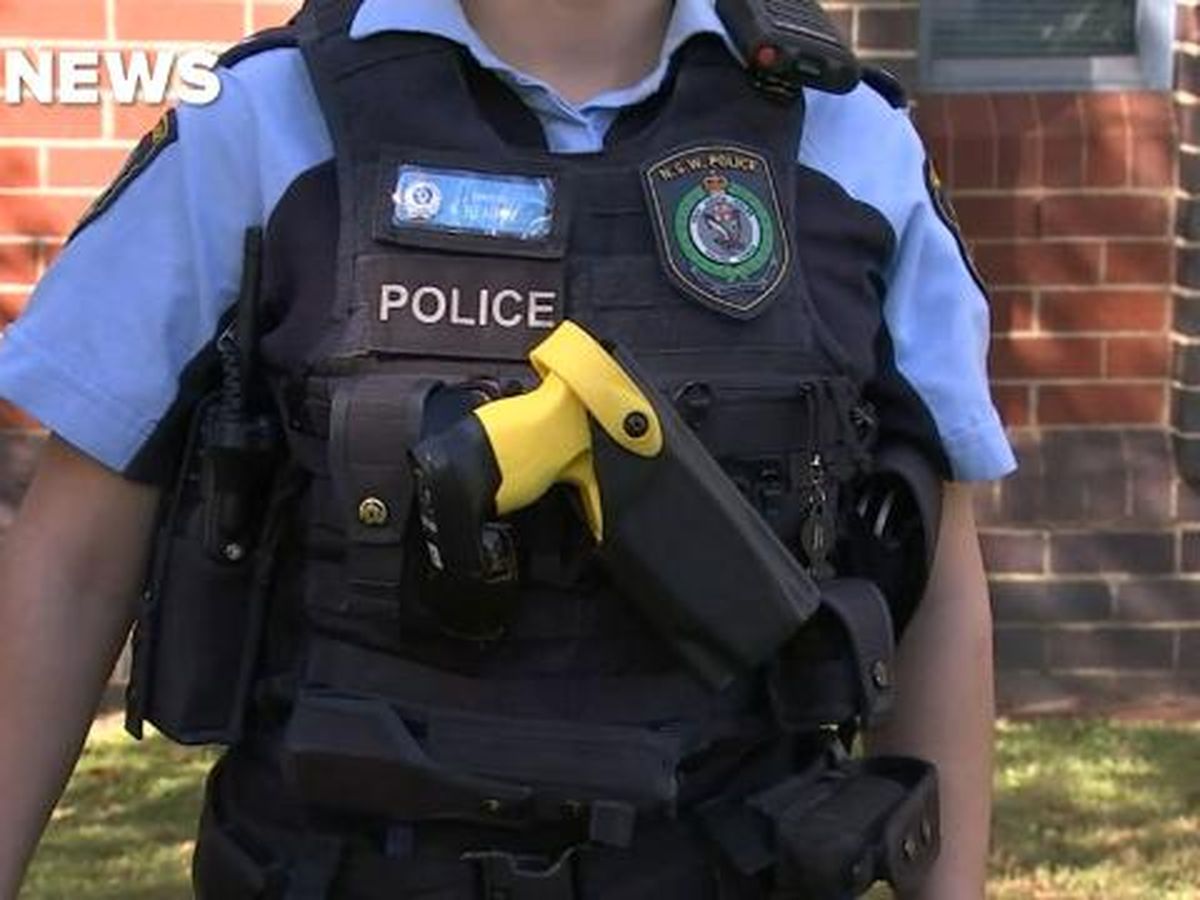
This might be a bit too much to ask, but if you want to/have time, there is this one hanko vest that looks similar to nsw police force (which i currently use)
The only ones that are missing on it are just the name "New south wales police" (as seen in the photo) And the Nsw police patch at the front. And is it possible for you to retexture the radio so it goes around the back to the right shoulder? (in the photo as well)

-
-

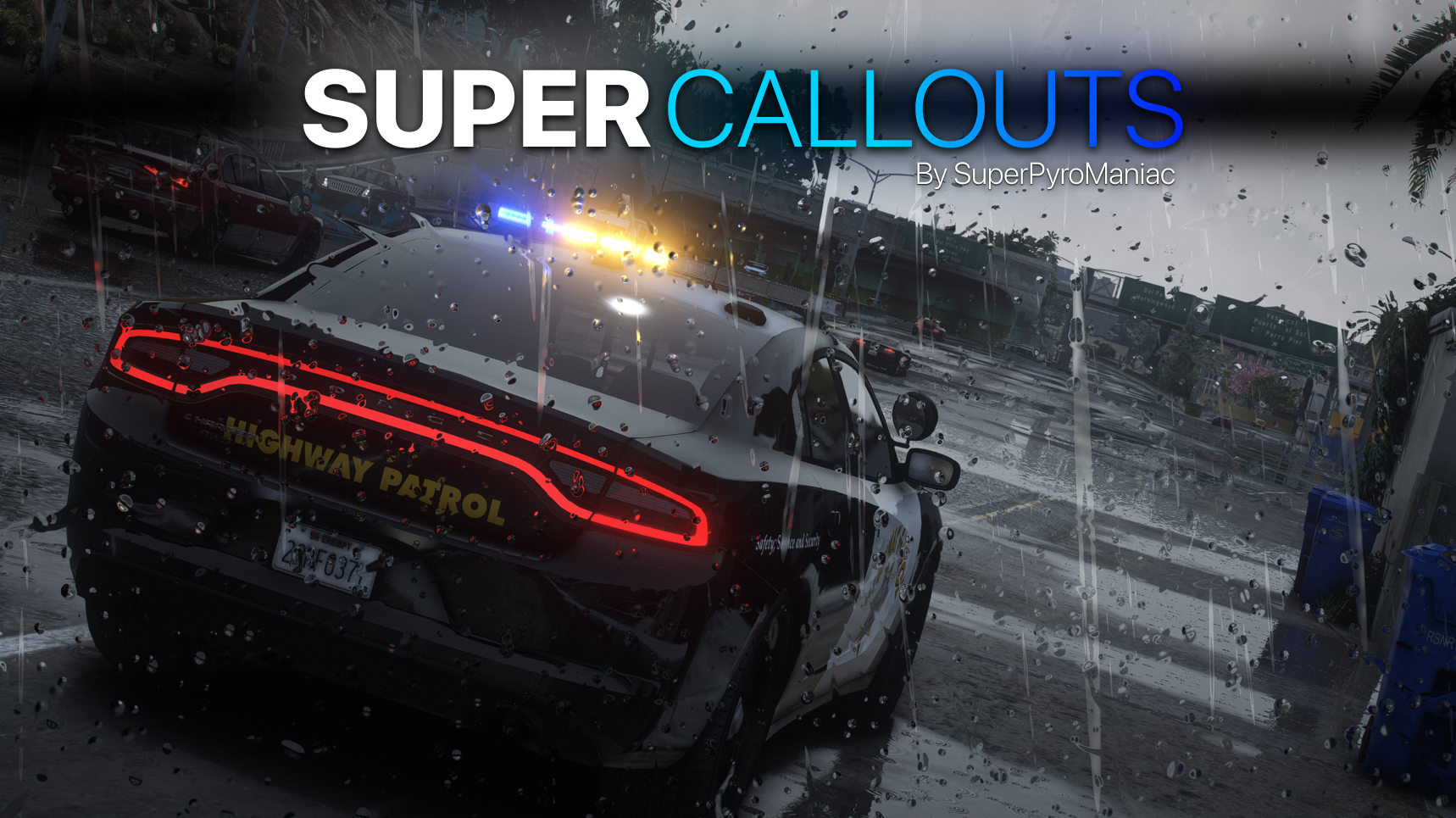
Bank robbery callouts never starts for me, always ends. Also for the police convey have you considered making the driver wearing police uniform? Making it more realistic.
-
-
-
-
-








BasicAnimations
in Script Modifications & Plugins
Maybe an animation where the personal reloads the mags