
bjackson1991
-
Joined
-
Last visited
Everything posted by bjackson1991
-
 anybody having issues with the DLC? its in the Description above in links, you'll have to add the all blues for my pack into OpenIV yourself.
- 264 comments
- 15 reviews
-
-

- 1
-
-
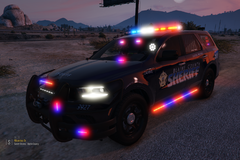
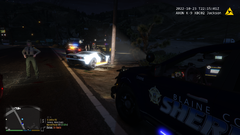
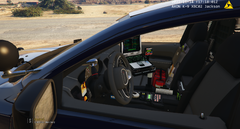
RELEASING TOMORROW!!! New photos of my dev chargers now FEATURING my skins. Lore friendly supervisor and multiple + unit numbers along with K-9.
-
 Untitled.png
-
 scene2.png
-
 durangonewparts.png
-
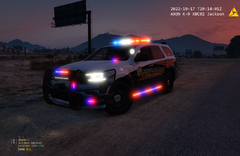 Trooperpicfront.png
-
 SUVPICSLOGO.png
-
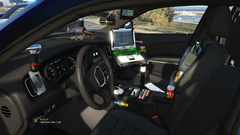 chargerlojack.png
-
 fleetpic2.png
-
 trucksfront.png
-
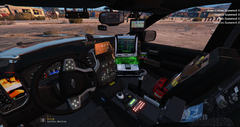 tahoeinterior.png
-
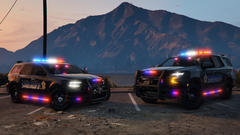 tahoeanddurangofront.png
-
 silveradoreark9.png
-
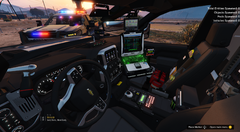 patrolinteriorsilverado.png
-
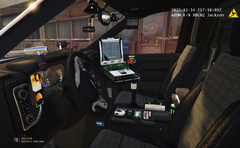 newtahoeinteriorparts.png
-
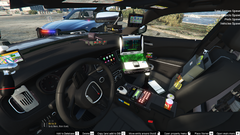 k9interiorcharger.png
-
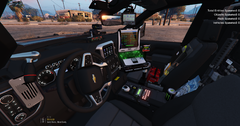 interiorsilveradok9.png
-
 FPIUTOGETHER.png
-
 fleetpic.png
-
 durangorear.png
-
 durangoandtahoe1.png
-
 chargersrear.png
-
-
From the album: Jacksons WIPS ELS/Non ELS
-
From the album: Jacksons WIPS ELS/Non ELS
-
From the album: Jacksons WIPS ELS/Non ELS
-
From the album: Jacksons WIPS ELS/Non ELS
-
From the album: Jacksons WIPS ELS/Non ELS
-
From the album: Jacksons WIPS ELS/Non ELS
-
From the album: Jacksons WIPS ELS/Non ELS
-
From the album: Jacksons WIPS ELS/Non ELS
-
From the album: Jacksons WIPS ELS/Non ELS
-
From the album: Jacksons WIPS ELS/Non ELS
-
From the album: Jacksons WIPS ELS/Non ELS
-
From the album: Jacksons WIPS ELS/Non ELS
-
From the album: Jacksons WIPS ELS/Non ELS
-
From the album: Jacksons WIPS ELS/Non ELS
-
From the album: Jacksons WIPS ELS/Non ELS
-
From the album: Jacksons WIPS ELS/Non ELS
-
From the album: Jacksons WIPS ELS/Non ELS
-
From the album: Jacksons WIPS ELS/Non ELS
-
From the album: Jacksons WIPS ELS/Non ELS
-
From the album: Jacksons WIPS ELS/Non ELS
-

From the album: Jacksons WIPS ELS/Non ELS
-
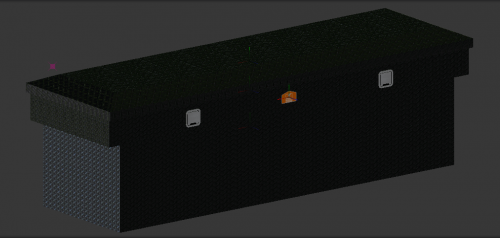 just got done using this on my build and moved the latches to the sides.
 -
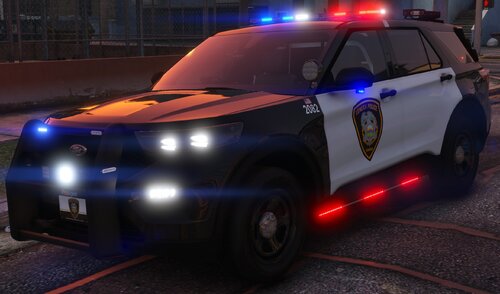 attention to detail is spot on, I'm also from Kansas and made the Sed County pack🍻 Also your KHP charger is spot on, I see the Silver/Blue livery on I35 a lot. Raz3r has a pretty decent Dodge Durango base model to use for KHP btw*
- 26 comments
- 3 reviews