
bjackson1991
Members
-
Joined
-
Last visited
Everything posted by bjackson1991
-
 Confused what this is? and how it doesn't already exist?
 -
-
 MAKE SURE YOUR KEYBOARD NUMPAD IS ON/OFF lol... helps the whole process lmao
- 234 comments
- 37 reviews
-
-
 interior pics or and a video of lights would be nice for the community?
 -
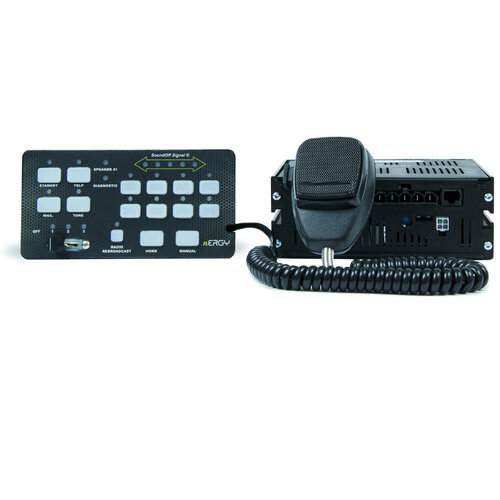 feel stupid for asking this, but does it work for SinglePlayer? my old rumbler doesn't want to work in LSPDFR after the latest update.
 -
 Dev to Dev, I want to download your 2022 K9 FPIU and the K9 FPIS lol, beautiful updated builds, your attention to detail for the cages and equipment is 🤌
 -
 IT'S 2024 guys, I'm starting to build a New Update for a 2024 MAY 29th free release for my birthday. We need new fleet units and updates to the already existing fleet, like a new computer and light brackets for IONS in some spots depending on the build, id also love to include the opening trunk feature🍻
- 266 comments
- 15 reviews
-
-

- 2
-
-
If you go into OpenIV using the pathways I provided in my download files, you can change the vehicle defuestint line for all vehicles so there's no window tint messing up the light reflections, doing this will make sure all vehicles spawn in with their lights showing, same for any other vehicle pack, IT FIXES THE LIGHTS. I'd also advise to reset your ELS FOLDER with my pinned comment settings so they shine bright from a distance.
- 266 comments
- 15 reviews
-
-
- 1
-
-
When it comes to the STP Plugin, I wouldn't get rid of it, you need a updated version that has better questions and feedbacks, and or use a AI plugin or software to speak to them.
-
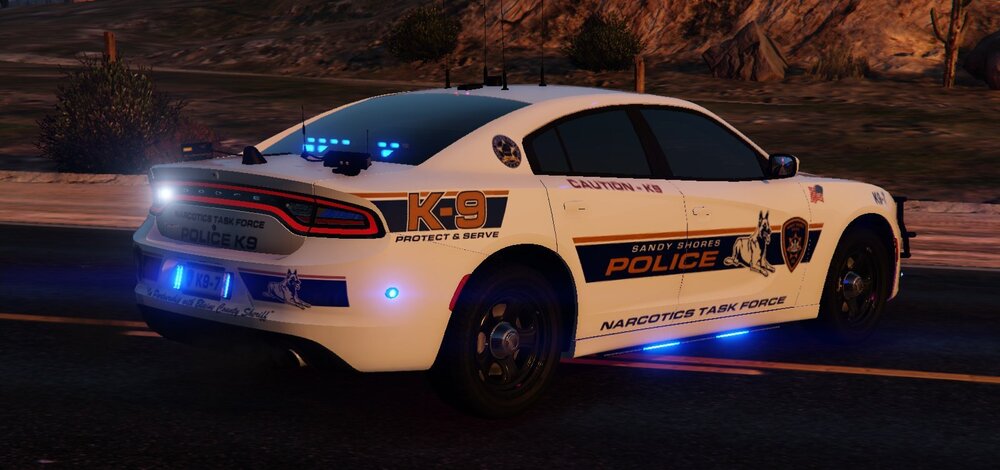
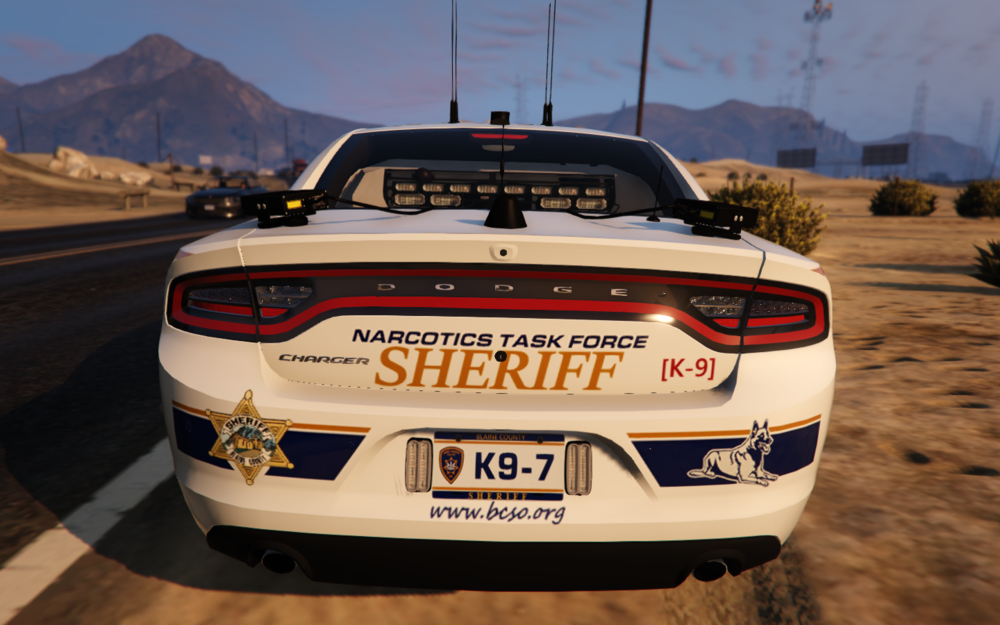
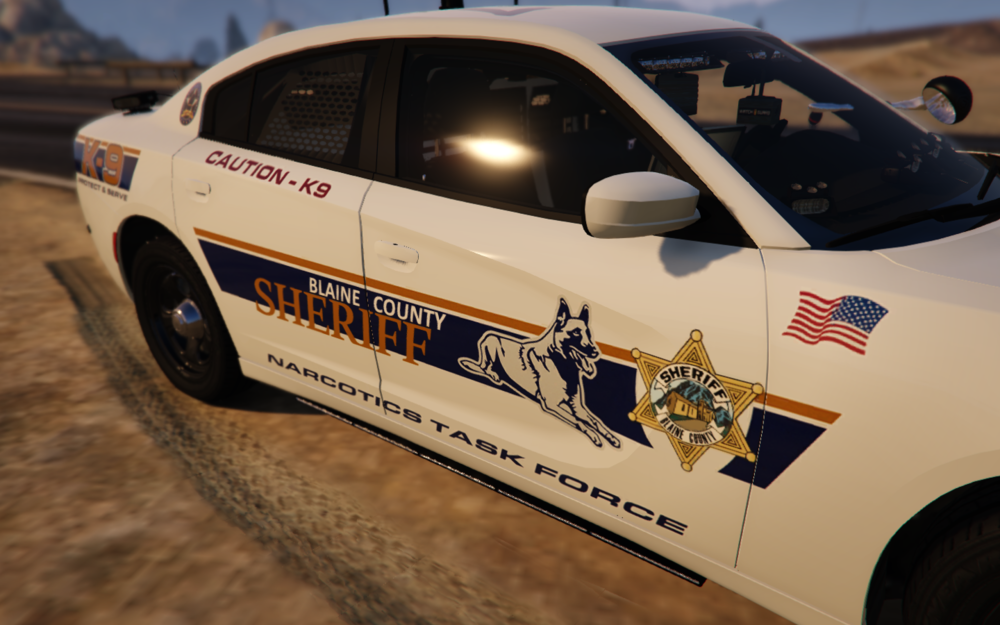
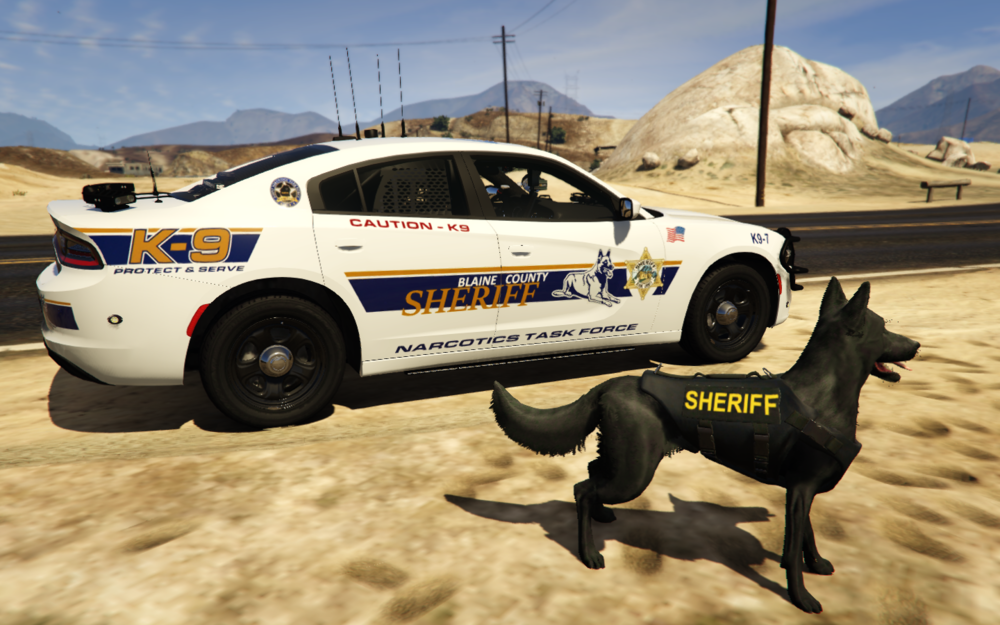
This first photo is Hurks K9 Dodge Charger Shandy Shores PD skin. I turned it into a Blaine County Sheriff livery. His- Mine-
-
Lol thanks, the charger has been updated since these photos though and it's even more of a beast now. Here's the link to my vehicle pack🍻
-
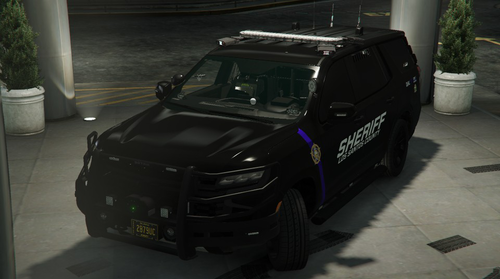 Yeah dev to dev, and as a K9 vehicle dev myself... I would also love to see this with a K9 cage... bout to msg you.
- 61 comments
- 12 reviews
-
-
- 1
-
-
Figured I'd post these here since I removed them from my vehicle photos and replaced them with updated ones. But LSPDFRPICS did a awesome job taking these photos for me.

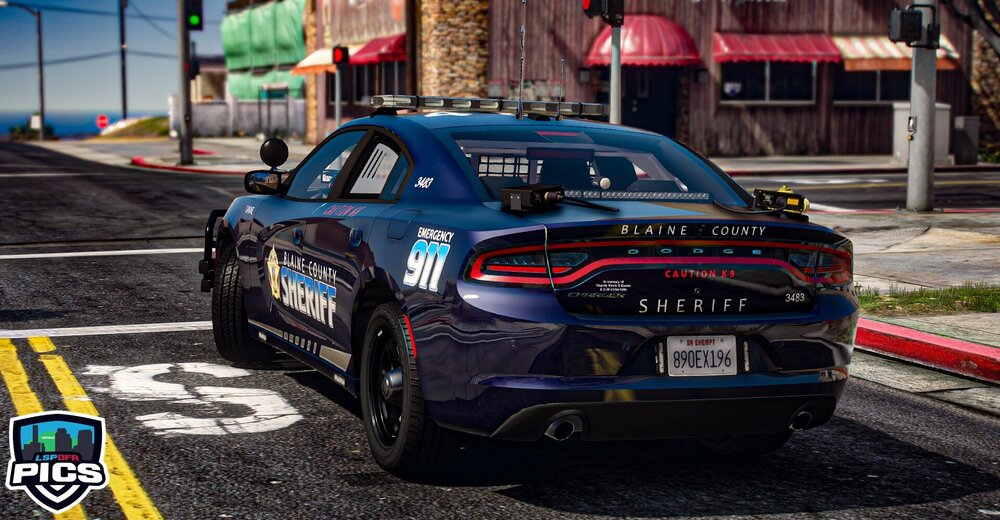
-
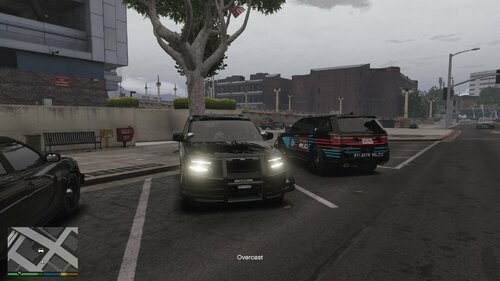 @Reddington might be able to help, unless its a z3D texture issue.
 -
 looks promising, we need a video of the lighting, interior equipment and junk in the trunk🍻
 -
Might be your microphone all together, I play with speakers but still have my headset mic sitting on my desk and dispatch is able to hear everything i say. I'd also advise using a controller for GTA5
-
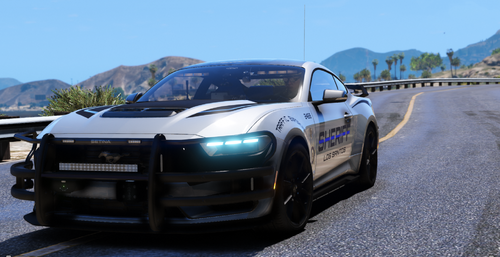 Love how you even gave him the back door in OpenIV🍻 but clearly he doesn't like putting the work in lol Classic LSPDFR laziness Beautiful build.
 -
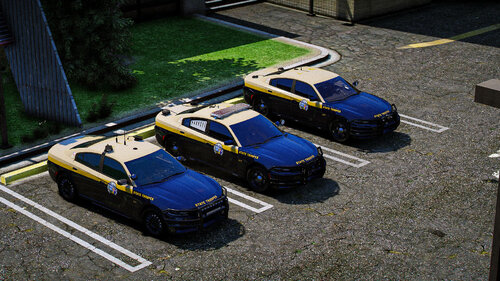 I didn't even bother to look at the credits and that's my bad, sorry. Thanks for the links though🍻
 -
K? not sure what you mean by K, but what needs to happen is a link to my vehicle pack for the dodge charger that is shown in your second and third pictures with my lightbar, just asking you to properly link, not a "K" and nothing after that from you.
-
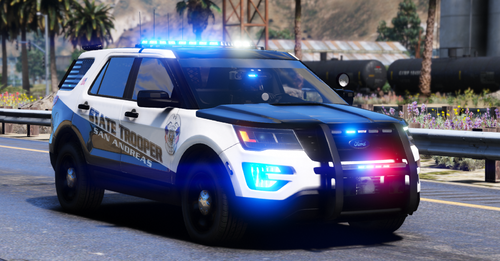 also as a k-9 Dev, I really wanna see that SUV slicktop k-9 interior, love the work on window templates BTW. looked at your paid but didn't see any pics available?
 -
 I love it TBH lol🍻
 -
-
I'm a DEV and this is my Dodge Charger with the top mounted light bar in your photos. I just happened to come across this while looking for something else. Please START LINKING your SKIN releases to the VEHICLE DEVELOPERS CORRECTLY that you use in your photos when asked "what vehicles are you using for the demo?". That was one of the main things I asked for in my terms and conditions when downloading my pack, simply link me and youuuuuu didn't. Just left me out to freeze. (pissed off face that doesn't have a emoji)🍻
-
dev to dev, beautiful work❤️🍻
-
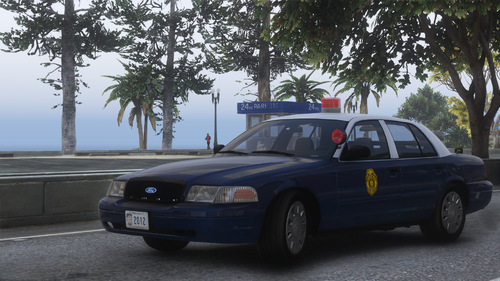 From Kansas, around the Wichita area and yeah, I got to see one of these in first person back in 2013 patrolling the outskirts of SW Wichita. I was so confused why it was a new Crown Vic unit with a big BUBBLE light lol (we never see them here) and why it had the 2 color silver and blue... after researching it, I realized how much I love the 2 tone paint scheme and wish they would bring it back, however I can see why they keep to the basic white color tone or dominate colors from the factory, saves the state money not having to repaint a car. Good news is they are stilling using this color scheme and it made it on a 2016 Dodge charger at the Kansas State Fair a few years back and they are still using the color scheme in my areas. Awesome build, love seeing other Devs provide things from my home state ❤️