.png.55097c97dc6315ff8d517752740d3667.png)
.png.64169084abfaf874df7d7688c133b598.png)
What A Big Man
Members
-
Joined
Everything posted by What A Big Man
-
.thumb.png.92cada88afda5959cc58334c54a73fec.png) 🔥
🔥 -
-
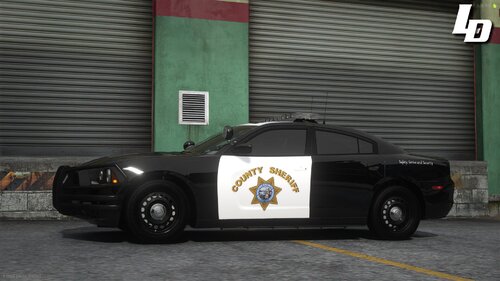 Clean AF 🔥
 -
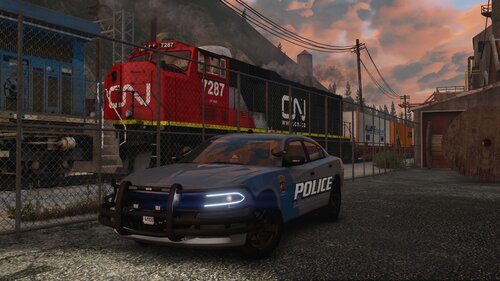
.thumb.png.afd8d12560b81920aa69838b43301a86.png) Sleek. Well made, looks good 🙂
Sleek. Well made, looks good 🙂 -
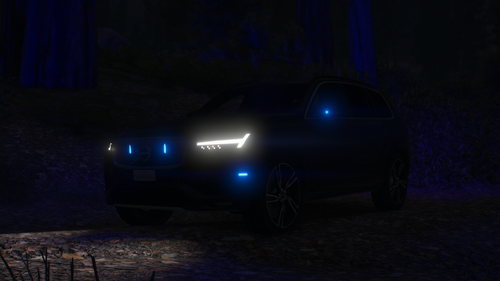 License plate is weird, but I like the light setup
 -
.thumb.png.a82baefc3938aa67f909ec687d421119.png) Lights in the side, and then I'll be in love! Looks good!
Lights in the side, and then I'll be in love! Looks good! -
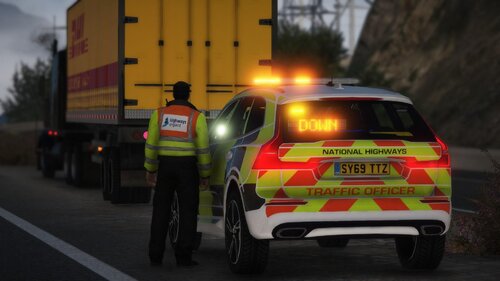 Does people still use PEDs?
 -
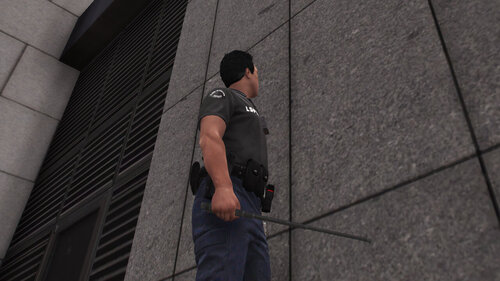 The hand position doesn't seem to be fully right, might want to recheck that haha. The model is great!
- 3 comments
- 1 review
-
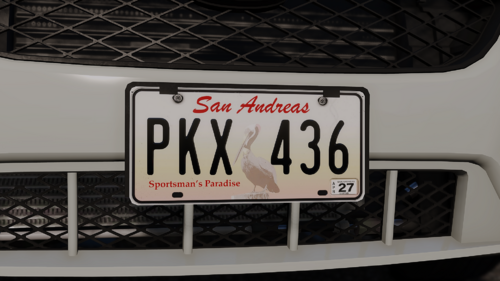 Very clean and nice!
 -
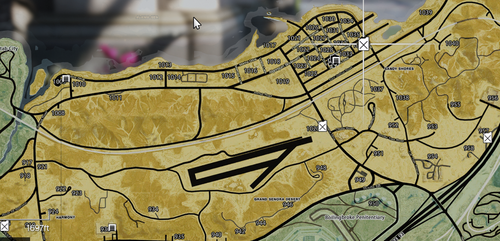 Been looking for one, thanks!
 -
 Thank you! Very useful!
 -
.thumb.png.ced068402069198416f961b254a686e1.png) Actually gives a very classic MP look. Nice 🙂
Actually gives a very classic MP look. Nice 🙂 -
 Personal opinions can be very specific. But the missing hole in the P and O just confuses my tiny monkey brain 😄
 -
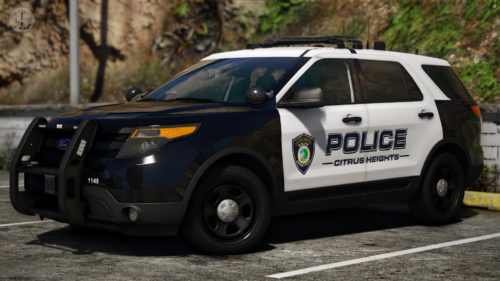 Clean and simple, love it!
 -
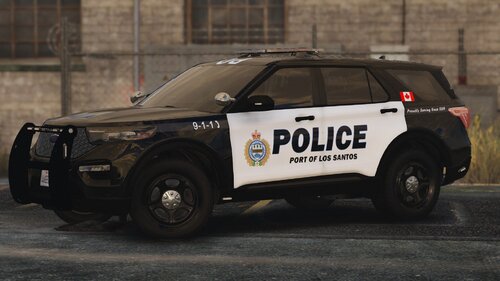 Clean!
 -
-
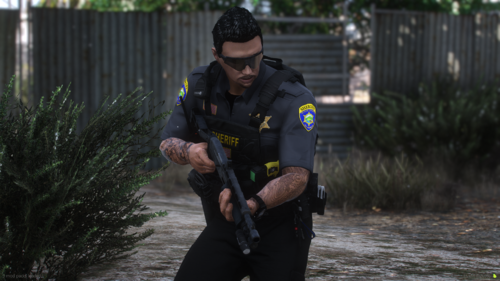 Super clean! Colors, patches and pieces goes great together!
 -
-
-
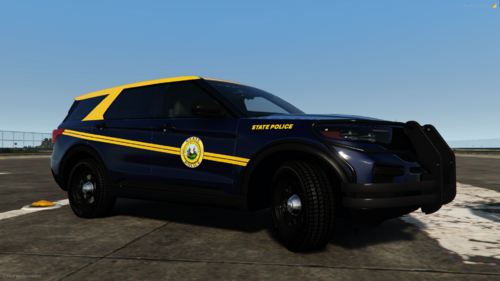 Maybe try with a more dull yellow... Too bright, but it is very close to a 1:1
 -
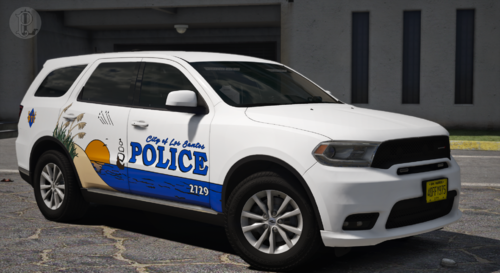 That is fire 🔥! Tried putting some graphic on the back as well, might look neat?
 -
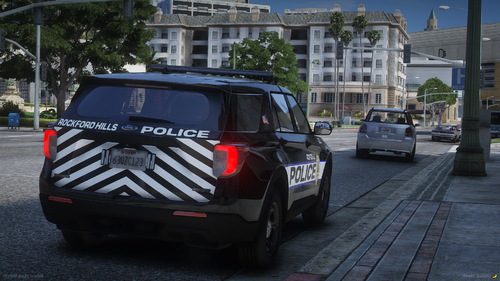 Little too plain for me, but looks alright! Maybe add more to the sides!
 -
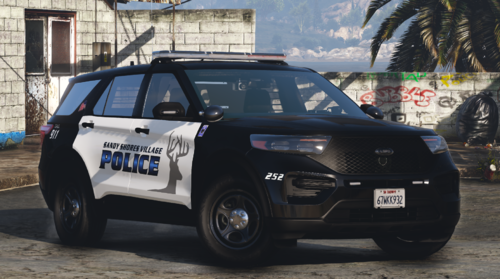 I like the livery, but I think if you added something more to it, it would look even better! A little too plain, but it works!
 -
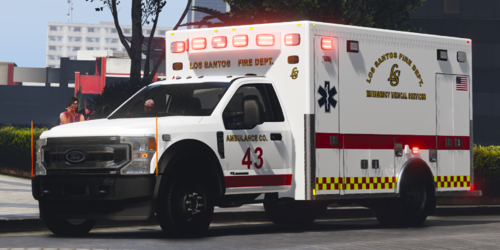 So damn clean! Love it!
 -
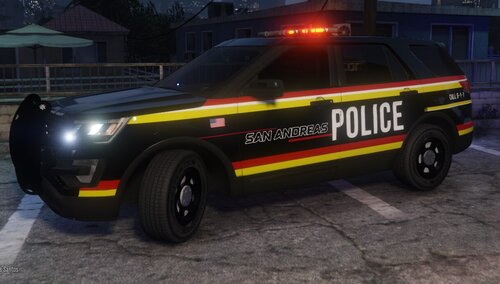 Very different livery. If you made the same type of livery to firetrucks, I think it would work very well together.
.thumb.png.86e82f124f89384ad00bdb275986c9d3.png)
.thumb.png.92cada88afda5959cc58334c54a73fec.png)
.thumb.png.afd8d12560b81920aa69838b43301a86.png)

.thumb.png.a82baefc3938aa67f909ec687d421119.png)

.thumb.png.ced068402069198416f961b254a686e1.png)