.png.55097c97dc6315ff8d517752740d3667.png)
.png.64169084abfaf874df7d7688c133b598.png)
What A Big Man
Members
-
Joined
Everything posted by What A Big Man
-
.thumb.png.856ee95f8999ae9f8ca93ebaea6c025a.png) What's the difference?
What's the difference? -
Isn't it already a part one of the two eup packs
-
Can you explain what you mean by that? Like what style, what lightbar and such
-
Isn't it standard EUP?
-
SinnersModShop (Website)
-
Can you explain?
-
Picture?
-
Perhaps
-
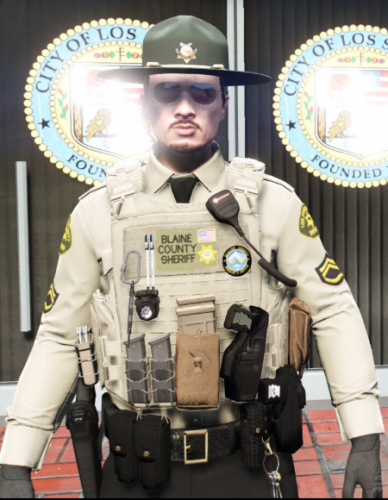 In my opinion you could make/use some different patches... Mostly just a embroided background, with normal text and copy-paste patches.
- 9 comments
- 1 review
-
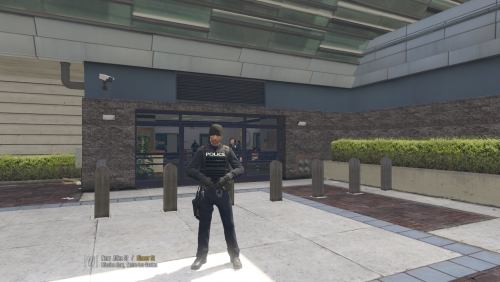 So it's a "data" thing not a "character"? This should be in Visual and Data.
 -
Sorry mate, but I am not gonna spend 95 € on a car, which also haves to be converted afterwards
-
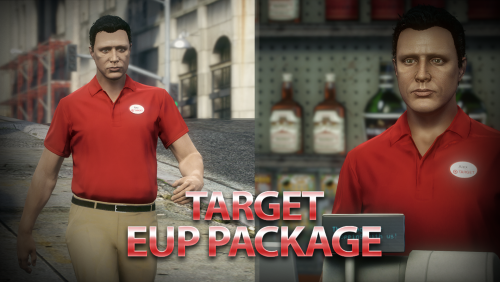 Mhhh... Truely good
 -
-
-
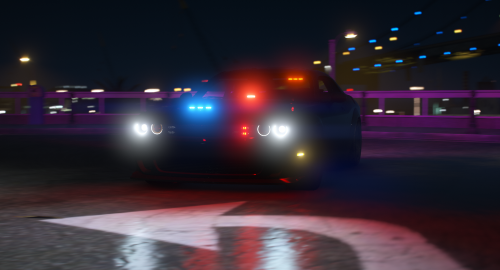 Haven't seen any problems really, maybe remake the Wheel texture, but ye... Seems good 😀
- 3 comments
- 1 review
-
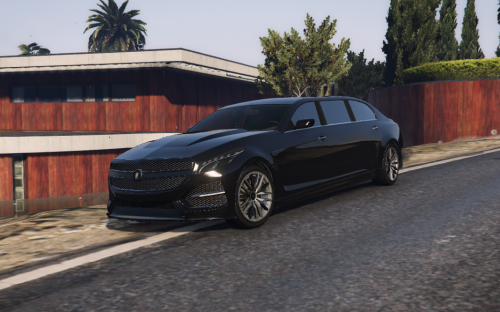 So what did you change???
 -
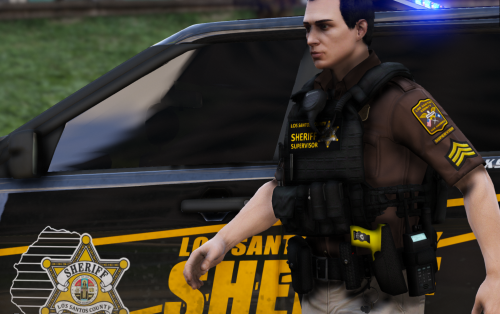 "Los Santos County" Lil' too far up, but good work
 -
-
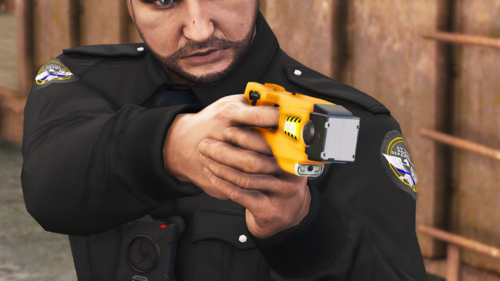 Lovely
 -
-
-
-
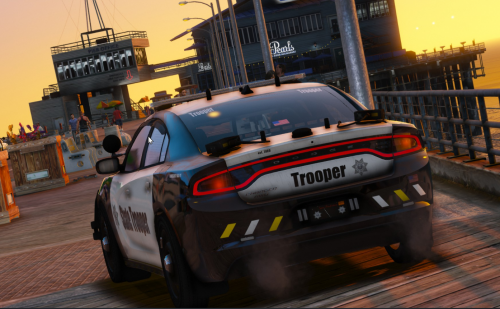 Yep! Why do you use Impact font or something looking like it
 -
Smallest picture ever, sorry to say, but I can't see anything.
-
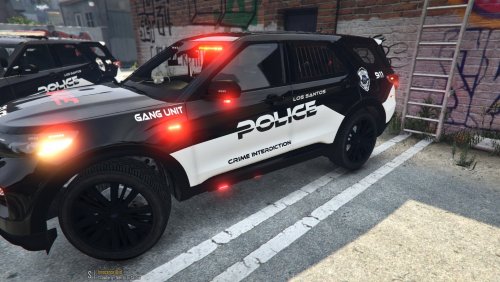 Little too weird fonts for me 😄 , I don't feel it is simple enough. But good work anyway
.thumb.png.86e82f124f89384ad00bdb275986c9d3.png)
.thumb.png.856ee95f8999ae9f8ca93ebaea6c025a.png)