



ogAlexx
Members
-
Joined
-
Last visited
Everything posted by ogAlexx
-
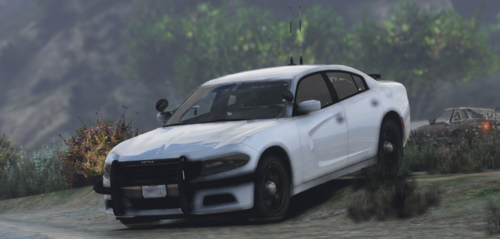 I know whos they are, they're Jays. Just credit peoples names at least lol.
 -
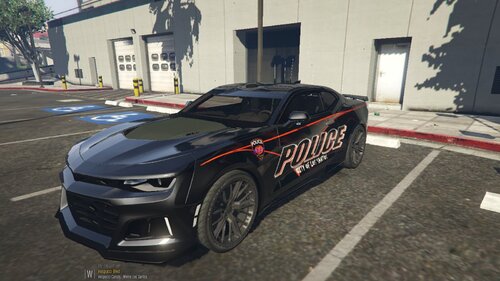 Interesting touch...
 -
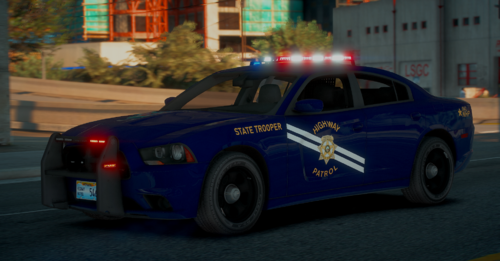 ok this is sexc
 -
 ok
ok -
-
-
Huh, interesting. I like it. Although you didn't credit the antennas.
-
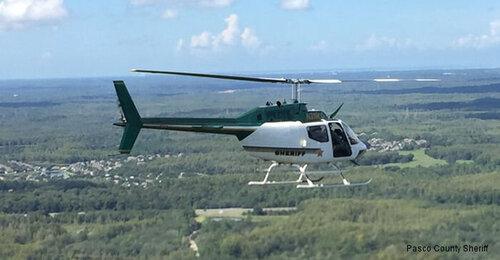 Wait, so did you make this model or is it a texture... Because I do not see you being credited at all.
 -
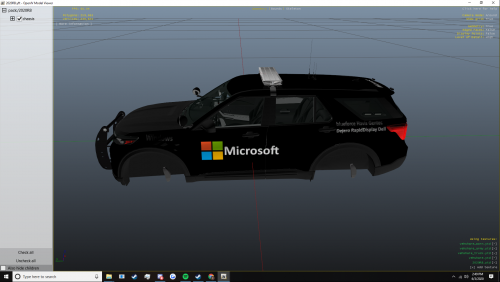 just no...
 -
-
 dang, the tos tho... make me sad. Cool product though, if I plan public releases I will definitely use these. Sexc bumps.
 -
 give me the textures so i can convert and make money jk, i make own textures
 -
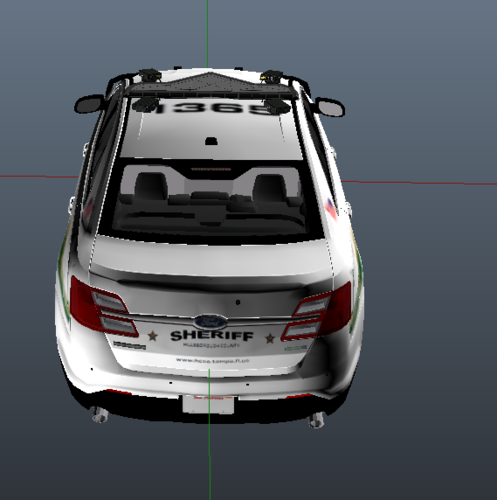 before it was backwards lol
 -
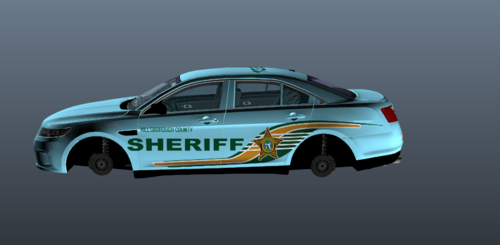 wanna see backwards? sdrawkcab
 -
.thumb.png.8adf96779381fc82034d4deb92b4eaac.png) don't tell me that's what I think that is in the boot at the top.
don't tell me that's what I think that is in the boot at the top. -
why
-
backwards
-
-
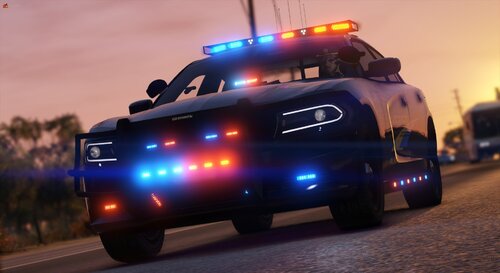 Okay well for starts. There is your main issue. This vehicle is not made for DLS, but for NON-ELS.
 -
 I mean. A good number of people have been using it... I seen the work they done and wips of it. So I don't know how you can challenge me with your lack of facts. And it's a development part, a developer with skill can put this on anything. It isn't my fault your a random dev with the lack of skill to do such.
 -
I see many uses for this vehicle, and only 1 person complained about it. I still believe your puck is completely useless since I can make it via Capsule tool and delete whatever polys I don't need. You can't really compare your "puck" to a cab of a vehicle that doesn't exist publicly anywhere to my knowledge.
-
lul
-
Lemme start off this: Regardless what you think about that development part, it's not right. Someone put time and work into that part and was able to provide it free of cost. Kane was kind enough to release this complete locked version of the vehicle for free. Let's respect the developers who created each individual part and the time they put into it, right?
-
Yeah... Well I guess you never heard of the phrase "Not every dev model is perfect." Sorry, I should've pulled the Expedition by Krazzy, huh. Thanks for the feedback though.
-
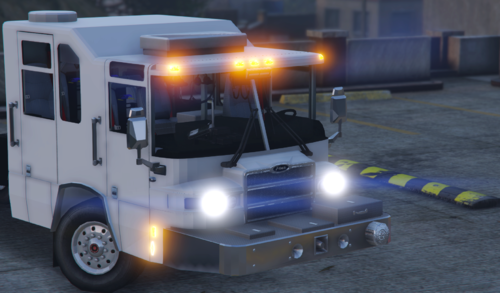
Hallo everyone. So I purchased a Pierce Quantum Cab off of Turbosquid a long while back and didn't wanna convert it up until someone asked me to. So basically I was forced to do this lol. This is just a cab, nothing else, cab, chassis and frame with the wheels. Collisions work, except for the frame, shitters didn't wanna work for me, idk why. Bugs: No Dials No Interior Emissives I'll be updating this in a bit with dials and interior lights, maybe 360 degree step lighting. Terms Of Service: You may not use this vehicle for commercial use. I may only give you direct permission, I can deny you if I wish. (Look below for commercial use rights.) You may not reupload this vehicle regardless of how much "work" you put in. You may not claim this as your own regardless of how much "work" you put in. You may not change up some textures and call it your own. Do NOT use this for commercial use. I don't care who you are, I will literally pursue legal action if this is voided without speaking to me. (You can donate via Venmo @nightskyg to have the rights OR donate via Paypal at paypal.me/russianmodsgta for $7.50.) Alex's Modification Den (Discord Server): https://discord.com/invite/JE4pE75vcV -- Poly Count -- 39,453 Triangles 21,223 Polygons -- Vert Count -- 81,367 Vertices
.thumb.png.bce8e5d1645fc446f5f32671031d36a5.png)

.thumb.png.8adf96779381fc82034d4deb92b4eaac.png)


