



ogAlexx
Members
-
Joined
-
Last visited
Everything posted by ogAlexx
-
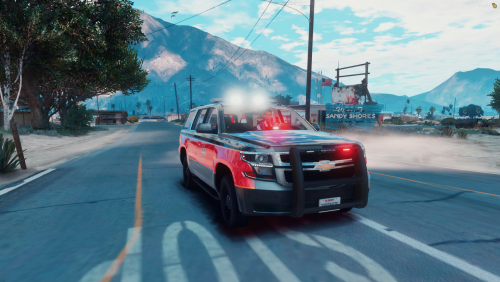 I like this a lot. I haven't seen this once I believe, but the only thing I don't like in my own personal taste is the dominator on the roof. Otherwise great work, keep it up.
 -
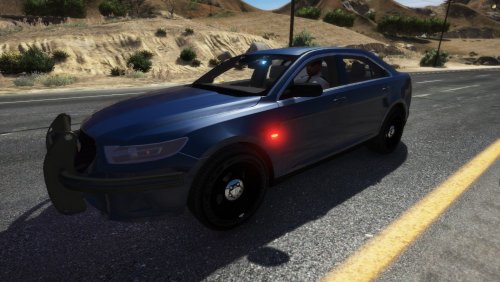 I can tell from here they're not.
 -
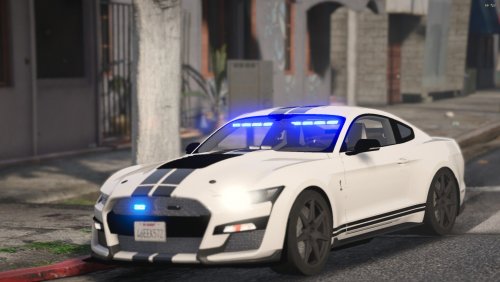 The only real issue is the unrealistic scaling of the lights, the visors are huge, the rear "dominator" like light, if not, the dominator, is over-scaled. Needs a bit more work. Otherwise, it has potential.
- 20 comments
- 2 reviews
-
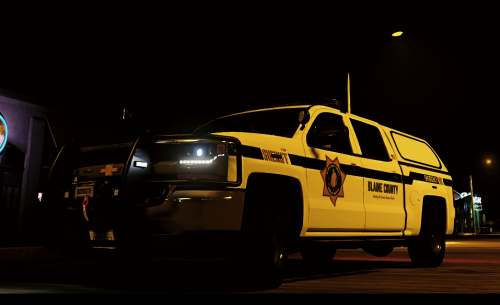 Nice. Only issue is the fender where it says "Sheriff", there are lights there and it goes on top of the Sheriff emblem. Otherwise, good shit.
 -
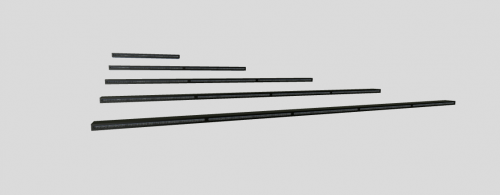 You don't convert anything to non-els or els. Everything comes set up to be used for either one. Anything can be used for either side.
 -
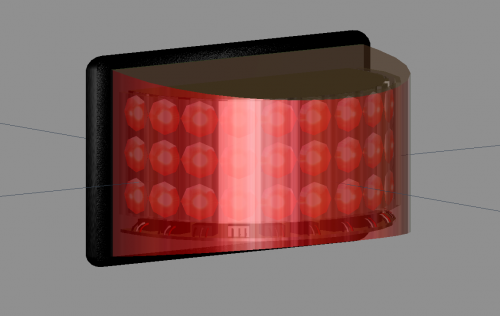 Thanks man!
 -
It is just a generic rota beam 600 series not accurate whatsoever, its my first scratch model, so dont judge, talk shit and I'll dog on you Five0's emissive texture, since idek where to get emissives from, creds to him. Steve6645 for taking his time to teach me a few things I didn't even know about. btw, the wires and box are high poly, total count: 3822 Verts 3548 Triangles (polys) TOS: Do not use this on a vehicle you plan to profit from. Do not edit this and reupload without proper permission from Alexx. Do not sell any part/texture of this product. https://gyazo.com/371dbf5594beeee257c1094856eeb664 https://gyazo.com/1eae275cbf415747790b20ba4588b161
-
Well for starters: Add the window template or just don't delete the entire texture and make it completely invisible. Go to paint.net -> Make a square 128x128 -> Fill it black -> Set the opacity to 125 -> Rename it to the proper name and import.
-
-
-
.thumb.jpg.cc3ca112cf8008cf19785bed5f60babd.jpg) Suggestion: 1.) Use Radiance V, without NVE, cause it breaks the lights. Seen it, done that. 2.) Use R* Editor to get screenshots, trust me.
Suggestion: 1.) Use Radiance V, without NVE, cause it breaks the lights. Seen it, done that. 2.) Use R* Editor to get screenshots, trust me. -
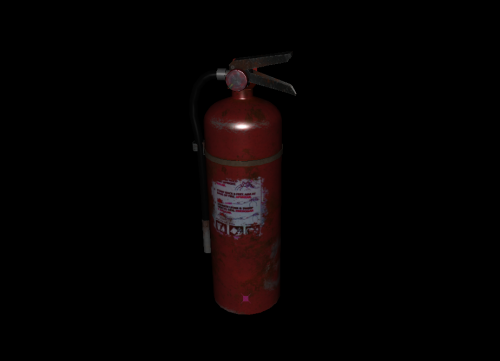 Very nice. Realistic Wear n Tear, has all the proper parts and doesn't look shit. I like it.
 -
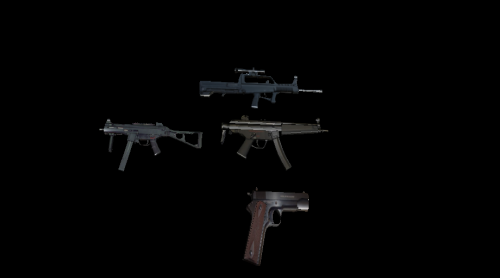 Okay, this is something that needs to be used in the modeling community. Nice.
 -
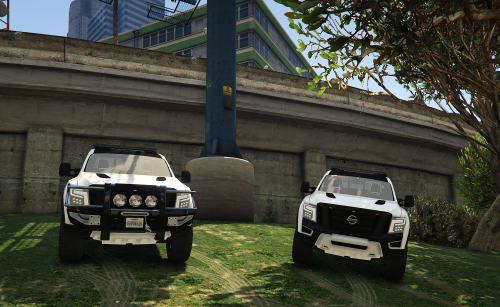 The bottom of the chassis/bodyshell should be aligned with the vehicle dummy. Or the middle of the tires.
- 12 comments
- 1 review
-
-

- 1
-
-
Suggestion: Fix the rolling over, it's an easy fix within Z-Modeler3. Remove the ram bar, ruins the face.
- 12 comments
- 1 review
-
-
- 1
-
-
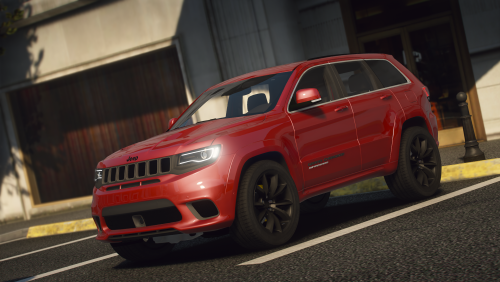 ? Finish what car you clown. And I got my facts straight. You need to get a life.
 -
No. I call people out for their bullshit and cover ups. Same thing I did for Infinite and JackTheLeaker
-
Well.... First off, I can. I am not gonna use this base for a few reasons so I don't need to do it. Second, Newer generation dev's won't know how to do it. So thats why I "suggested it". Third and Final. Quit going around on peoples files/posts and talking shit. You're one of those annoying shits. You can't make a livery, can't make a model, you literally can't do anything but hate on peoples sucess/comments. Thank you, Have a nice day 😄
-
I like it. Looks high quality, probably will use it, idk... *cough cough* add plates *cough cough**
-
-
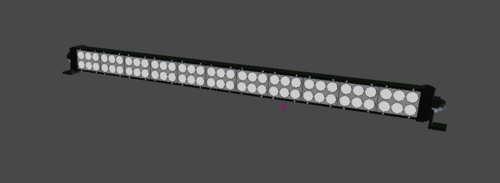 uh huh.
 -
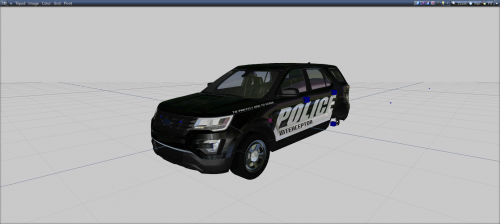 What are the TOS and Reseller rights to the base? Love it btw
 -
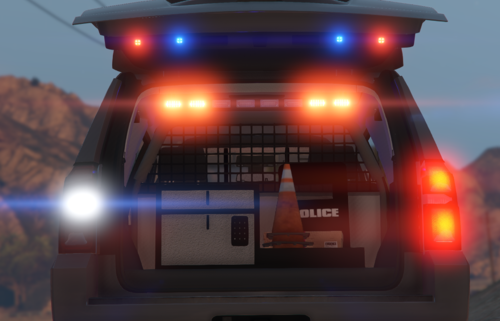 Discord is in the process of closing. No discord anymore 😞
 -
-


.thumb.jpg.cc3ca112cf8008cf19785bed5f60babd.jpg)

