



Ugvar
Members
-
Joined
-
Last visited
Everything posted by Ugvar
-
 Comrades. If you have a ForceDuty, etc. when joining the service. the game freezes (I had it that way) and as a result it "does not respond", then try disabling the VPN or the equivalent to the VPN. I'm disabling the VPN.. (in my case, goodbyedpi) everything worked for me... And it's because of the VPN that I can't boot up for my shift. RagePluginHook_30012025_112005.log 112005 when everything was fixed. 110851 when I had problems joining the service I spent an hour trying to figure out why XD RagePluginHook_30012025_110851.log RagePluginHook_30012025_112005.log
- 295 comments
- 34 reviews
-
-

- 2
-
-
-
-
-
-
 😍
😍 -
-
 😎
😎 -
-
-
 😎
😎 -
 😍
😍 -
 😍
😍 -
 😍
😍 -
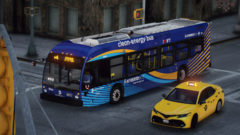
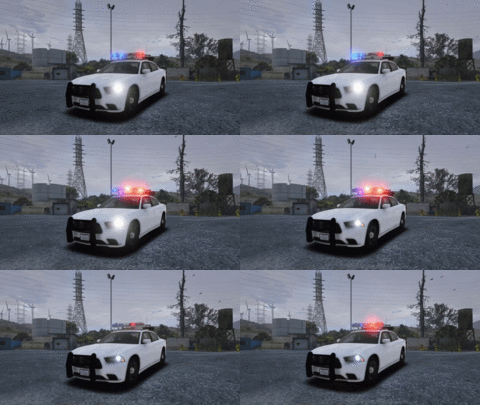
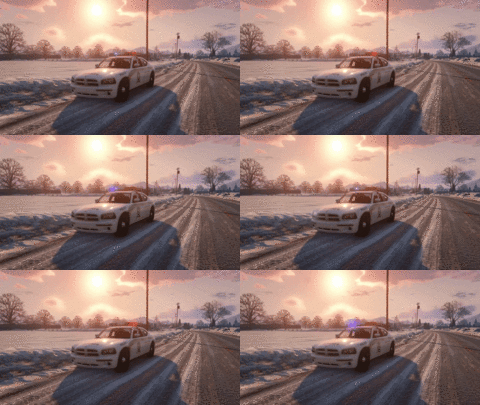
From the album: GTA V | PATROLING of CITY LAPD
-
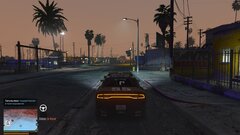
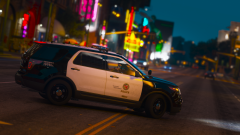
From the album: GTA V | PATROLING of CITY LAPD
-
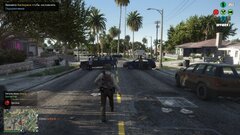
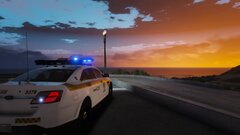
From the album: GTA V | PATROLING of CITY LAPD
-
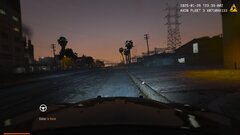
From the album: GTA V | PATROLING of CITY LAPD
-
 If it had been a little better, I would have taken it to my desktop.
 -
-
-
-
-
.png.596c92c1bdfdae193887bcc35c47d5df.png) 😍
😍 -
-








.png.5ffbc0fb403232678af36f104b837e32.png)





.png.596c92c1bdfdae193887bcc35c47d5df.png)

