



iiKraze
Members
-
Joined
-
Last visited
Everything posted by iiKraze
-
 PREVIEW VIDEO.... would be nice
 -
-
 I fixed the holster issue but not the intimidation issue so i have to keep my key bound to H
- 561 comments
- 97 reviews
-
great mod but for some reason pressing Right Shift doesn't place my hand on my holster so i changed the key to H and when stowing my pistol it doesn't go back to the holster & the holster remains empty
- 561 comments
- 97 reviews
-
this mod doesn't work for me and i guess this mod is no longer being worked
-
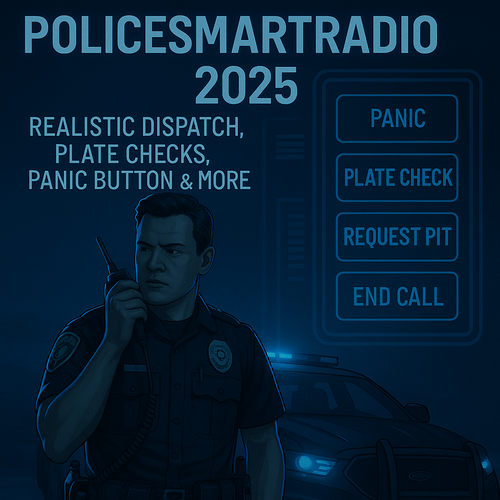
.thumb.PNG.af07c1ba4e56e747e420ef5393b352d0.PNG) @Guadmaz are you even gonna update this mod as thousands of LSPDFR user are crashing due to this being outdated
@Guadmaz are you even gonna update this mod as thousands of LSPDFR user are crashing due to this being outdated- 68 comments
- 14 reviews
-
 oh sweet, cant wait as being able to control the callouts and other things would be greatly appreciated 🙂
- 635 comments
- 53 reviews
-
 why are there so many neglected callout packs on here, i really wish the authors would update their packs 😞
 -
 i have a great idea for this mod, add the ability to move the location of the speedo as it looks out of place at the bottom center on the screen so having the ability to move it either via ingame controls or via INI file would be greatly appreciated me and probably most of the community that use it 🙂 EDIT : ok i need to read the thread a little more next time, i just saw that you said it was planned lol
 -
.png.1ff1f2860f1a9470bb7bdc949a3742cd.png) quiet evening by the looks of it, better get those coffee & donut supplies stocked up XD
quiet evening by the looks of it, better get those coffee & donut supplies stocked up XD -
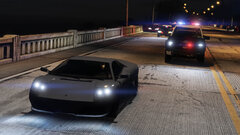 now this is gonna make for a great LSPDFR loading screen. i need more like this XD
 -
-
 not sure if anyone has asked this before but is there a fix for the flickering UI the happens just as i log in to the computer ?
- 1,743 comments
- 172 reviews


.thumb.PNG.af07c1ba4e56e747e420ef5393b352d0.PNG)
.png.1ff1f2860f1a9470bb7bdc949a3742cd.png)
